
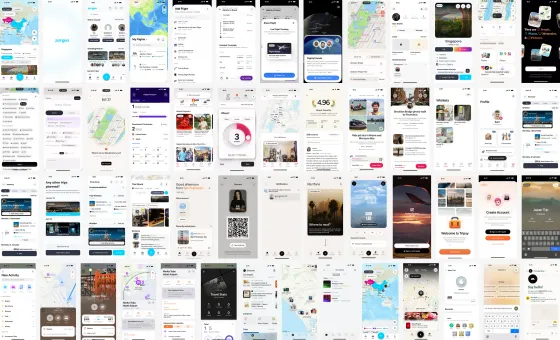
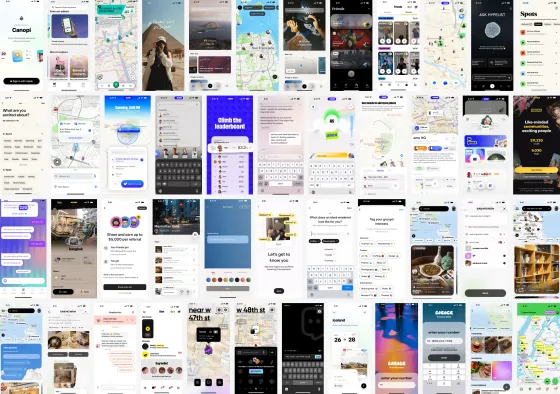
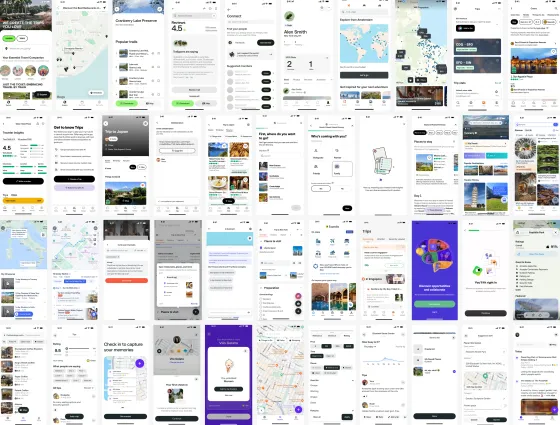
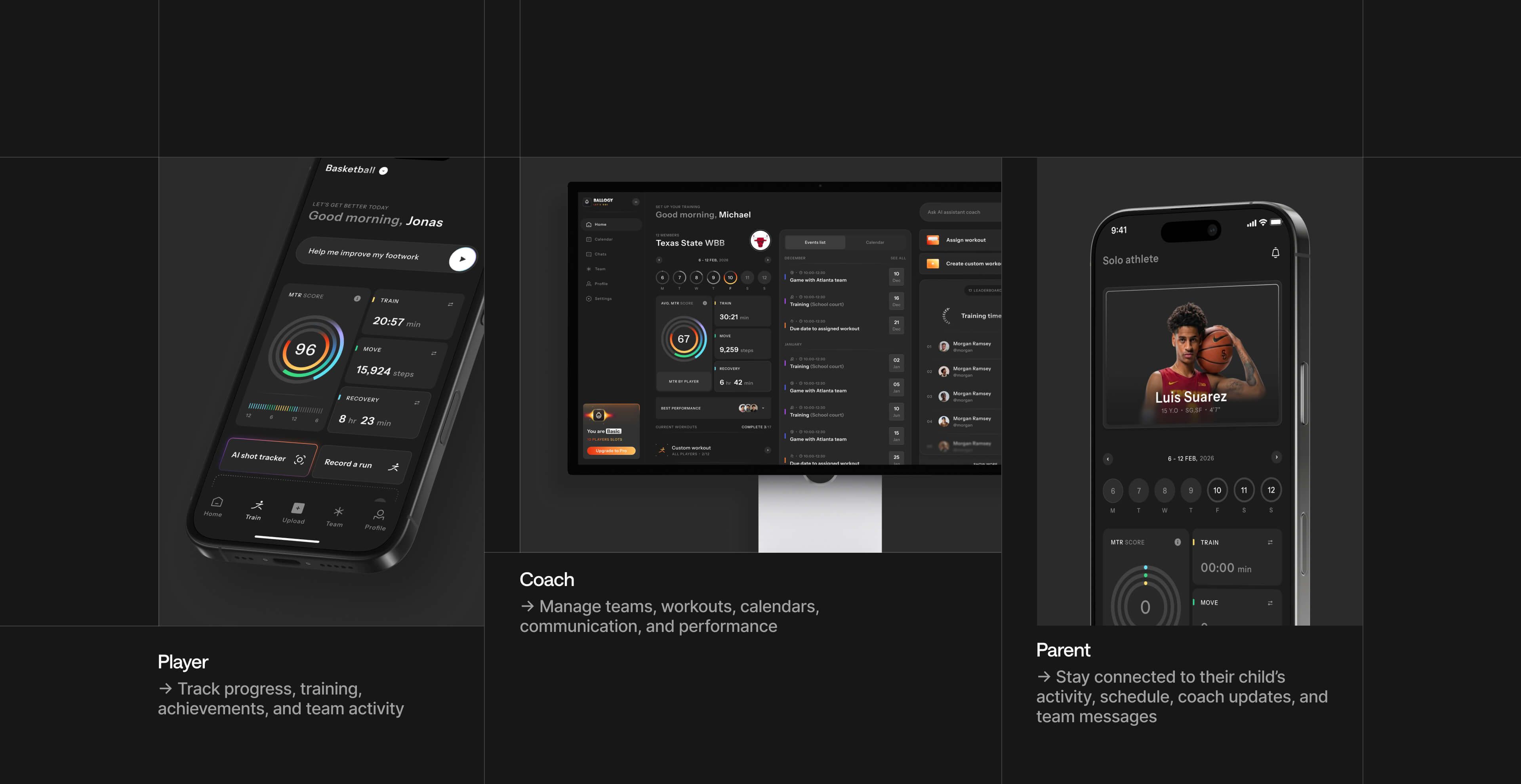
300K+users on the app
Player, coach and parent apps for an athlete development platform, redesigned and rebuilt.
Read the case study: BallogyCookies
We use cookies for analytics and to measure our ads, only if you allow them. You can change this any time in Cookie settings. Privacy policy
Always on. Keeps the site working and remembers choices like your theme and this one.
Shows us which pages are used, so we can improve them (Google Analytics, Microsoft Clarity).
Measures our ads and helps us reach the right people (Google Ads, Meta, X, Apollo).
Mobile app design
We design iOS and Android apps that people keep opening, from a first MVP to apps with 300K+ users, and our developers can build the frontend too.
Designed apps for teams like
What we design
A mobile app design agency designs more than screens. These are the parts we work through on every iOS and Android app, because they decide whether people stay.
The first minutes: value before sign-up, permissions asked when they make sense, and steps people can skip.
Tab bars, sheets and back gestures that feel at home on iOS and Android, not a website squeezed onto a phone.
The action people come back for, one tap from home, with feedback that makes it worth doing again.
Empty, loading, error and offline states, designed alongside the happy path instead of after it.
Players, coaches and parents, or travelers and local creators: each role gets its own path through one app.
Store screenshots that show the app in use, in the order people scroll, so the listing sells the download.
Inside an app
What a mobile app design agency hands you, shown on three real apps. Pick one, then step down from the flow to what people see on their phones.
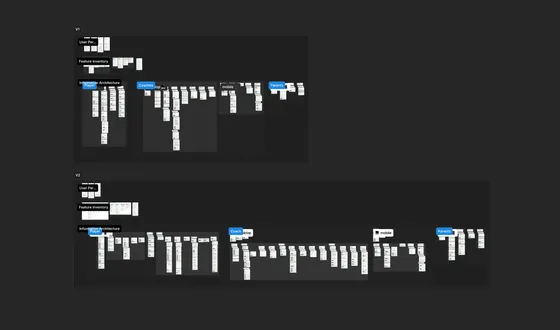
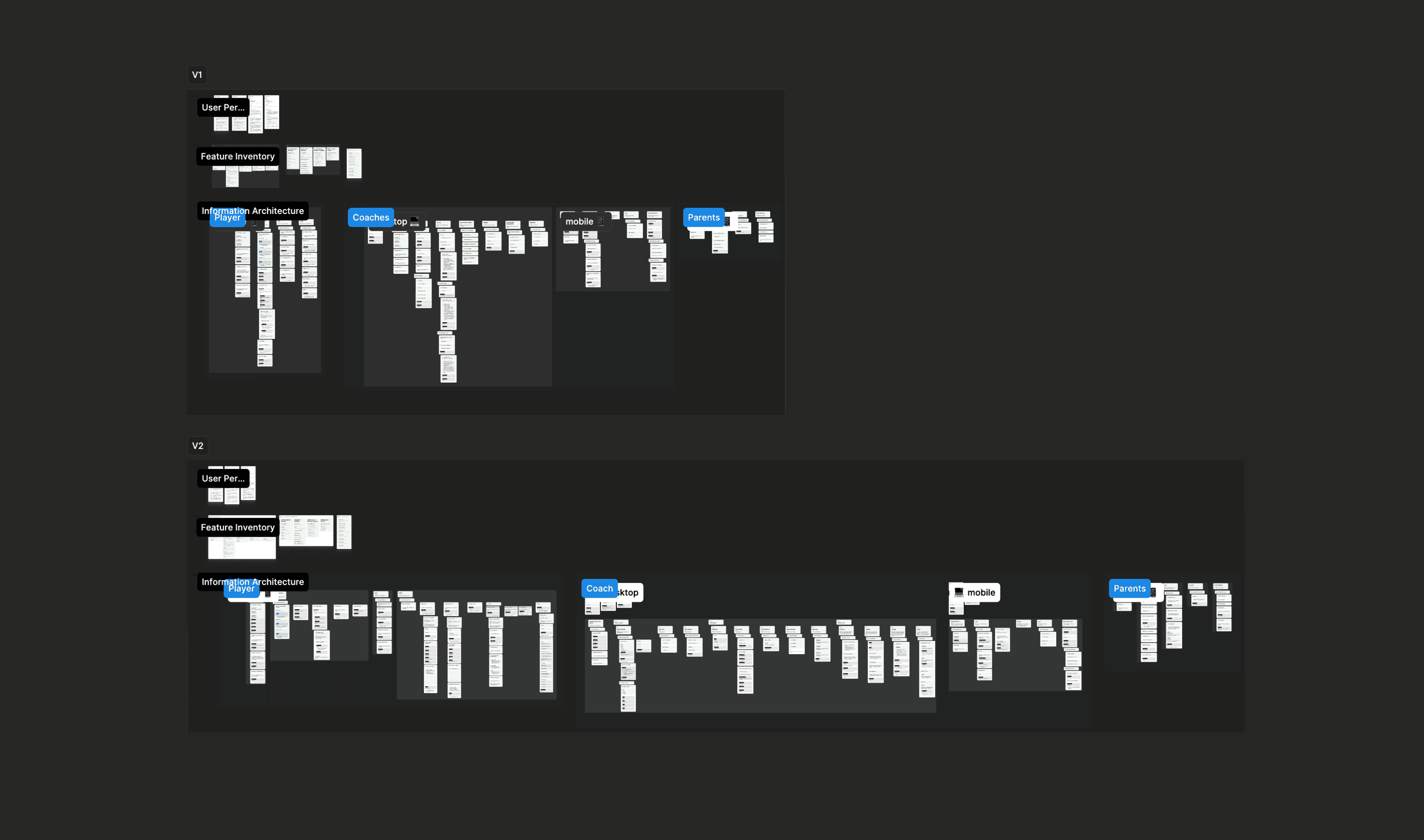
Players, coaches and parents shared one structure. We mapped the information architecture in two rounds, each role with its own front door.
What you keep
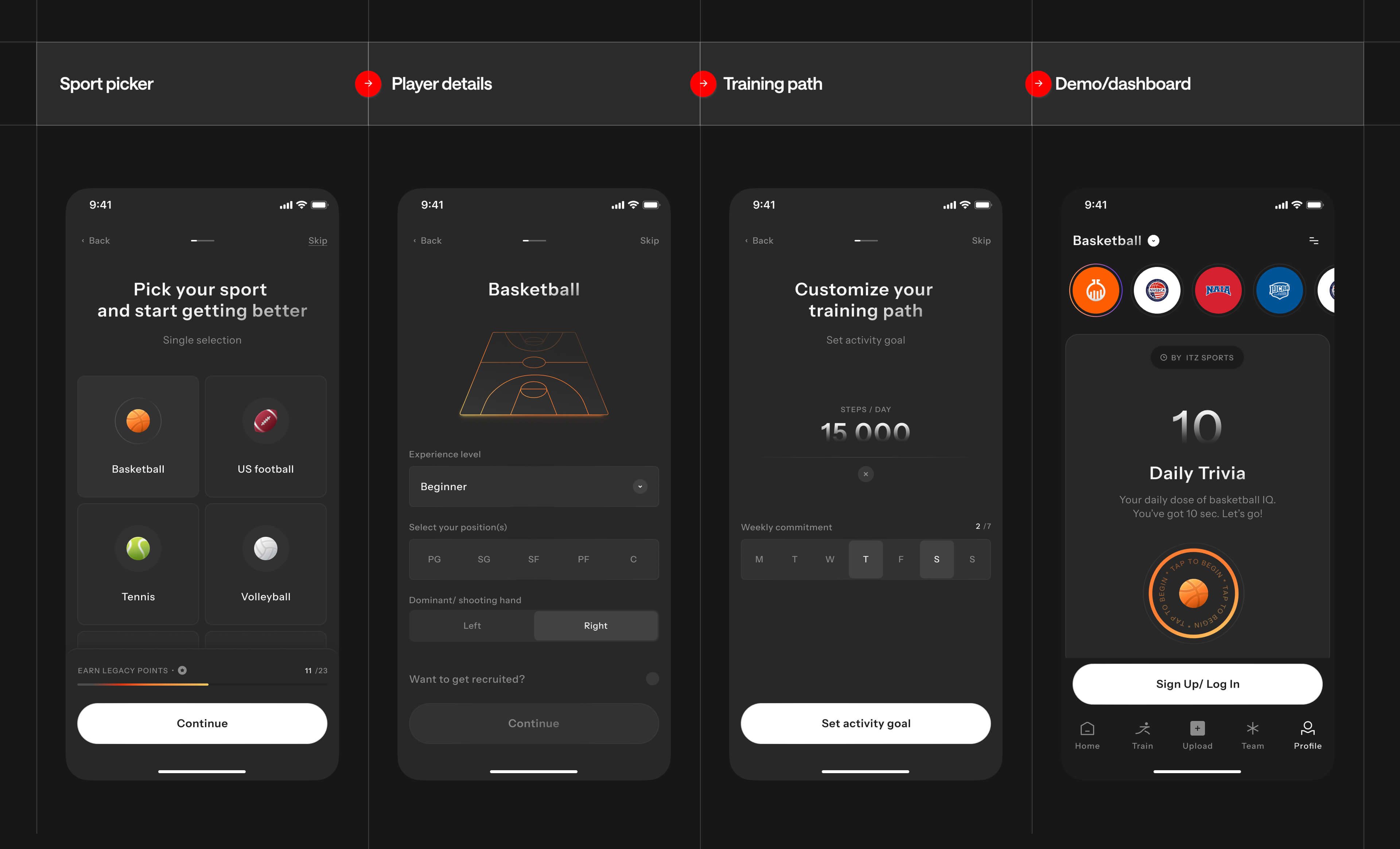
New users were dropping out of a long onboarding. It now opens with the sport, player details and a training path, then a demo before any account.
What you keep
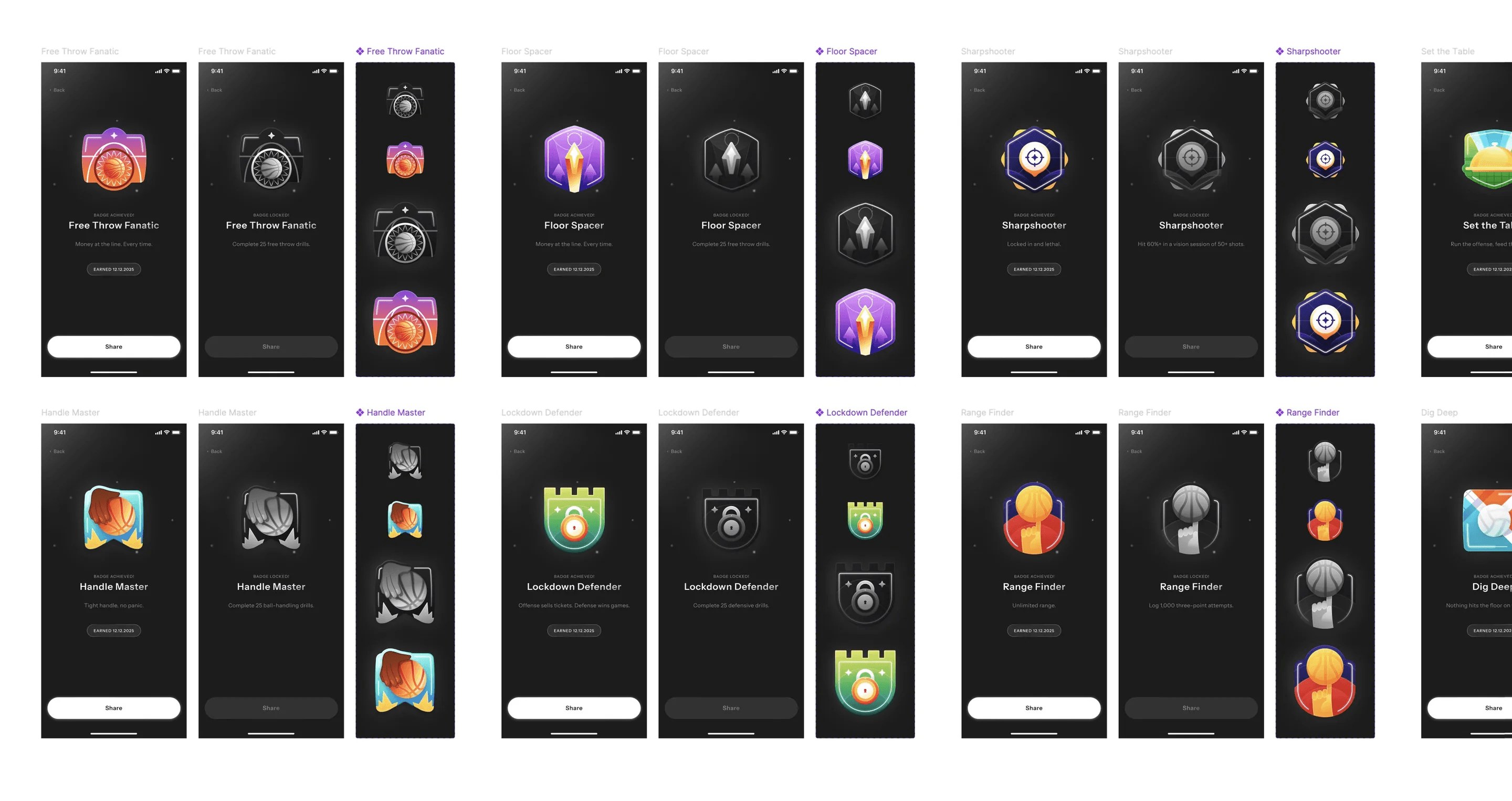
Badge tiers, points and rewards in each of their states, so progress is something players can see and want to collect.
What you keep
After 9+ months of redesign, our developers rebuilt the iOS and Android frontend with Ballogy’s engineering team in a focused 3-month engagement.
What you keep
An athlete app for players, coaches and parents, on iOS and Android.
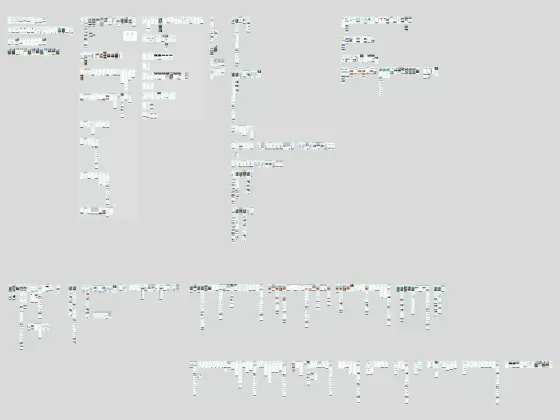
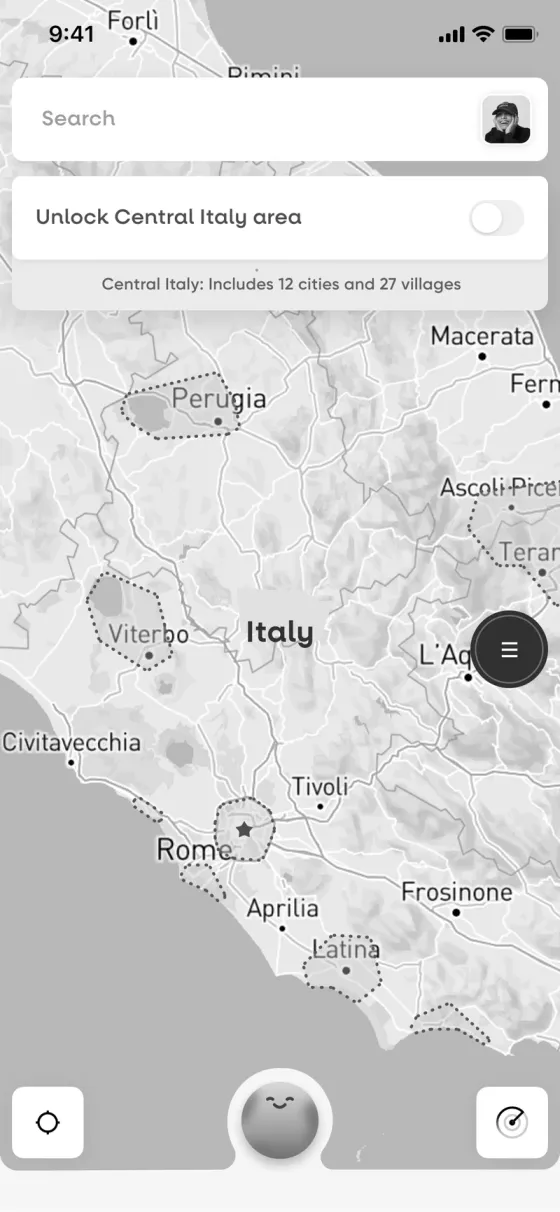
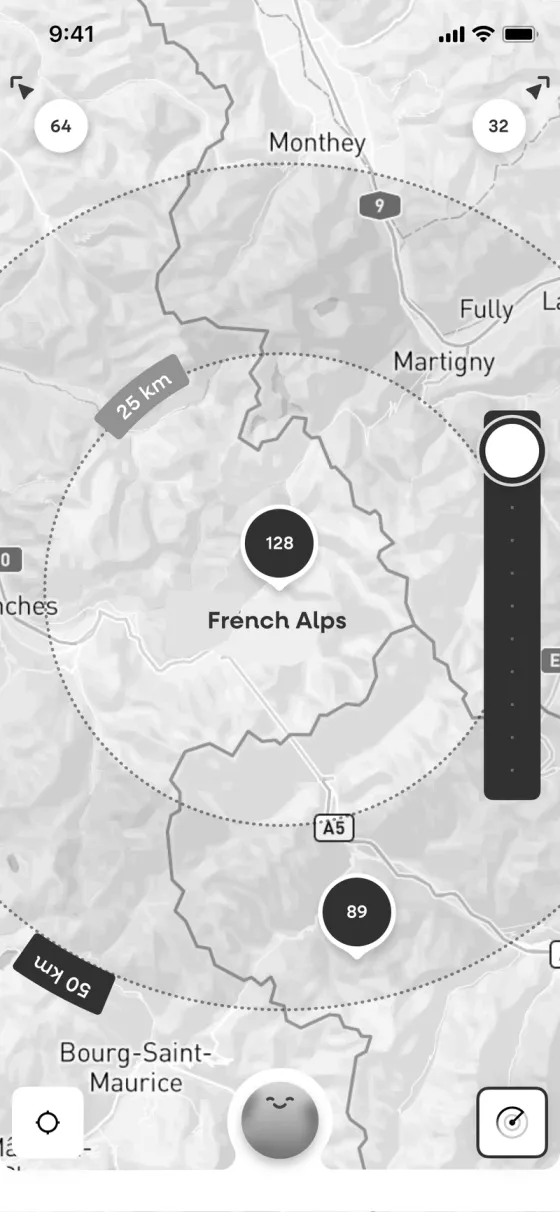
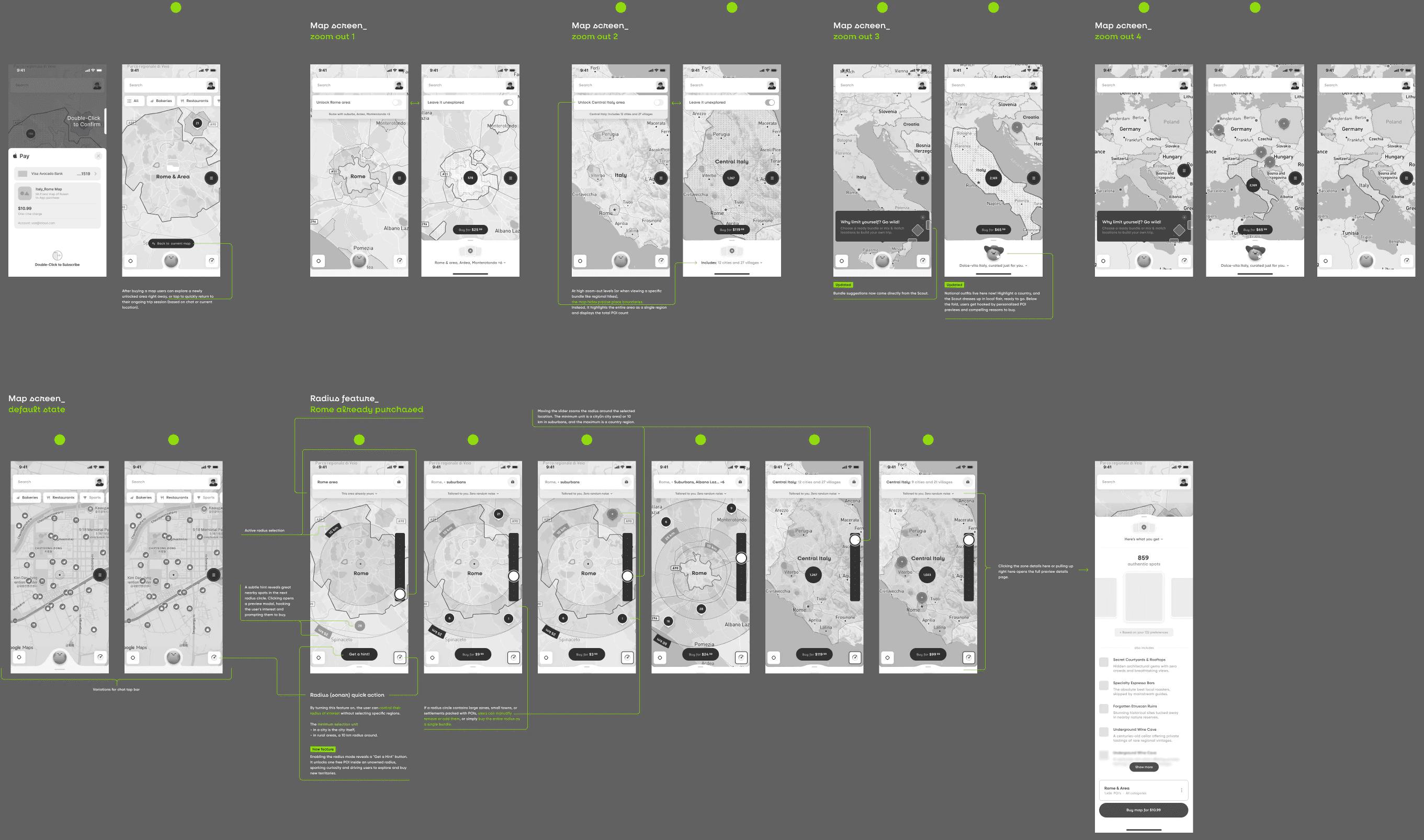
Read the case study: BallogyMap zoom levels, the radius tool and chat states, wireframed in grey on one board, with notes between the screens.
What you keep
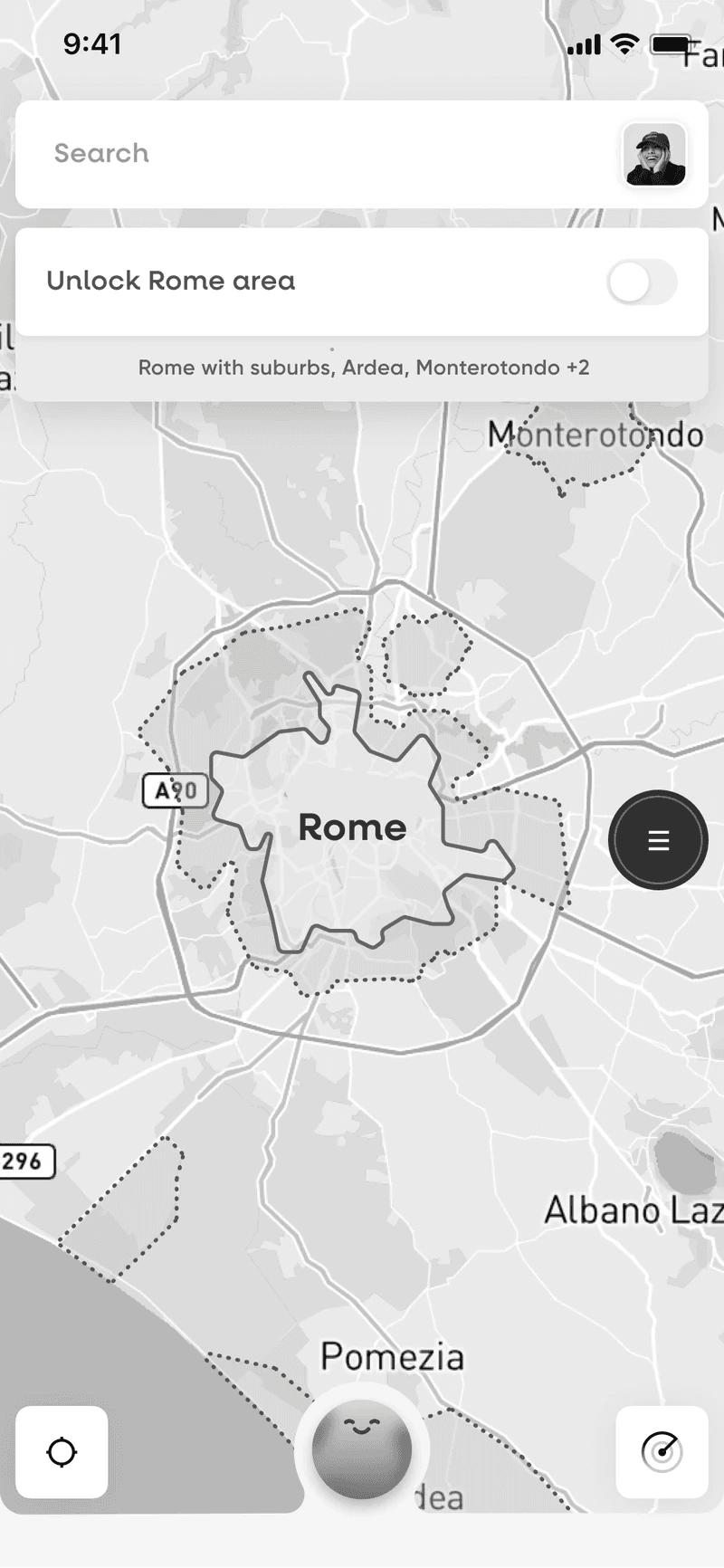
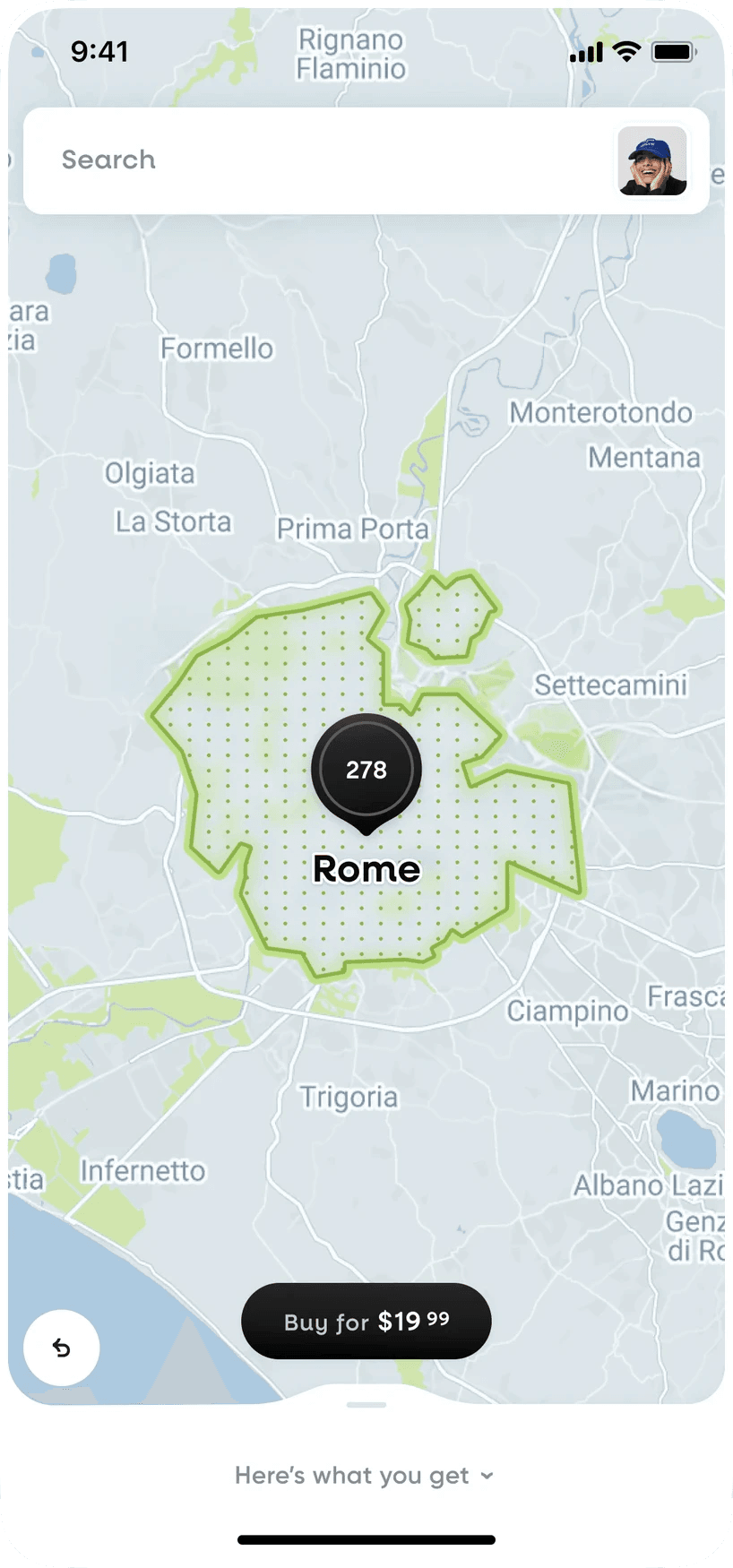
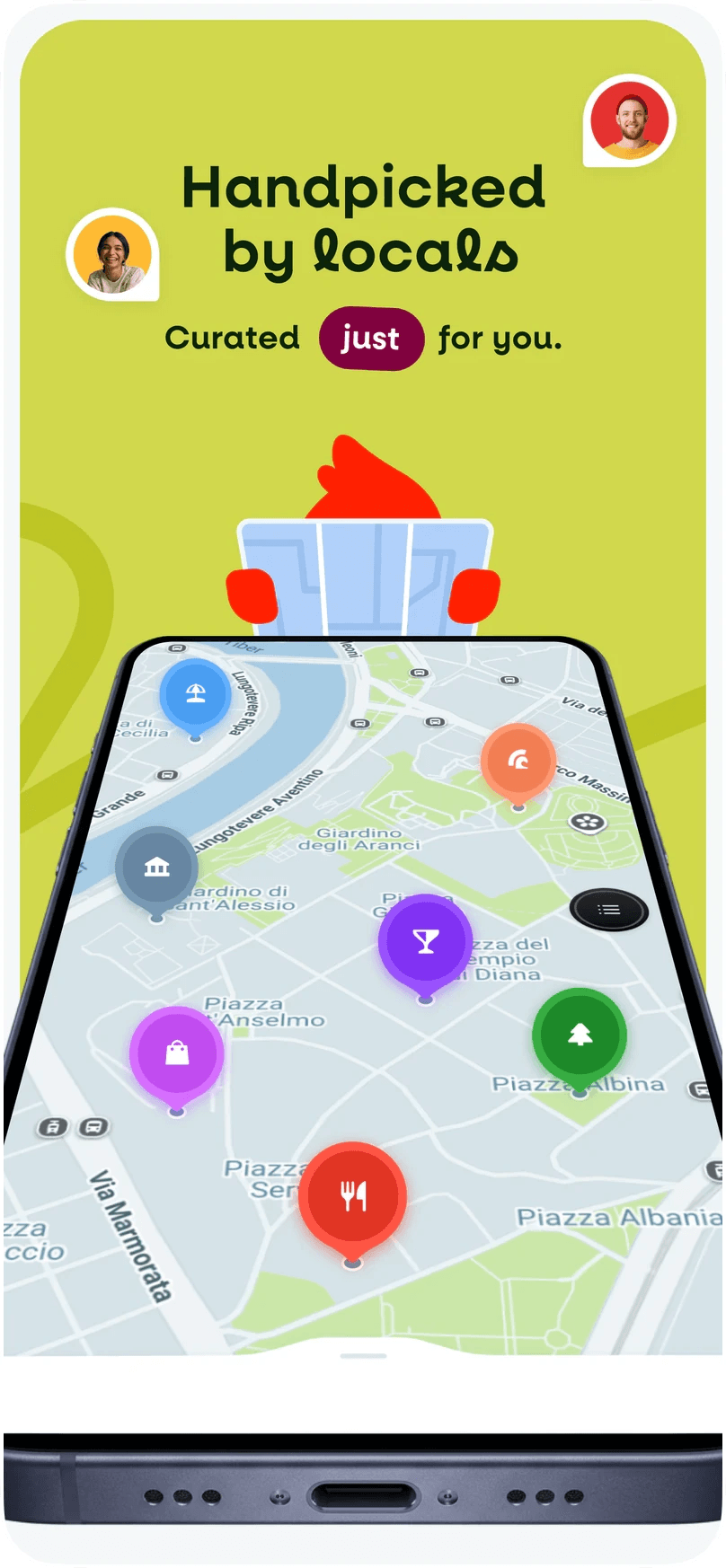
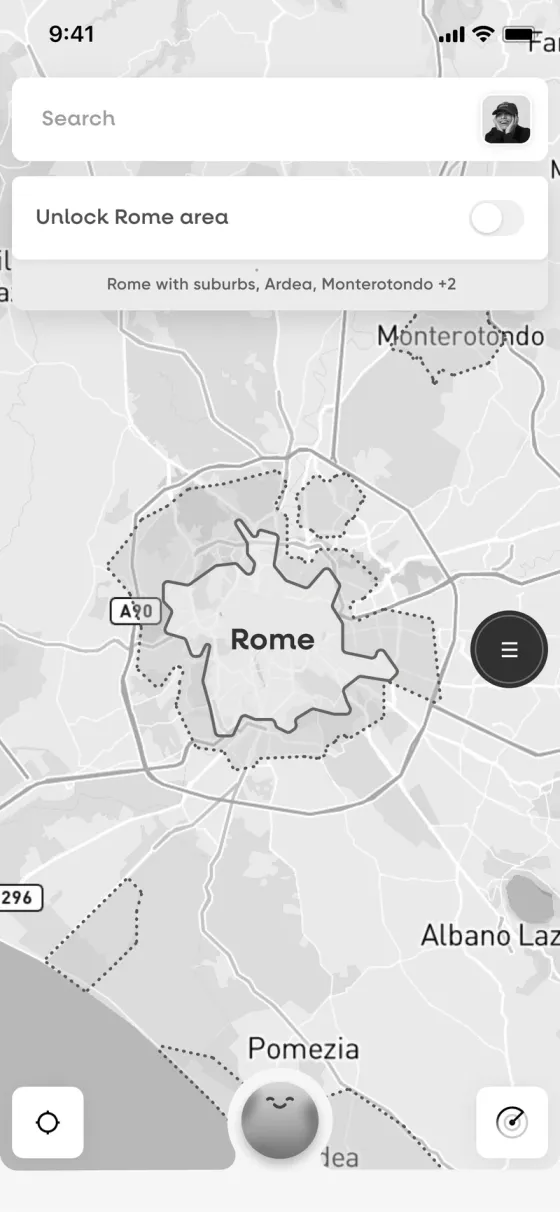
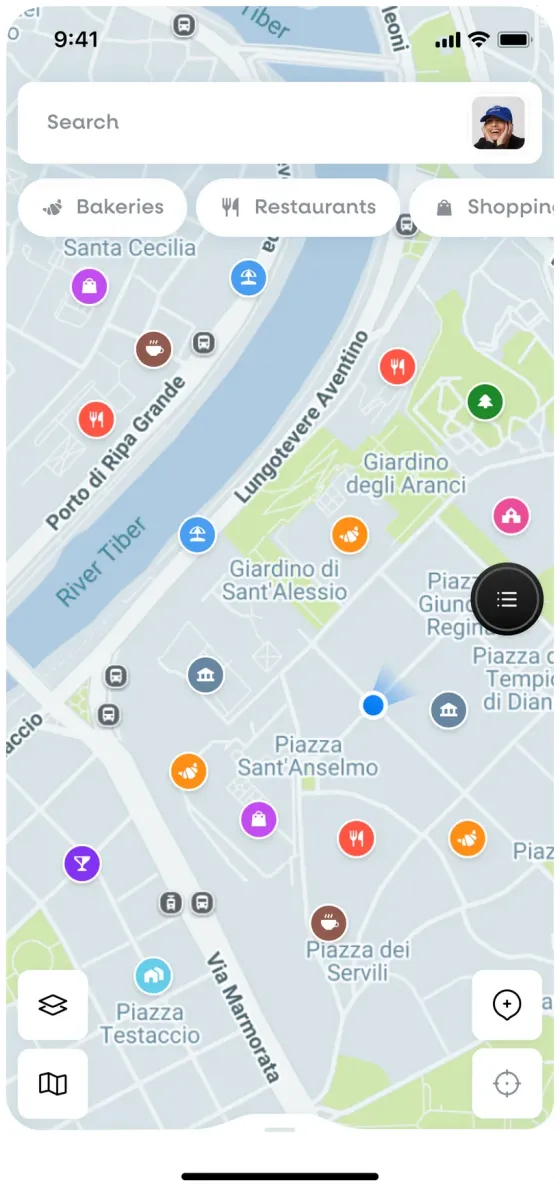
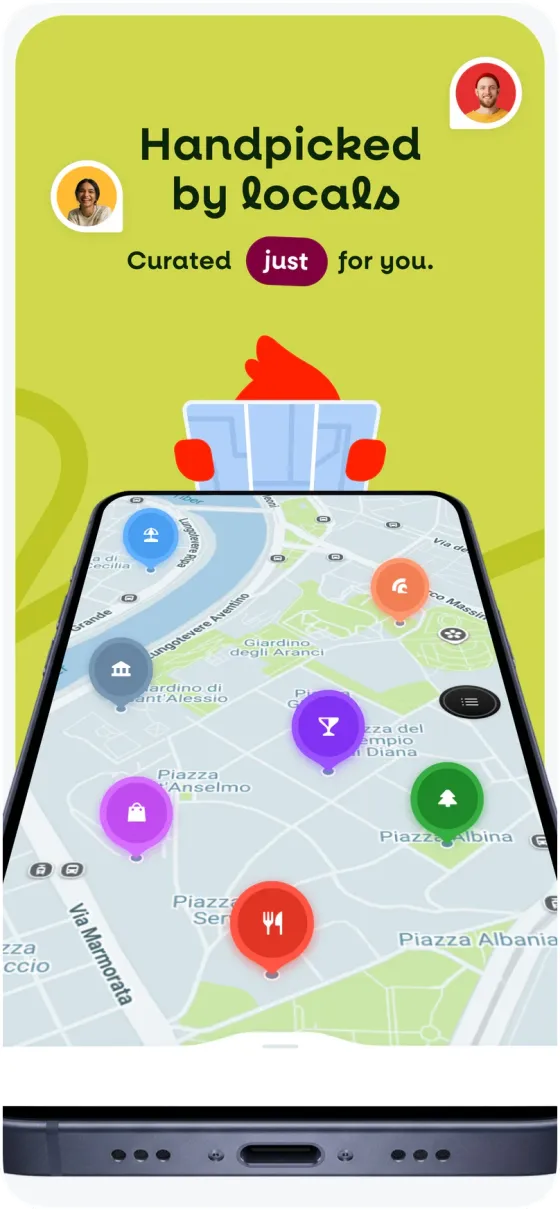
Unlocking the Rome map: the structure settled in grey, then the final screen with the city outlined, its spots and the buy button.
What you keep
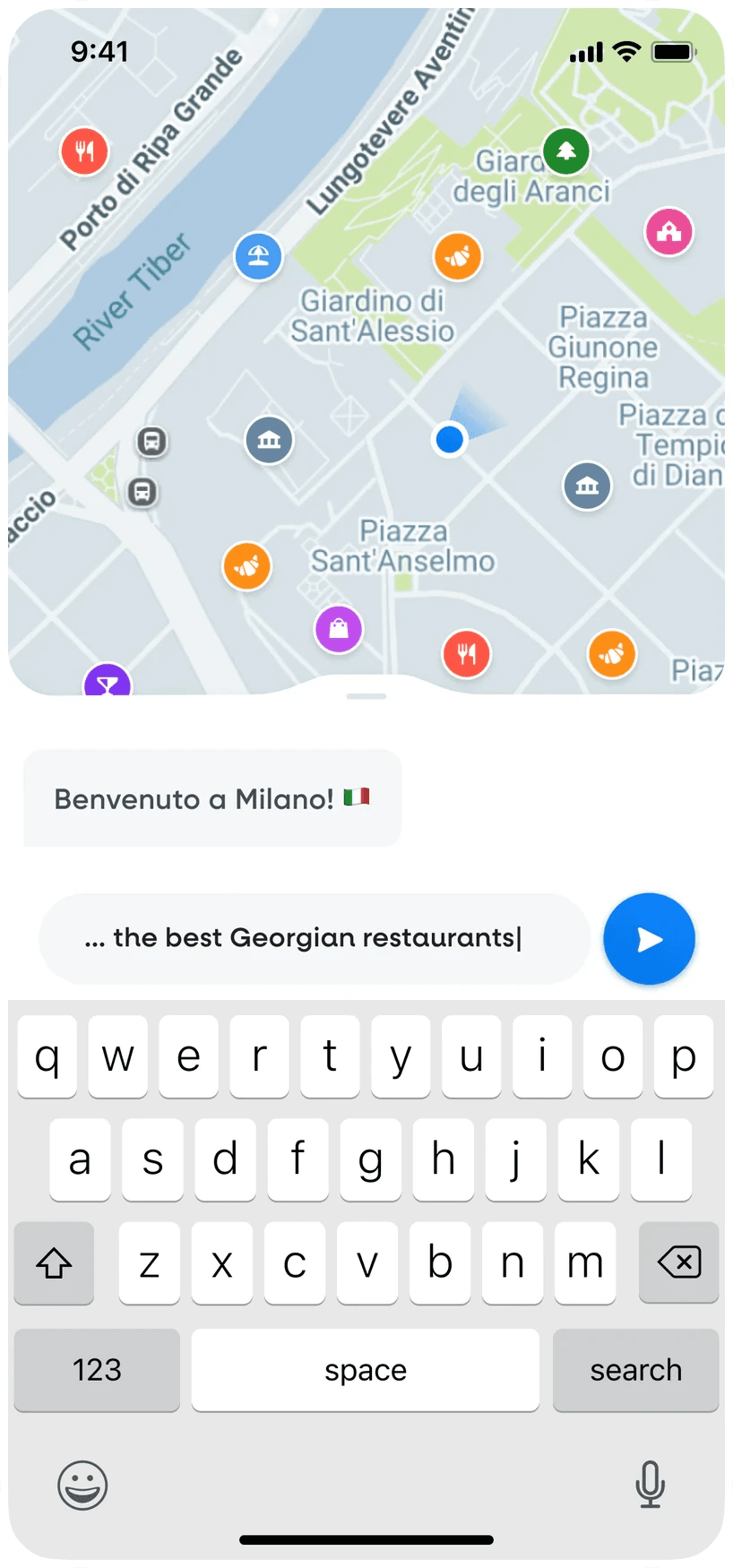
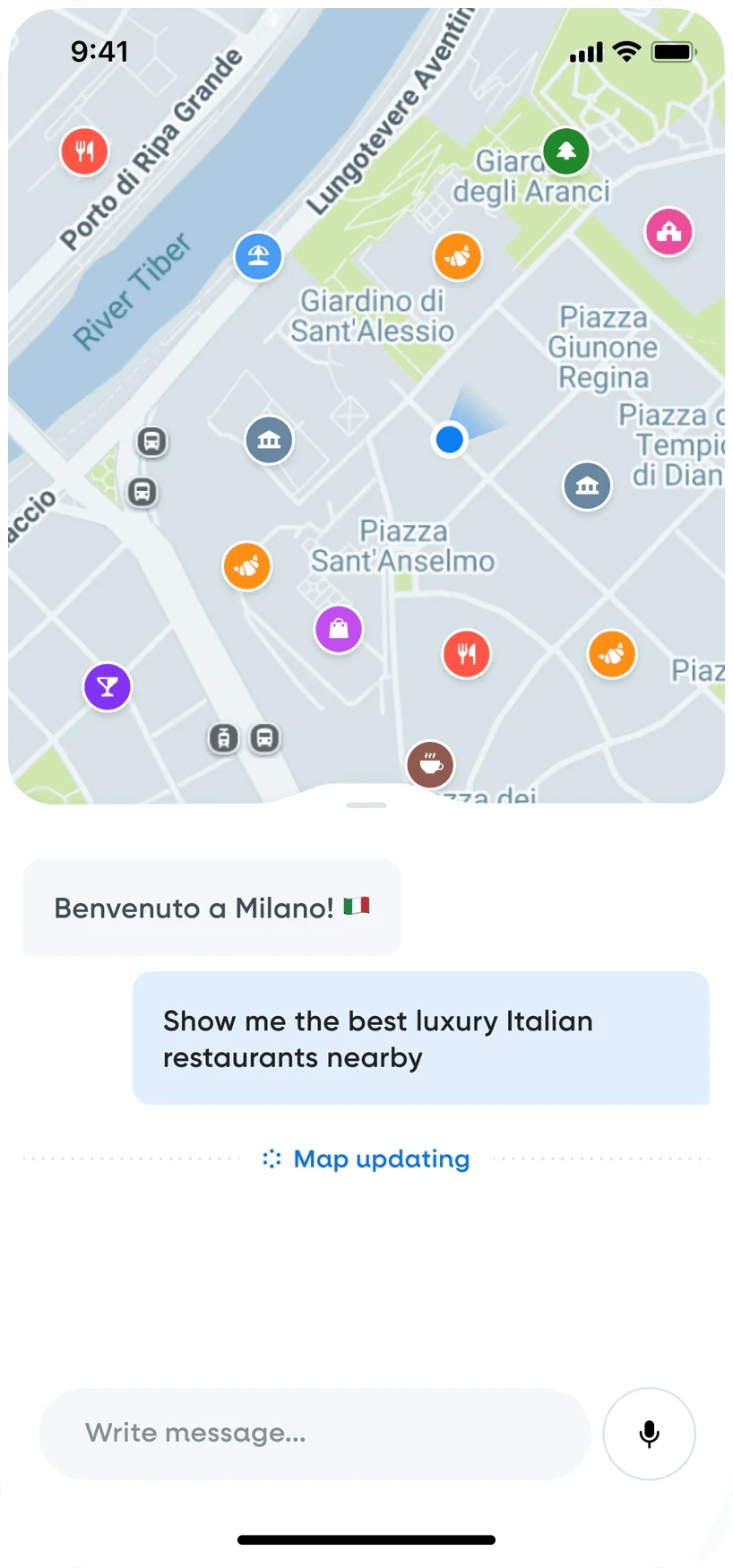
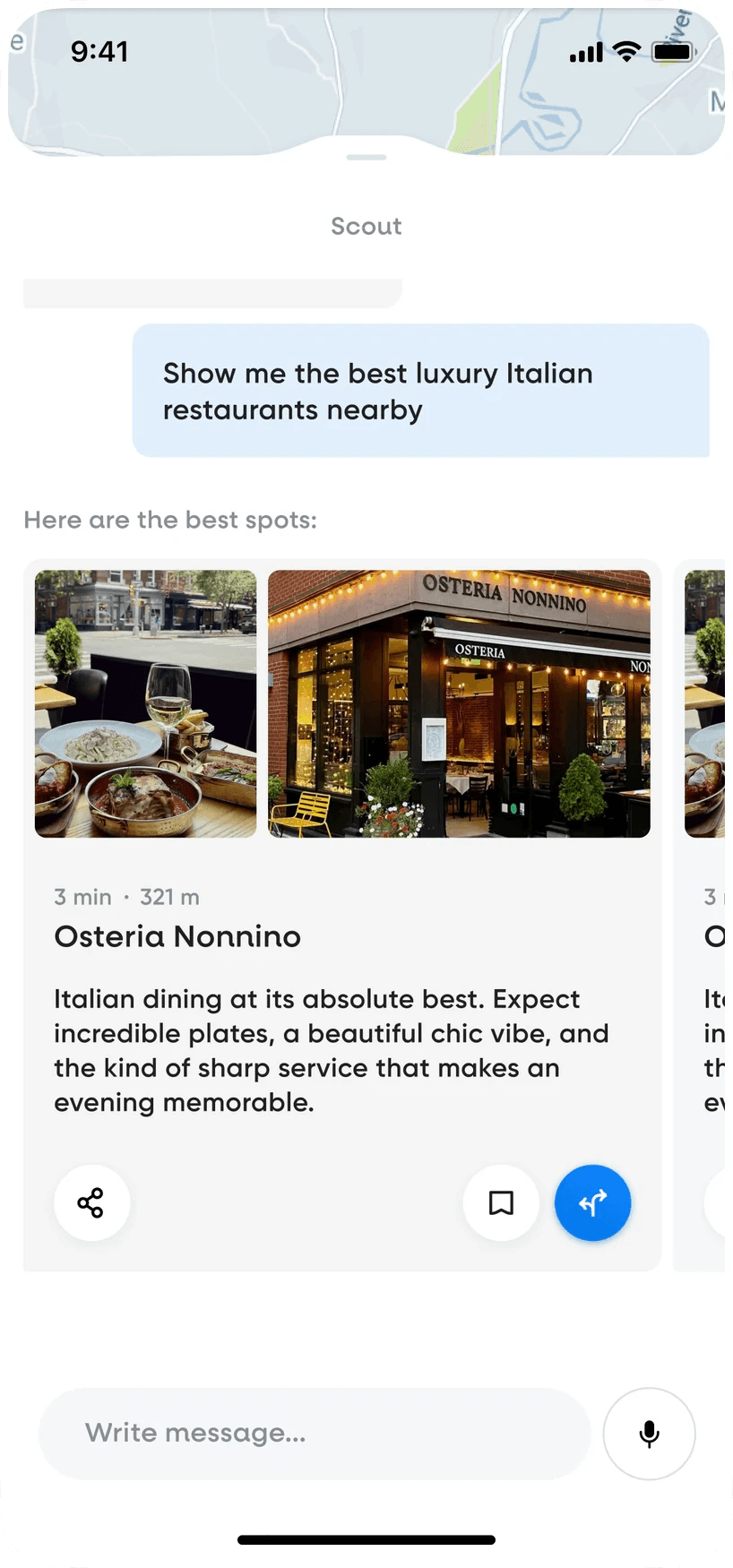
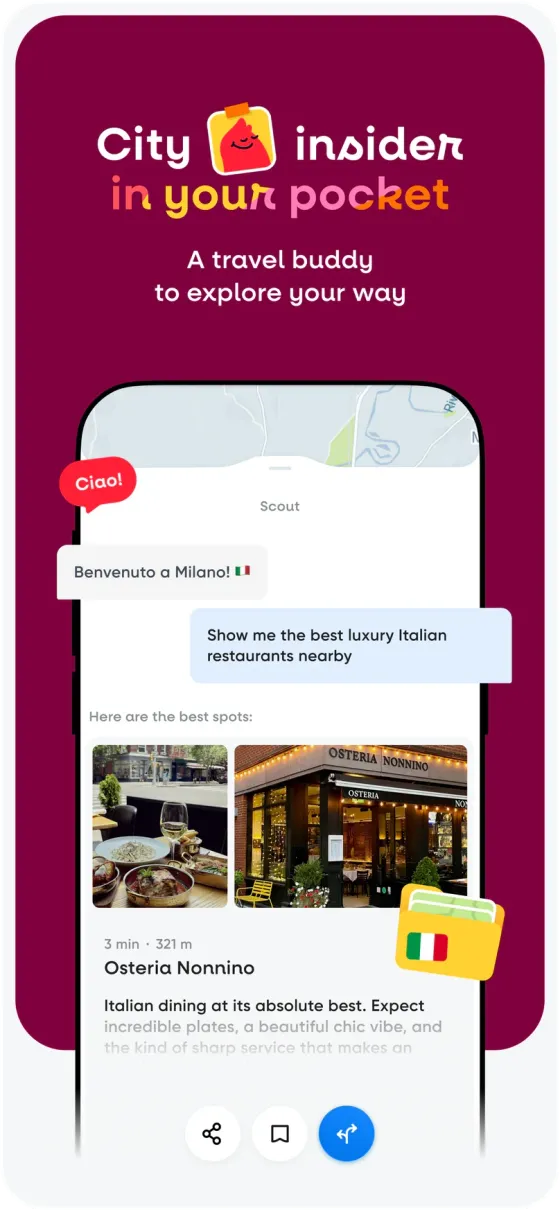
Scout, the guide inside the app: typing a request, the map updating, then restaurant cards with a short local review.
What you keep
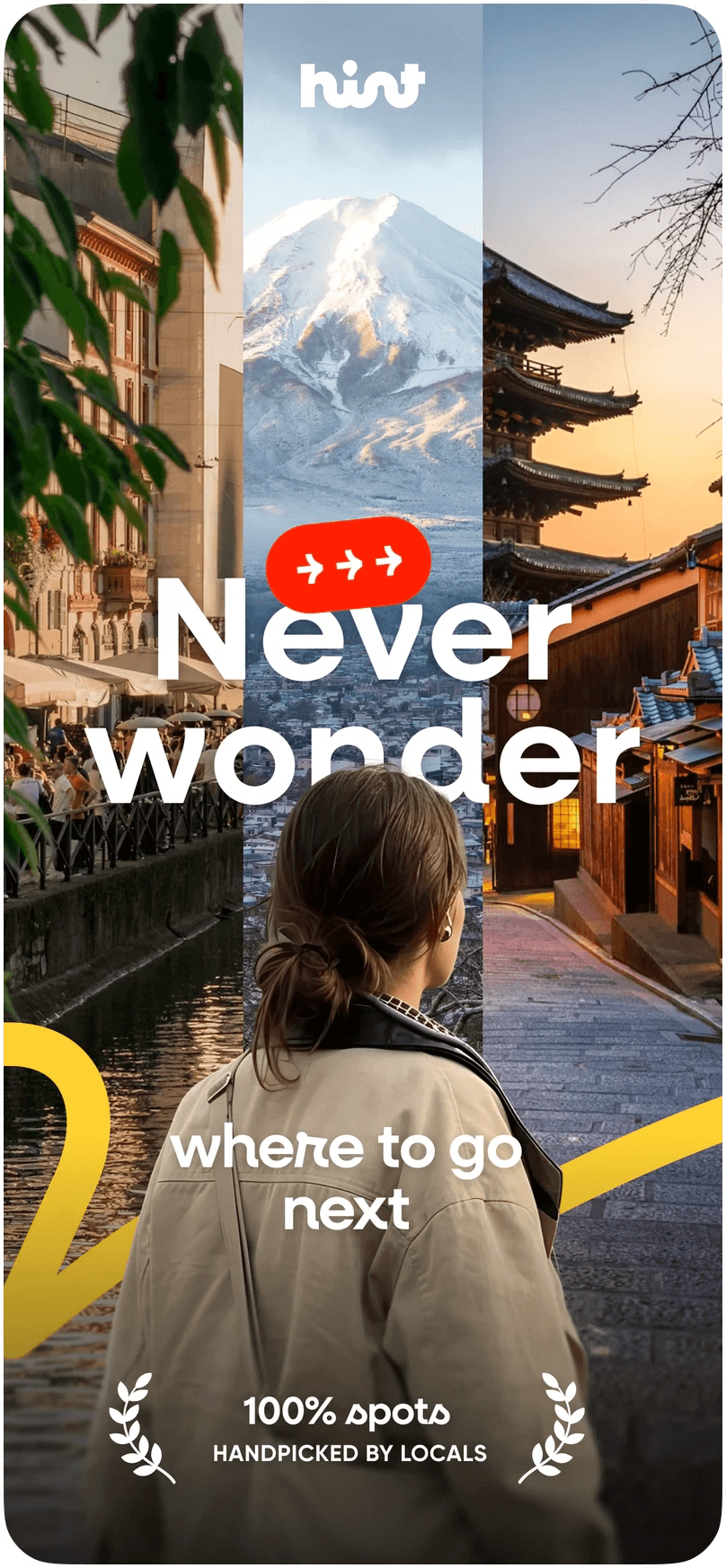
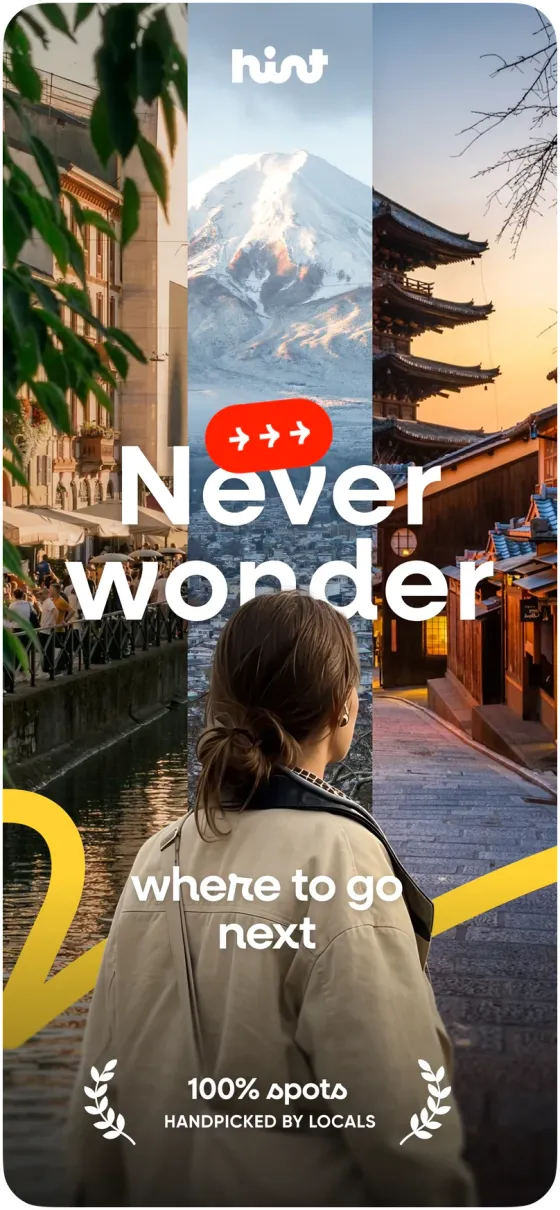
Store screenshots in the order people scroll, each with one short line and a real view of the app, in the brand’s colours.
What you keep
An AI travel guide for iOS and Android, built by Hint’s own team.
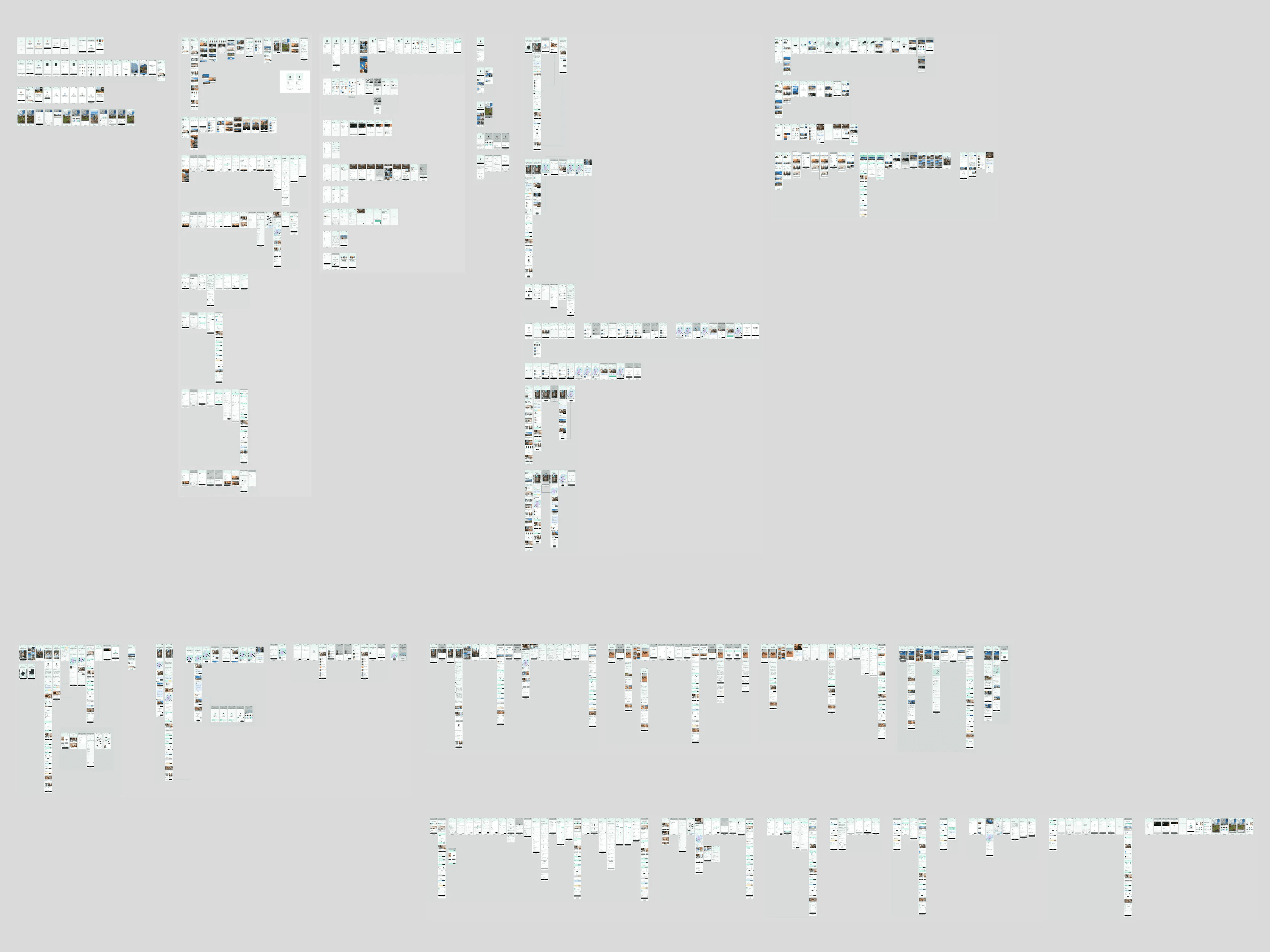
Read the case study: HintEach flow mapped screen by screen, empty states, errors and edge cases included: 556 mobile screens across 12 flows.
What you keep
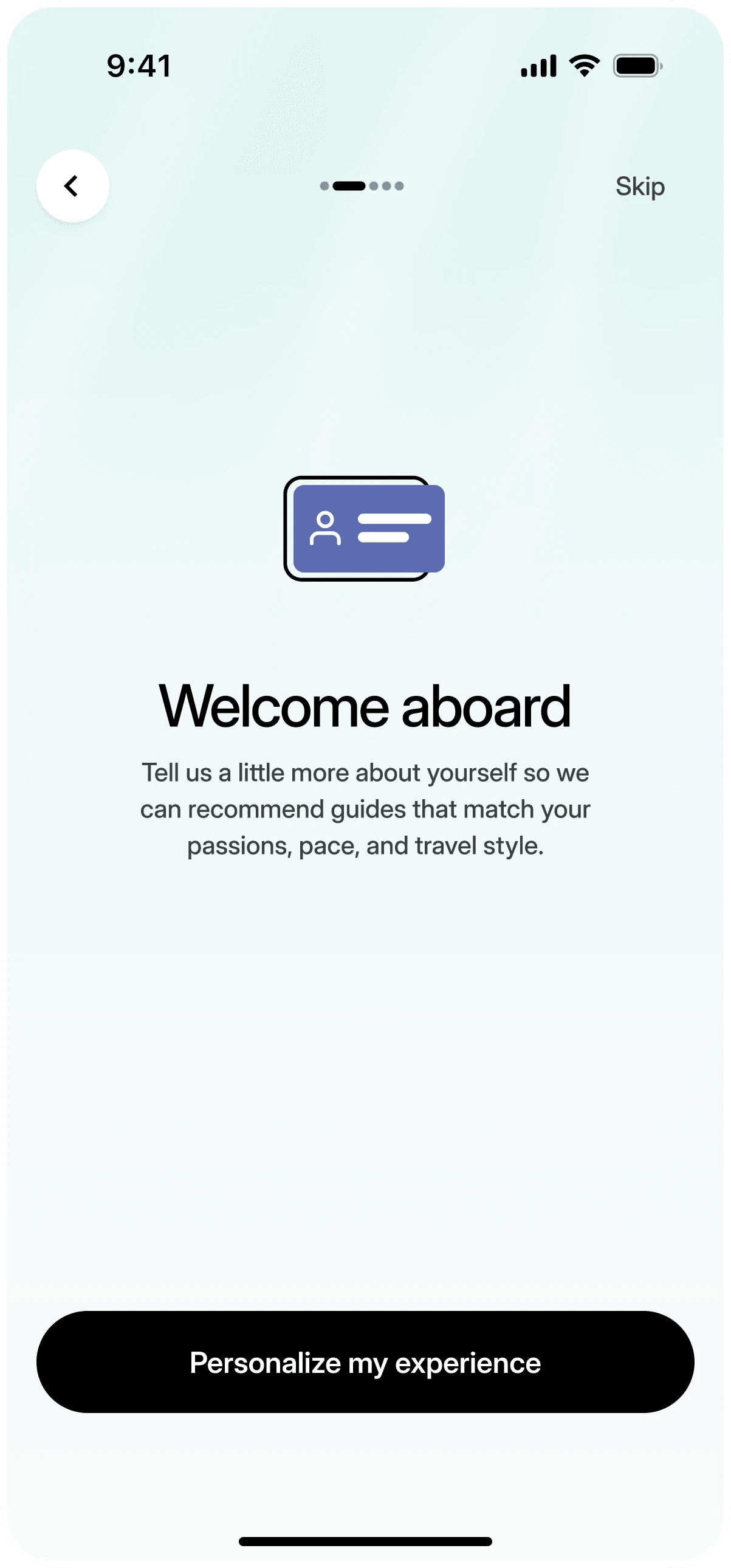
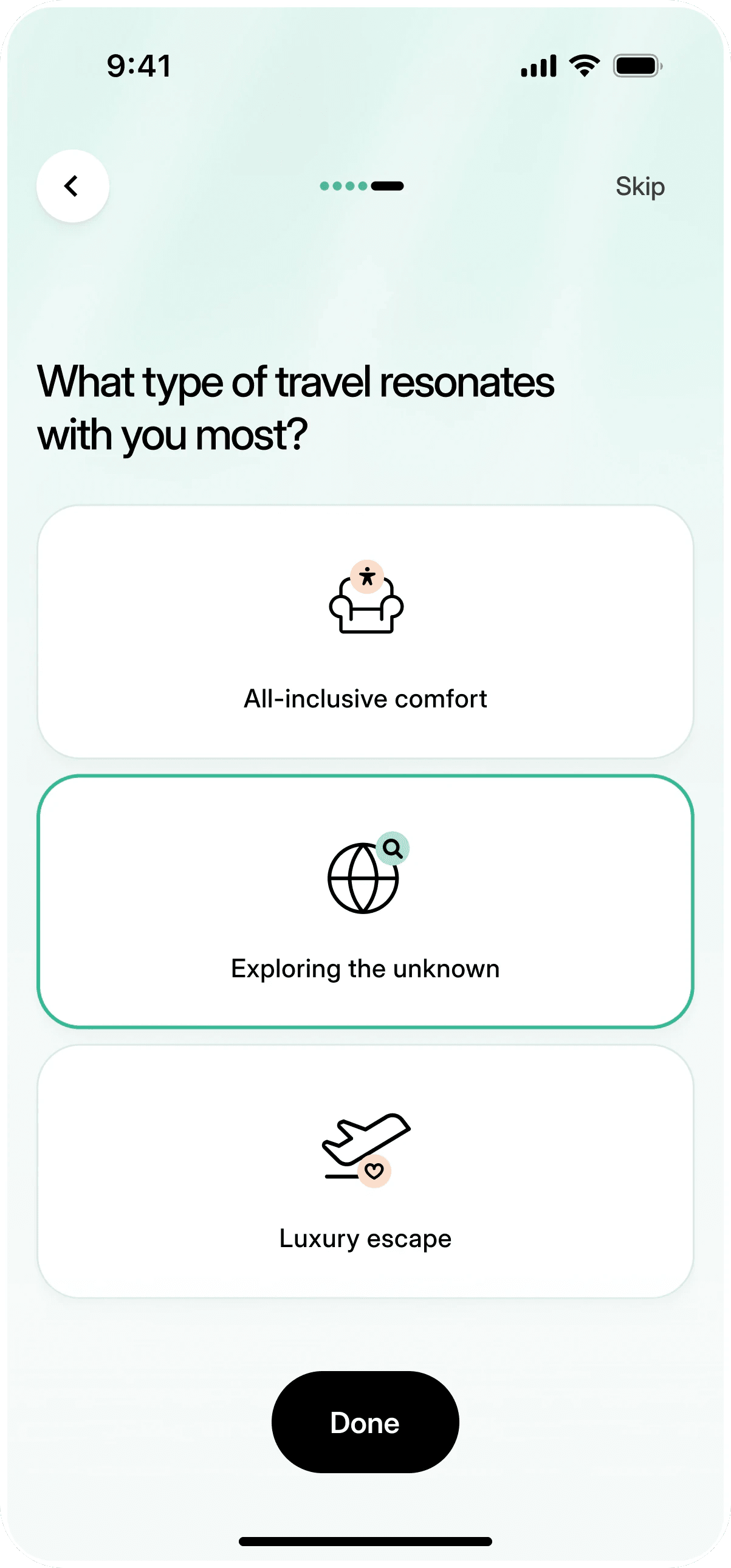
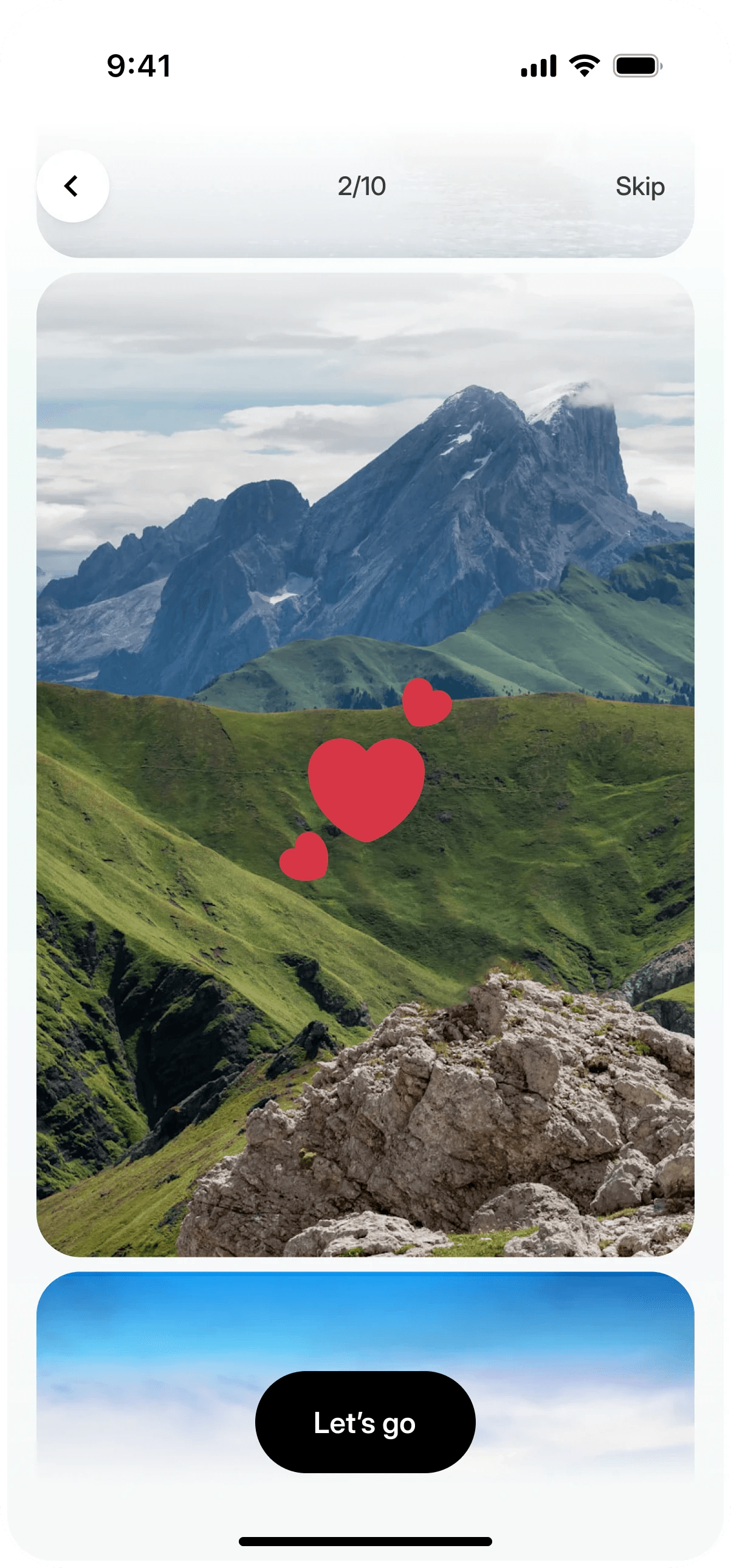
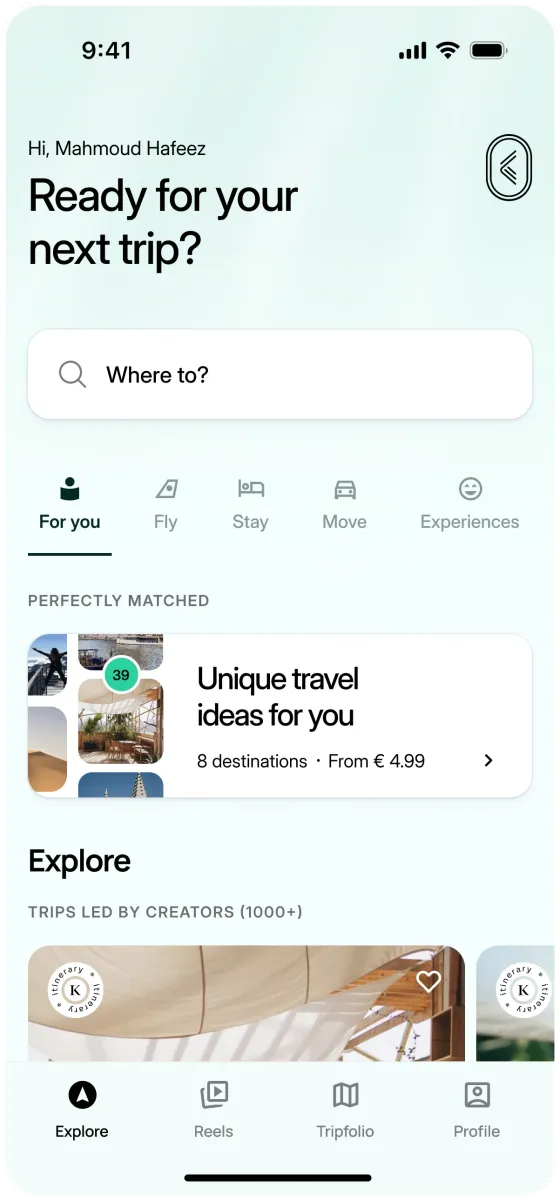
A few quick questions and photo picks you swipe through. Every step can be skipped, and home is already personal at the end.
What you keep
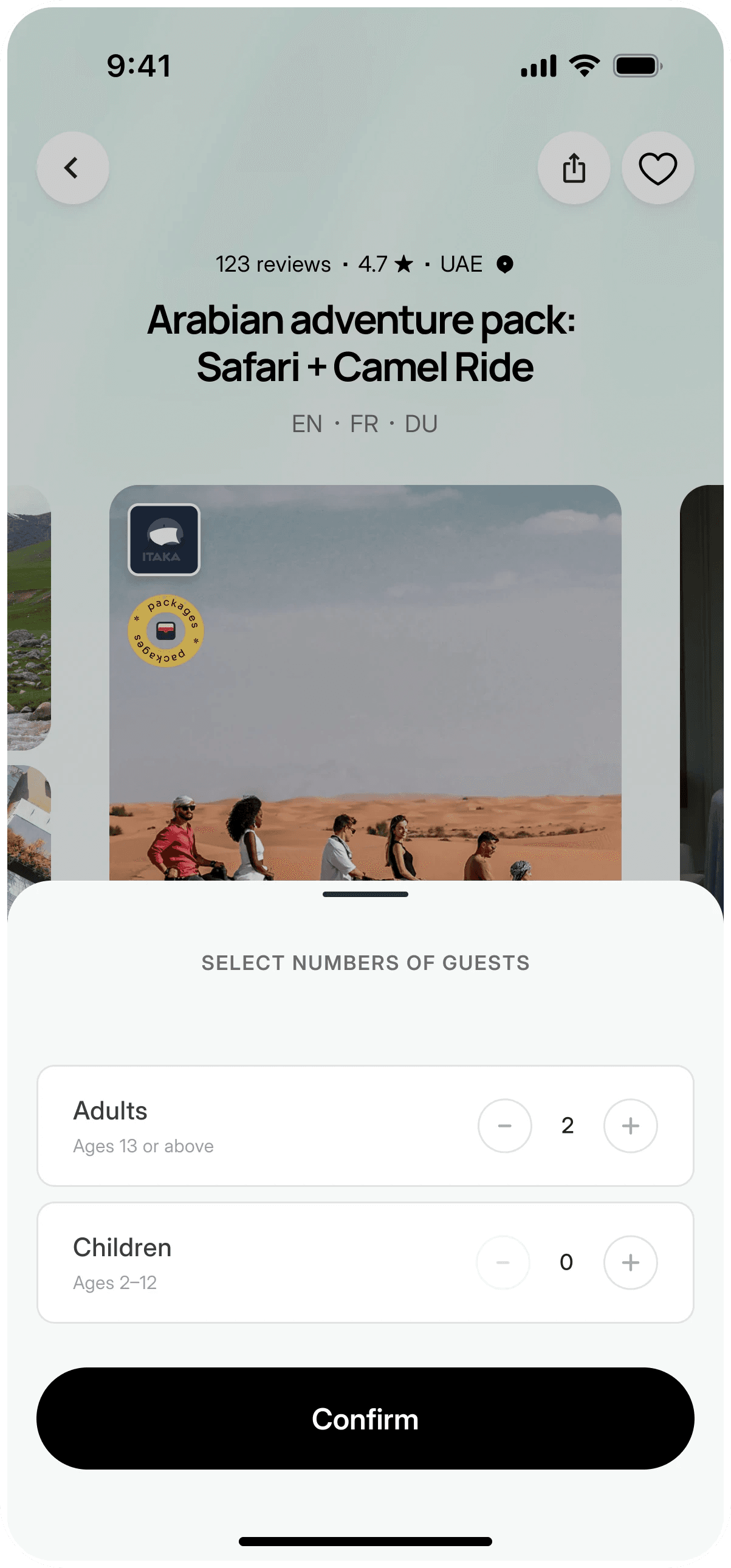
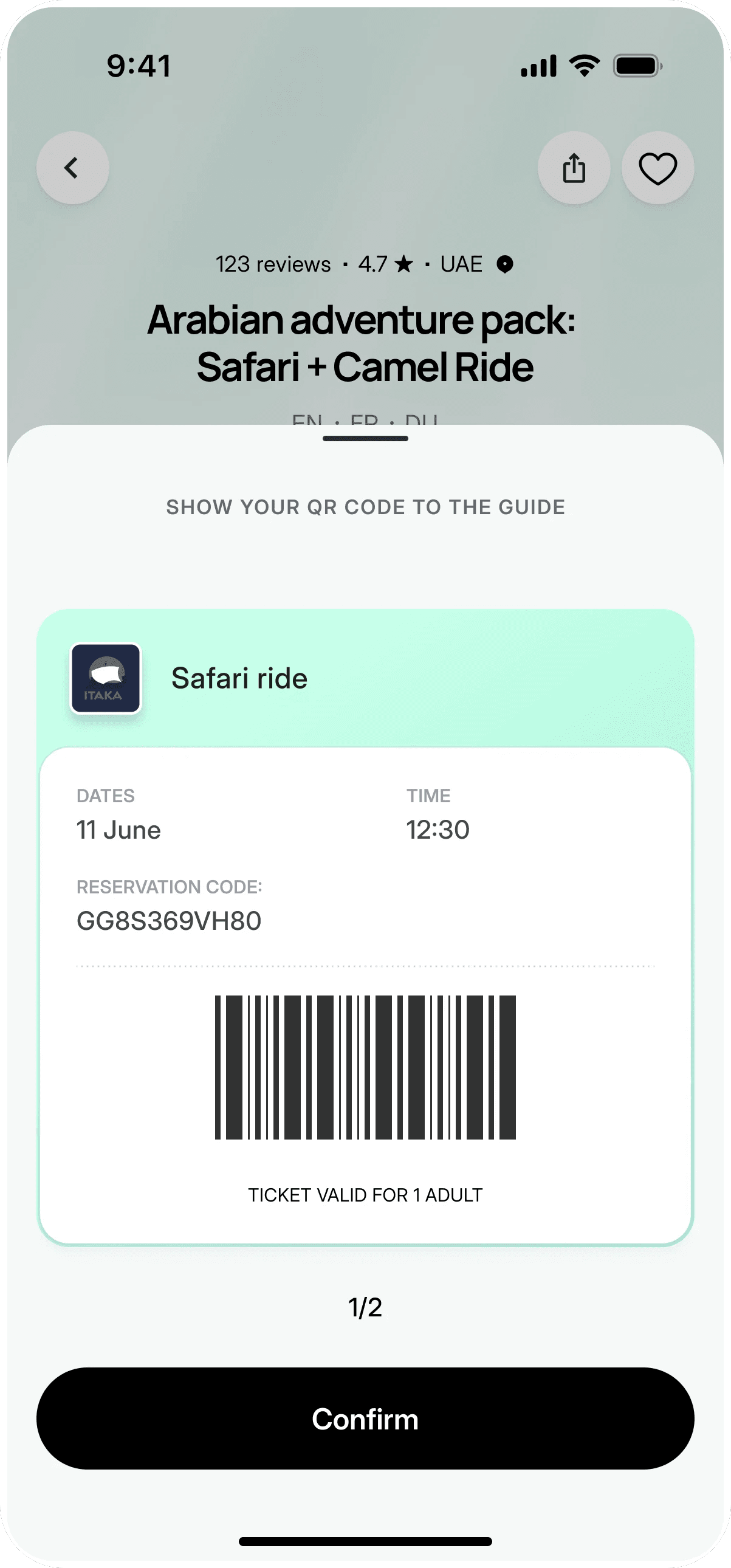
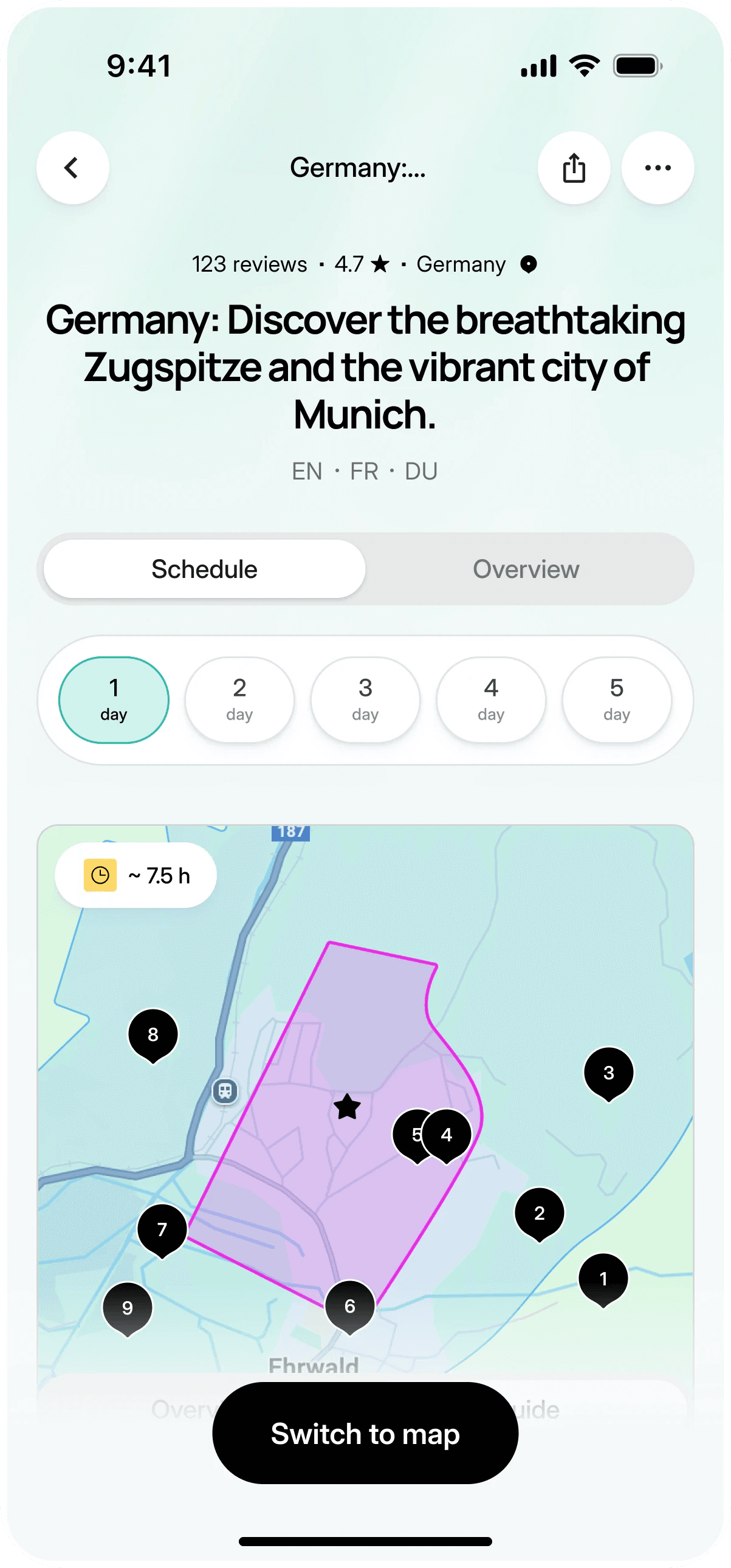
Pick dates and guests, pay in the app, show a ticket to the guide, then follow a plan for each day with stops on a map.
What you keep
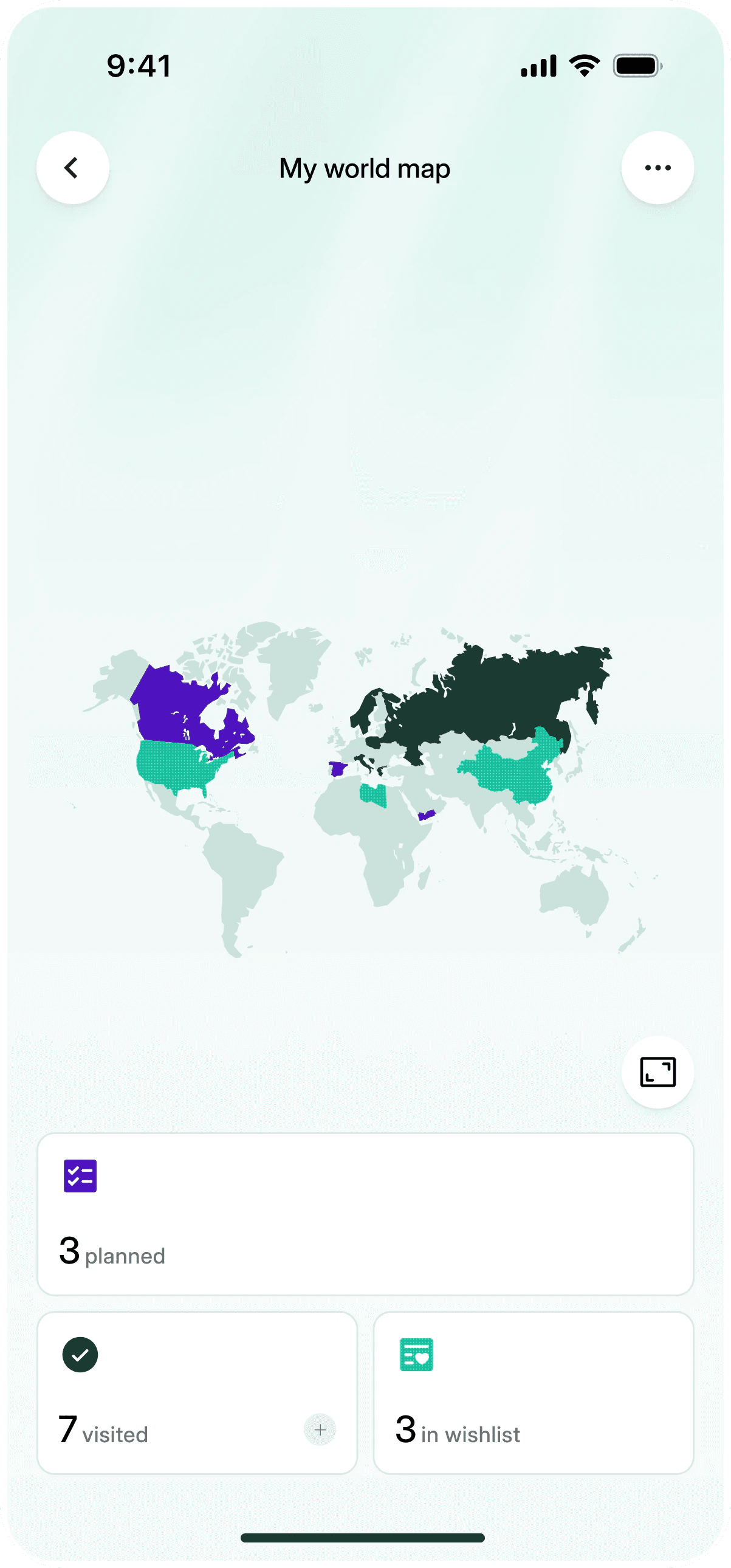
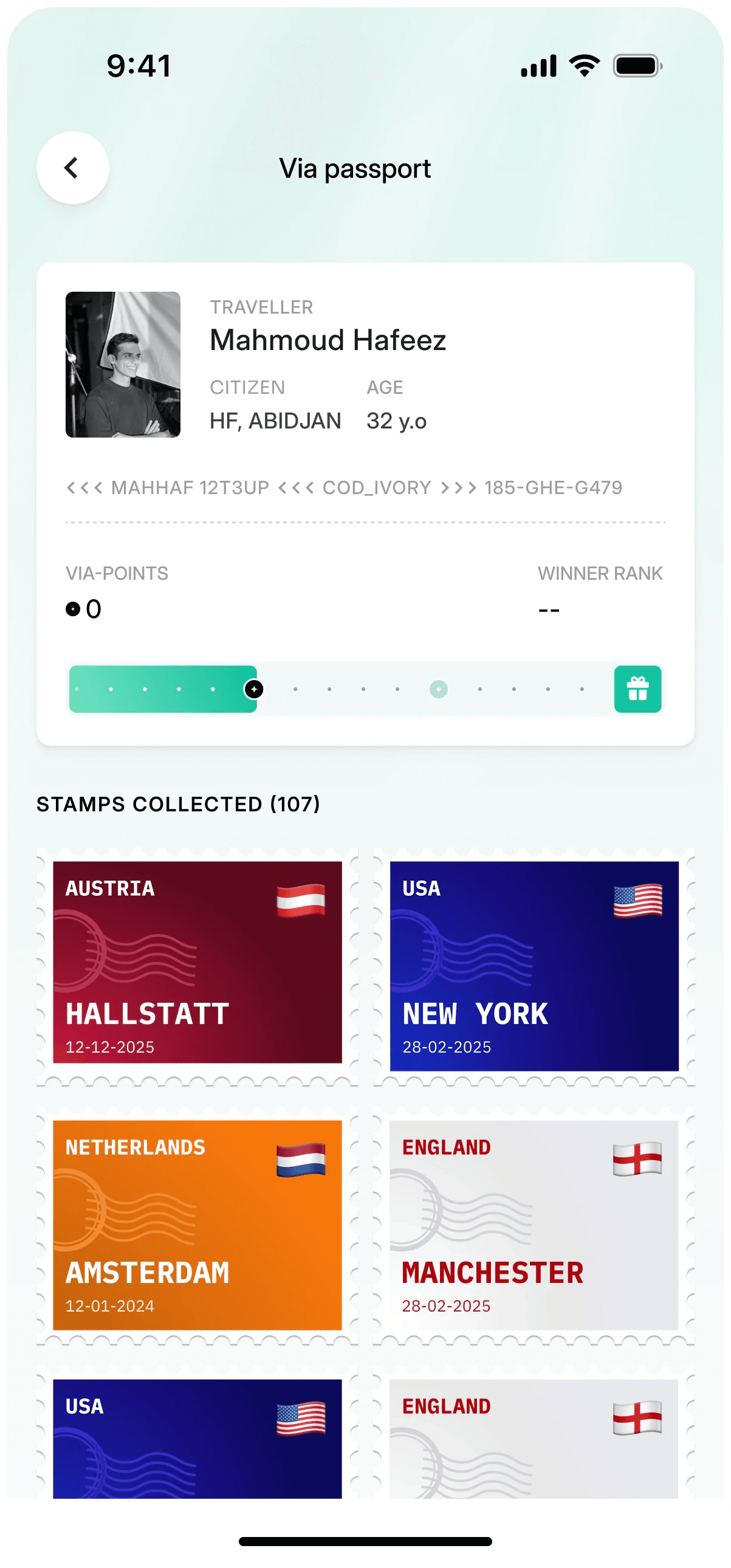
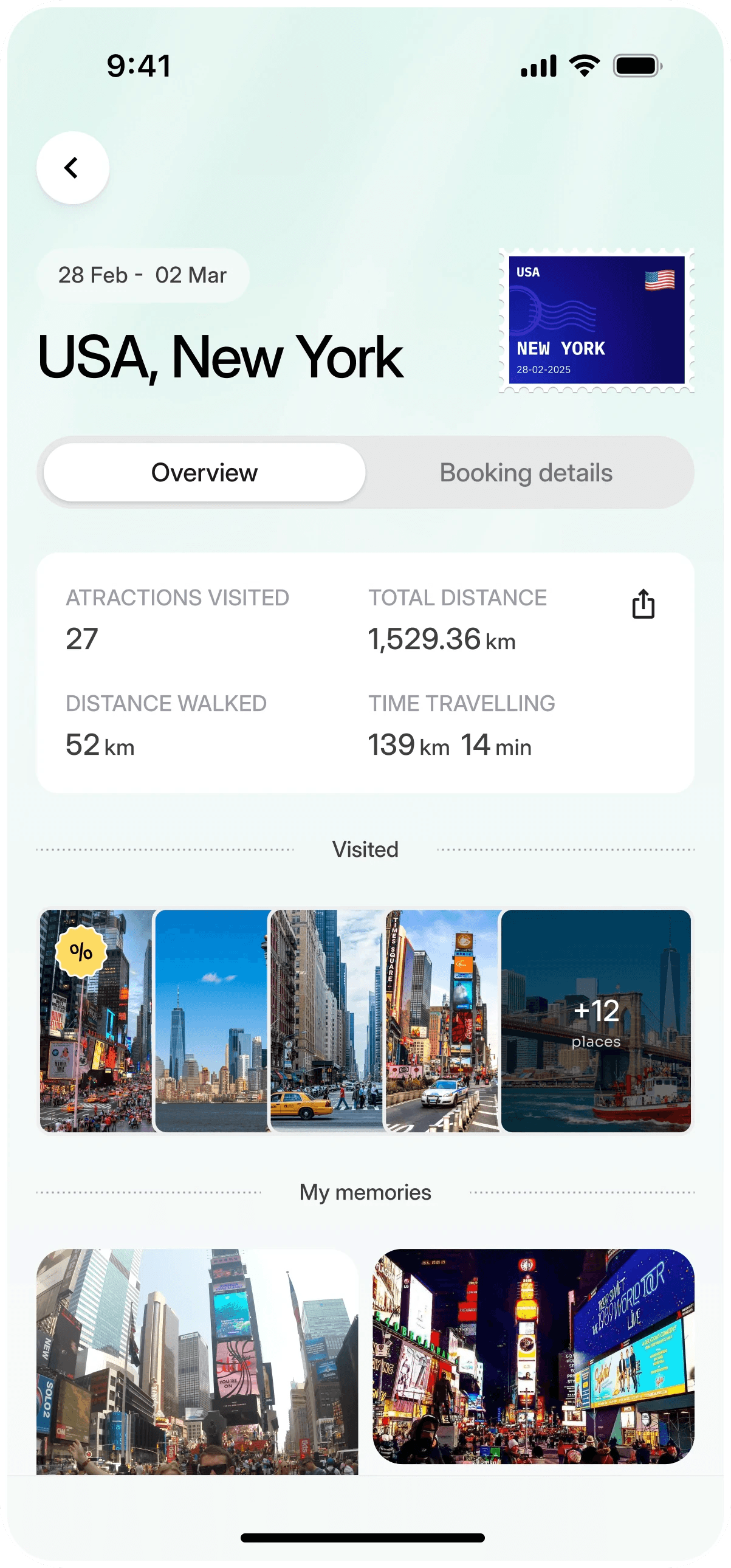
Tripfolio keeps a map of where you’ve been, a passport with a stamp for each city and memories from every trip.
What you keep
A travel app matching travelers with local creators, on iOS and web.
Read the case study: KonnectOur process
About 12 weeks from kickoff to handoff for a new app. Coloured bars are our work, grey ones are yours. Point at a step to see what you keep.
Week 1
Week 2
Week 3
Week 4
Week 5
Week 6
Week 7
Week 8
Week 9
Week 10
Week 11
Week 12
Want more examples?
300K+users on the app
Player, coach and parent apps for an athlete development platform, redesigned and rebuilt.
Read the case study: Ballogy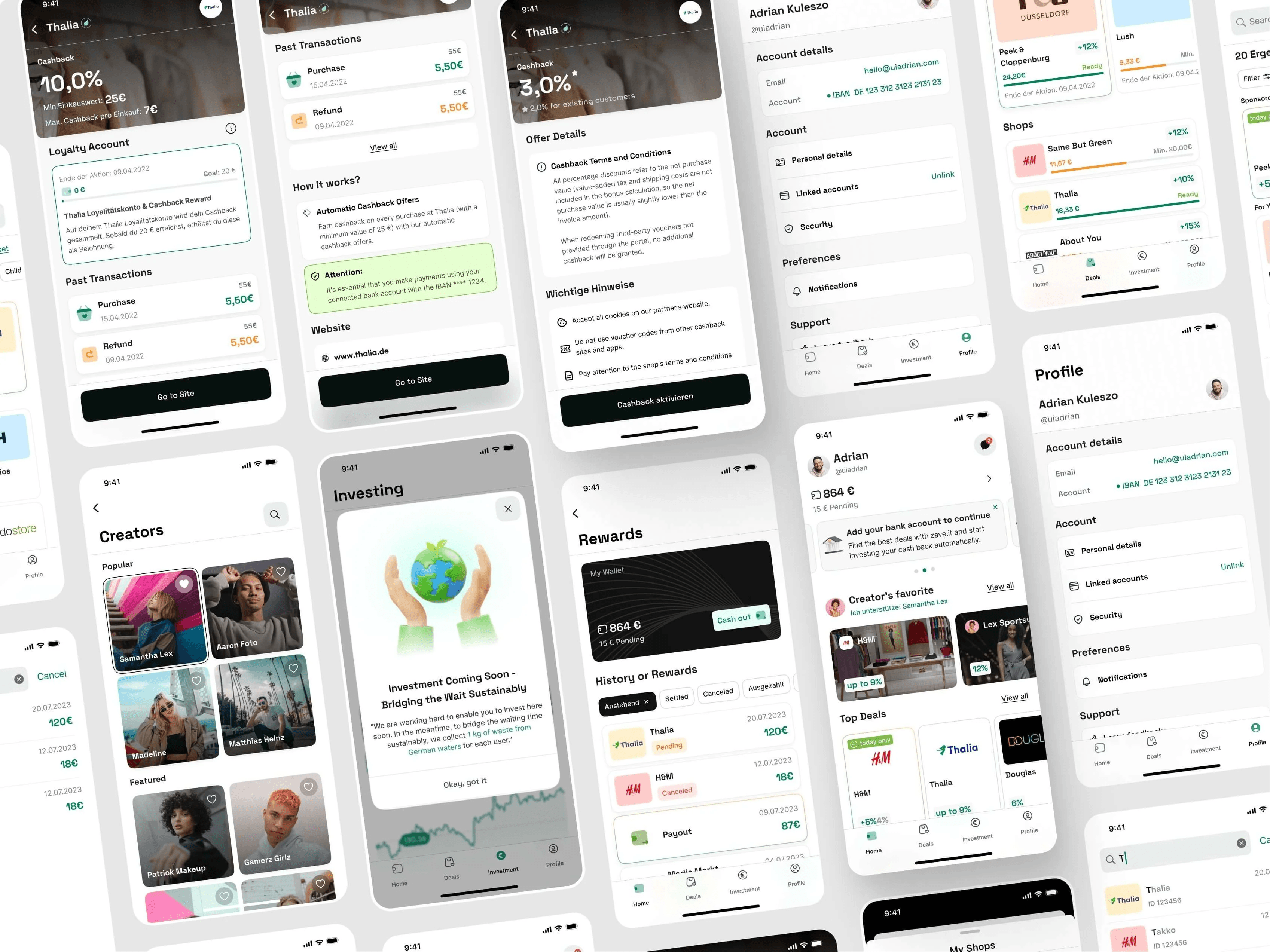
350k+users in the first 3 months
Brand, app and website for a German cashback app, from first drafts to launch in 3 months.
Read the case study: Zave.it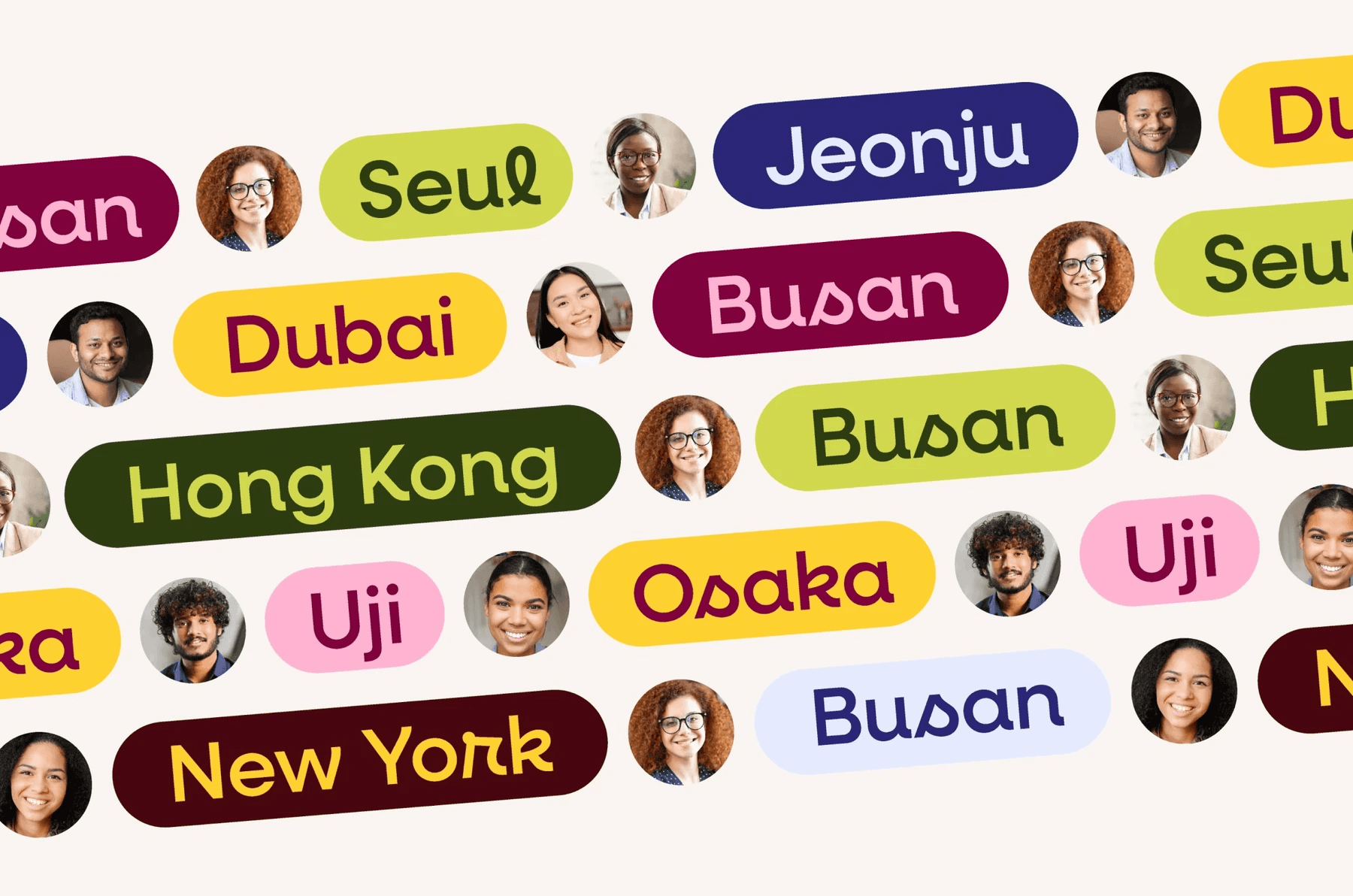
100+screens for iOS and Android
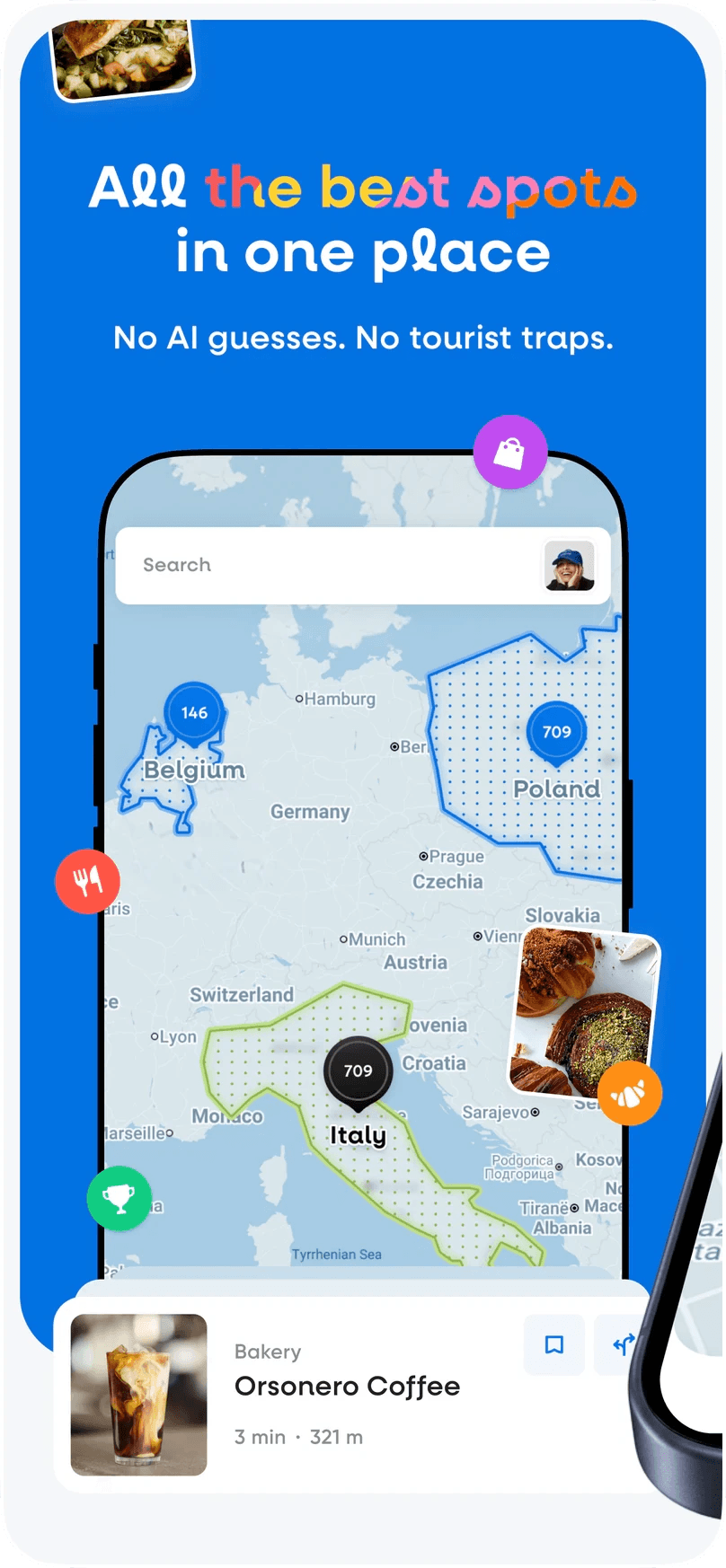
Brand, mascot, app and App Store screens for an AI travel guide.
Read the case study: Hint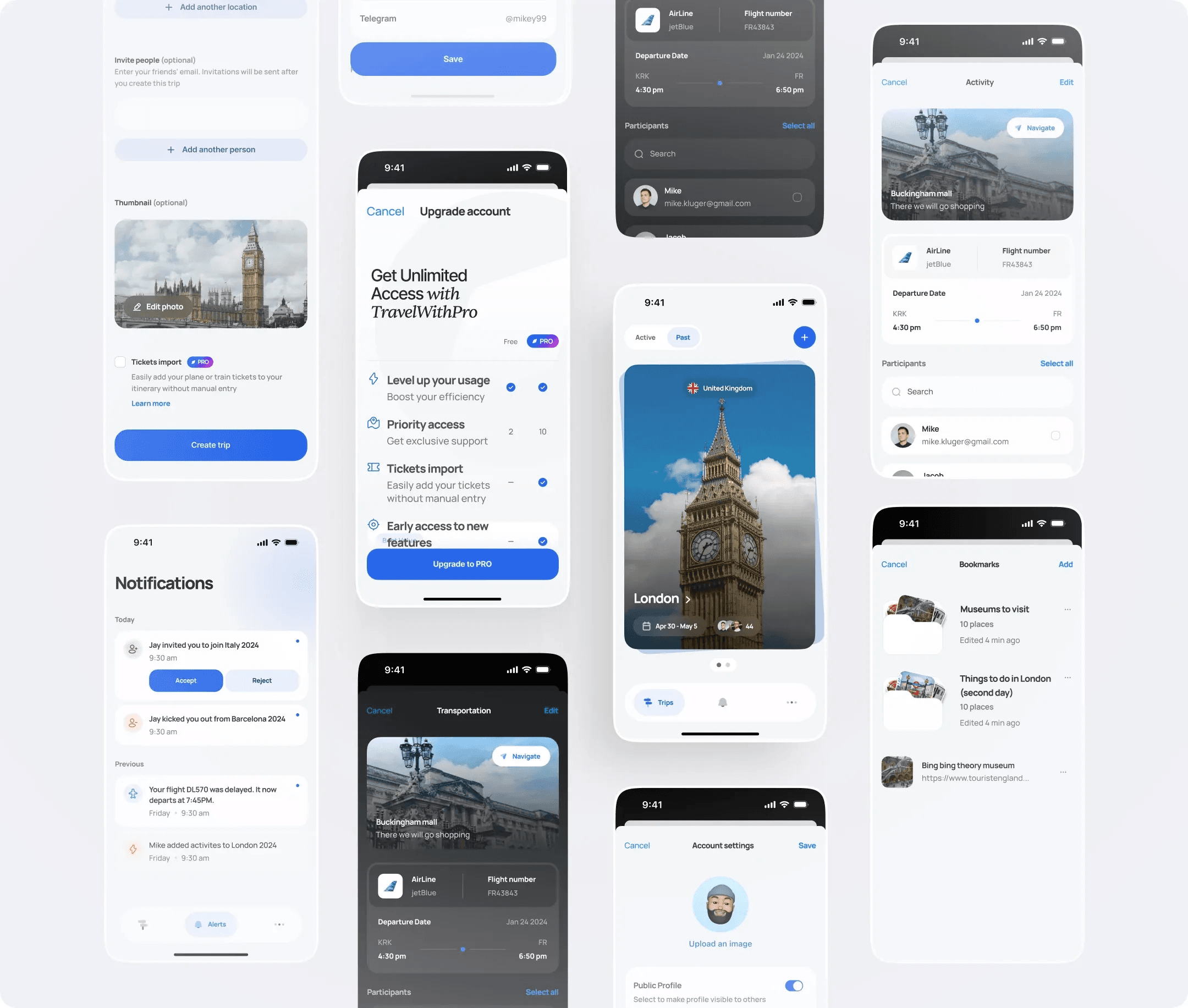
5.0/5App Store rating
A trip planner on iPhone and the web, grown from about 30 screens.
Read the case study: TravelWith550+mobile screens and states
iOS and web apps that connect travelers with local creators.
Read the case study: Konnect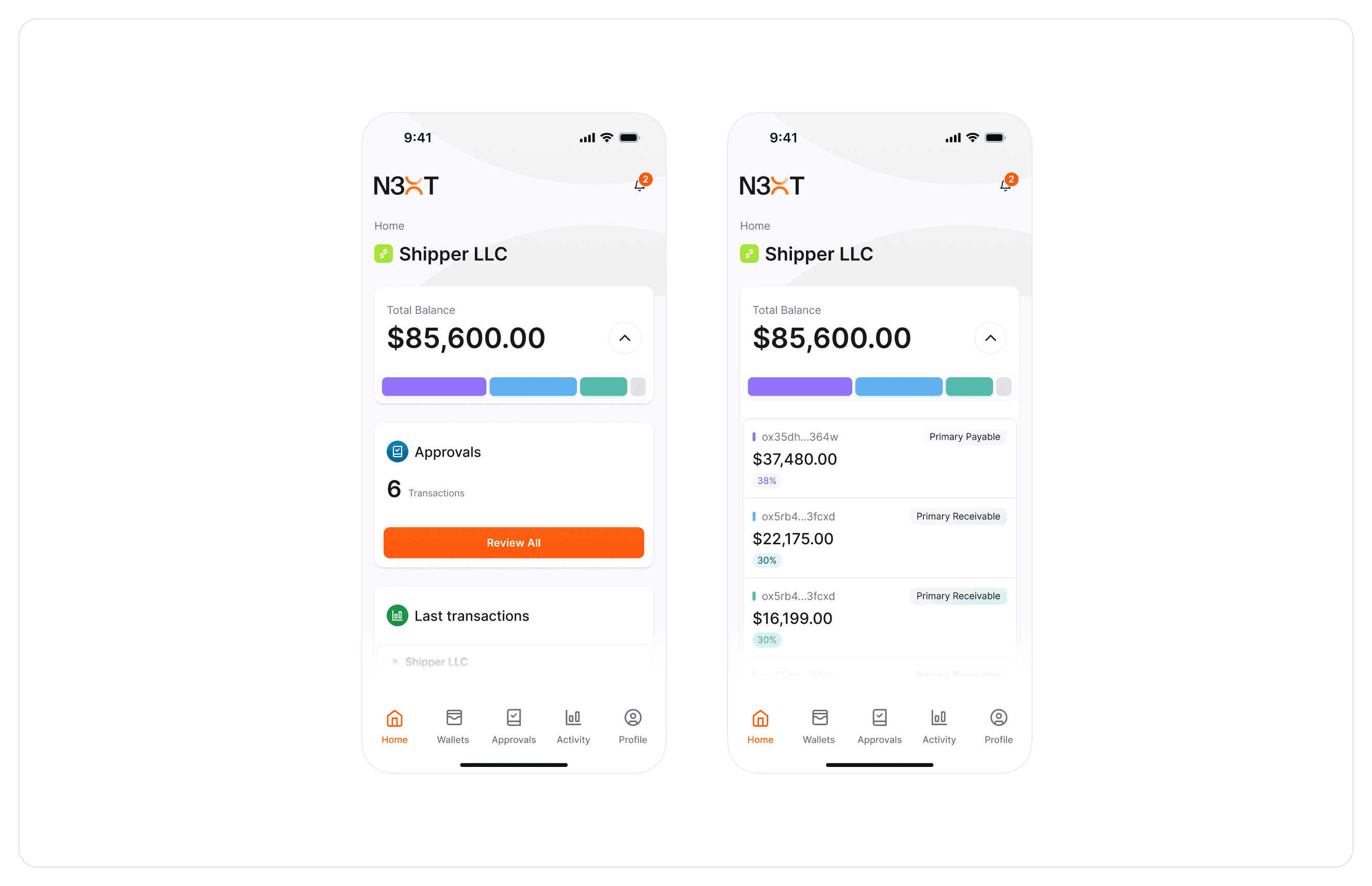
3 monthsfrom an idea to the MVP
Web and mobile banking for a full-reserve bank, alongside the brand.
Read the case study: N3XTPricing
A one-off to design a new app or fix the flows that lose users. A monthly plan for the features, tests and releases after it.
A new app or a focused redesign, designed to handoff.
from$10,000 / project
Book a call: Mobile app design projectWhat’s included
Part of the Design plan: your app designers, every month.
from$6,000 / month
Book a call: Ongoing app designWhat’s included
Need the app built too? Our developers can build the iOS and Android frontend, as they did for Ballogy. We scope builds on a call.
Proof
5.0/5
Top rated agency on Clutch
4.8/5
Zave.it on the App Store
From 6,000+ App Store ratings for the cashback app.
4.7/5
Ballogy, up from 4.3
The App Store rating after the redesign, as Ballogy’s COO wrote on Clutch.
5.0/5
TravelWith on the App Store
A trip planner on iPhone and the web, from an idea to the MVP in 3 months.
50+
Tech brands trusted us
Design + build
We know both sides
We rebuilt Ballogy’s iOS and Android frontend, so our screens are made to be built.
Testimonials
“We’ve also received good reception from our partners and current customers. In fact, our app store rating has increased to 4.7 from 4.3.
Our users have said that the app is easy to use, fun to navigate, and helps them share their workouts and progress.”
 Jordan GreenCOO, Ballogy Inc
“We set new launch records in Germany. DesignMe's super modern and user-friendly design for zave.it was a key factor in the app’s extremely warm reception.
Our app received 200,000+ sign ups within the first month, it was a huge success.”
 Dominik OppeltCEO of zave.it
“Not only can they can craft a great UI, they don't shy away from asking questions or politely challenging assumptions in order to arrive at the best-possible UX.
Enjoyed working with them immensely and I hope to have the chance to do so again soon!”
 Mike O'NeillFounder @TravelWith
Faqs

Still having more questions?
Send us your app, the flows that matter and what needs to change. We’ll help you map the right scope, team, timeline, and next steps.
A mobile app design agency designs the app itself: the user flows, navigation, screens, states and components for iOS and Android, plus the store screenshots. DesignMe is a mobile app design agency for startups and scale-ups. We take an app from an audit or an idea to final screens and a developer-ready handoff, and our developers can build the frontend too.
We design one app with one design system, then adapt what each platform expects: navigation, back behaviour, system controls, type and sizes, following Apple’s Human Interface Guidelines and Google’s Material Design. Ballogy and Hint both run on iOS and Android.
Yes. Android apps get the same care as iOS: the system back gesture, Material patterns where they help, and layouts that hold up across the many screen sizes Android runs on.
Yes. On Ballogy, after 9+ months of redesign, our developers rebuilt the iOS and Android frontend alongside Ballogy’s engineering team in a focused 3-month engagement. If you have your own developers, we hand off the Figma file and review each test build.
A mobile app design project starts at $10,000: a focused redesign from $10k, a full app from $25k. Ongoing app design runs on the Design plan from $6,000 a month, with 10% off for funded startups. Not sure where to start? A UX audit ranks what to fix first in 3 to 5 days.
About 12 weeks from kickoff to handoff for a new app. TravelWith and N3XT went from an idea to the MVP in 3 months, and Zave.it went from first drafts to launch in 3 months. A focused redesign of a few flows takes less.
Yes. We keep what people already rely on and change the rest in stages. On Ballogy we shortened an onboarding that was losing new users and split one shared structure into player, coach and parent journeys. Their App Store rating went from 4.3 to 4.7.
Custom. Every app is designed around its own users and flows, with its own component library, not a UI kit. That is why Zave.it, Hint and Ballogy look nothing alike.
Yes. For Hint we designed the App Store screenshots in the order people scroll, each with one short line and a real view of the app. We can design them as part of any app project.
Yes. Most of our apps have a web version: ViaKonnect has 450+ web app screens next to its mobile app, and Hint’s web app carries the same maps to a bigger screen. For SaaS dashboards and complex web platforms, see product design.
You've reached the end, so now…
We’ll help you map the right scope, team, timeline, and next steps.
Book a call