Webflow development

Webflow websites built to scale with you

We design and build Webflow websites with CMS, SEO foundations and reusable sections, set up so your marketing team can run the site.

Designed Webflow sites for teams like

Selected work

Webflow websites built to explain, convert, and grow.

We turn product stories, brand systems and marketing pages into structured Webflow sites that stay easy to manage.

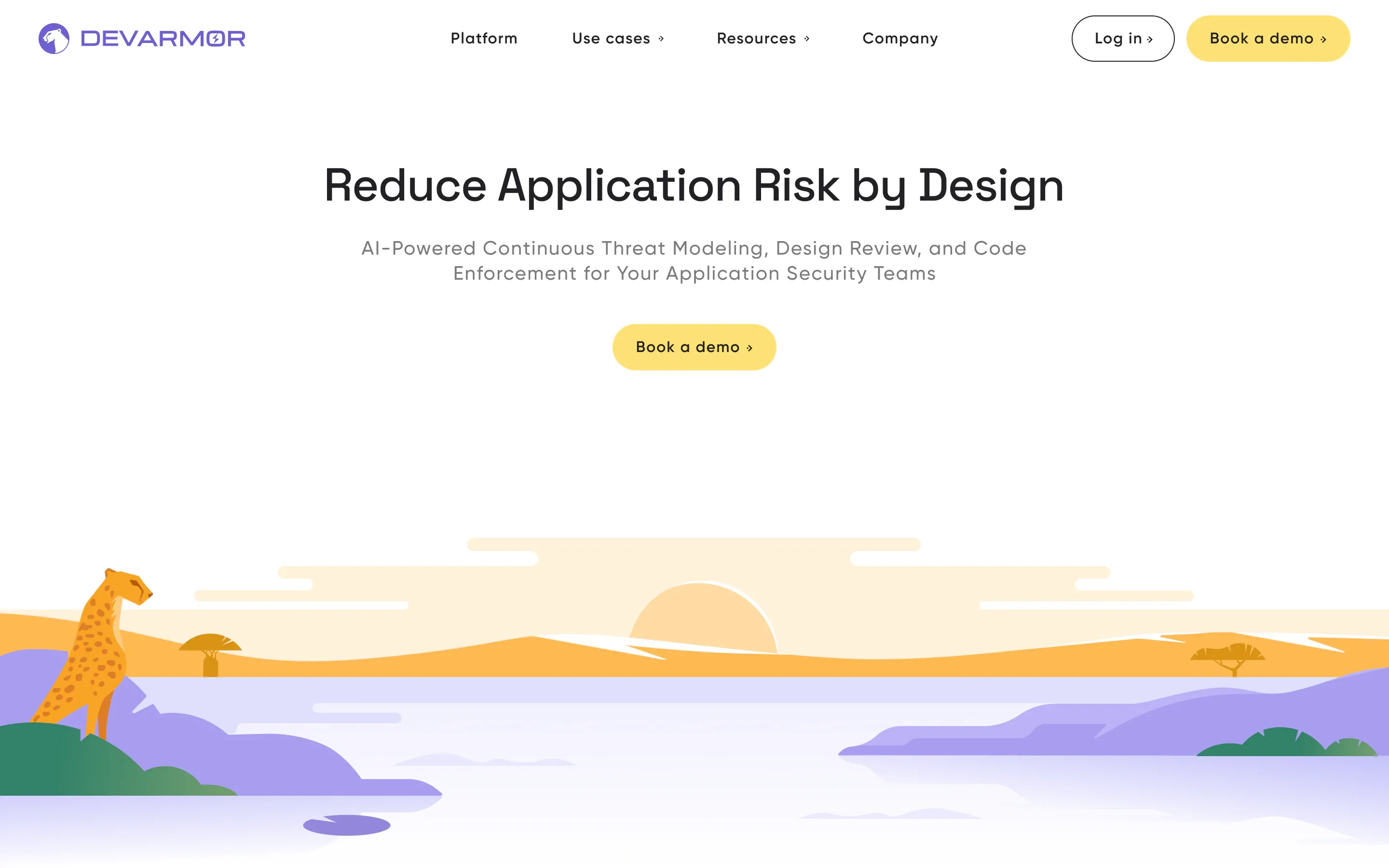
DevArmor

  • Seed

2025-current

Refreshing DevArmor’s brand and website with a bold jungle-inspired system

A new Webflow website for DevArmor, a Series A cybersecurity company helping engineers ship secure software faster.

Case study coming soon

"Just wanted to let you know that we're all very happy with the website and are getting more aligned with the marketing website's design. Thank you all for delivering a well-designed website"

Portrait of Reza KhosraviReza KhosraviHead of Growth @DevArmor

Webflow, Framer or code?

When Webflow is the right call, and when it isn’t.

Webflow suits marketing teams with many pages, a structured CMS and editors who publish every week, without waiting on developers. When the site starts acting like a product, code wins.

Webflow, Framer or custom code
WebflowThis pageFramerCustom code
Best forMarketing teams with many pages and a lot of contentStartups launching fast with a design-led siteProducts, app-like sites and custom integrations
Who edits pagesYour marketing team in the Editor; layouts in the DesignerYour marketing team, on a canvas that feels like FigmaContent in a headless CMS; new layouts need a developer
Time to launch2 to 3 weeks for a landing page, 1 to 3 months for a site2 to 3 weeks for a landing page, 1 to 3 months for a site4 weeks and up, depending on the integrations
CMSBuilt in, with structured collections for hundreds of pagesBuilt in: blog, case studies, changelogAny headless CMS, such as Sanity, with no limits
MotionInteractions, plus GSAP for the heavier partsBuilt for it: interactions without codeAnything, written in code
HostingHosted and secured for you, on a plan per siteHosted and secured for you, on a plan per siteYour own, such as Vercel or Cloudflare
Logic and dataForms, embeds and marketplace appsForms, embeds and pluginsAuth, APIs, databases and AI features

Not sure which fits? We build in all three, so the call is about your team, not our stack.

Our process

How a Webflow build runs.

A full site in about 8 weeks, or a landing page in 3. Coloured bars are our work, grey ones are yours. Point at a step to see what you keep.

Full website in WebflowDesign, build and launch
  1. Week 1

    • Kickoff You: One call on the product, the audience, the pages and what the team needs to edit after launch.
    • Content You: Brand files, product screens and the content you already have.
    • Scope Strategy and design: The product, the audience, the goals and what the Webflow site has to support after launch.
  2. Week 2

    • Sitemap Strategy and design: The pages, the sections, the CMS collections and the content flow.
    • Page design Strategy and design: Every page in high fidelity, with the tablet and phone layouts and the product visuals.
  3. Week 3

    • Sitemap OK You: You sign off the pages, the sections and what goes in the CMS.
  4. Week 4

    • Design OK You: You sign off the design before the build starts in earnest.
    • Webflow build Webflow build: Every page built in Webflow, with CMS collections, motion and the responsive layouts.
  5. Week 5

    • CMS and content Webflow build: Blog, case studies and resources set up as collections, with the first entries in.
  6. Week 6

    • Review You: Your notes on the Webflow build, page by page, on a staging link.
  7. Week 7

    • Training You: A walkthrough of the Webflow editor, so your team can change pages on day one.
    • QA and launch Webflow build: Every page on every screen size, SEO checks, redirects and 30 days of launch support.
  8. Week 8

    • Launch You: The site goes live on your domain. The file and the site are yours.
Landing page in WebflowOne page, designed and built
  1. Week 1

    • Kickoff You: One call on the launch, the audience and the one action the page has to drive.
    • Structure and design Strategy and design: Sections, hero message, UX copy and the page in high fidelity.
  2. Week 2

    • Design OK You: You sign off the design.
    • Webflow build Webflow build: The page built in Webflow, with motion and tracking.
  3. Week 3

    • Build review You: Your notes on the build, on a staging link.
    • Launch You: The page goes live. It is yours to edit.
    • QA Webflow build: Every screen size and a PageSpeed check.

Want more examples?

A few of our recent Webflow websites.

01 / 04

Running costs

What a Webflow site costs to run each month.

Webflow bills the site plan and workspace seats separately. These are Webflow’s own prices, verified June 2026; the build is a separate cost.

  • Site plan

    Premium, $25 a month billed annually, is the baseline for a blog. Basic, at $15, has no CMS.

  • CMS limits

    Premium has included 20,000 CMS items, 40 collections and 50GB bandwidth since May 2026.

  • Full Seats

    $39 a month for each person who builds and designs in Webflow.

  • Editors and reviewers

    A Limited Seat for lighter editing is $15 a month. Reviewers who only comment get a Free Seat.

  • A/B testing add-on

    Webflow Optimize, for A/B tests and personalisation, starts at $299 a month on top.

  • What teams pay

    A Series A team on Premium with one to three Full Seats pays around $100 to $250 a month.

Proof

Webflow work backed by real proof.

  • Premium

    Webflow Premium Partner

    Our tier in Webflow’s partner program.

  • 4 weeks

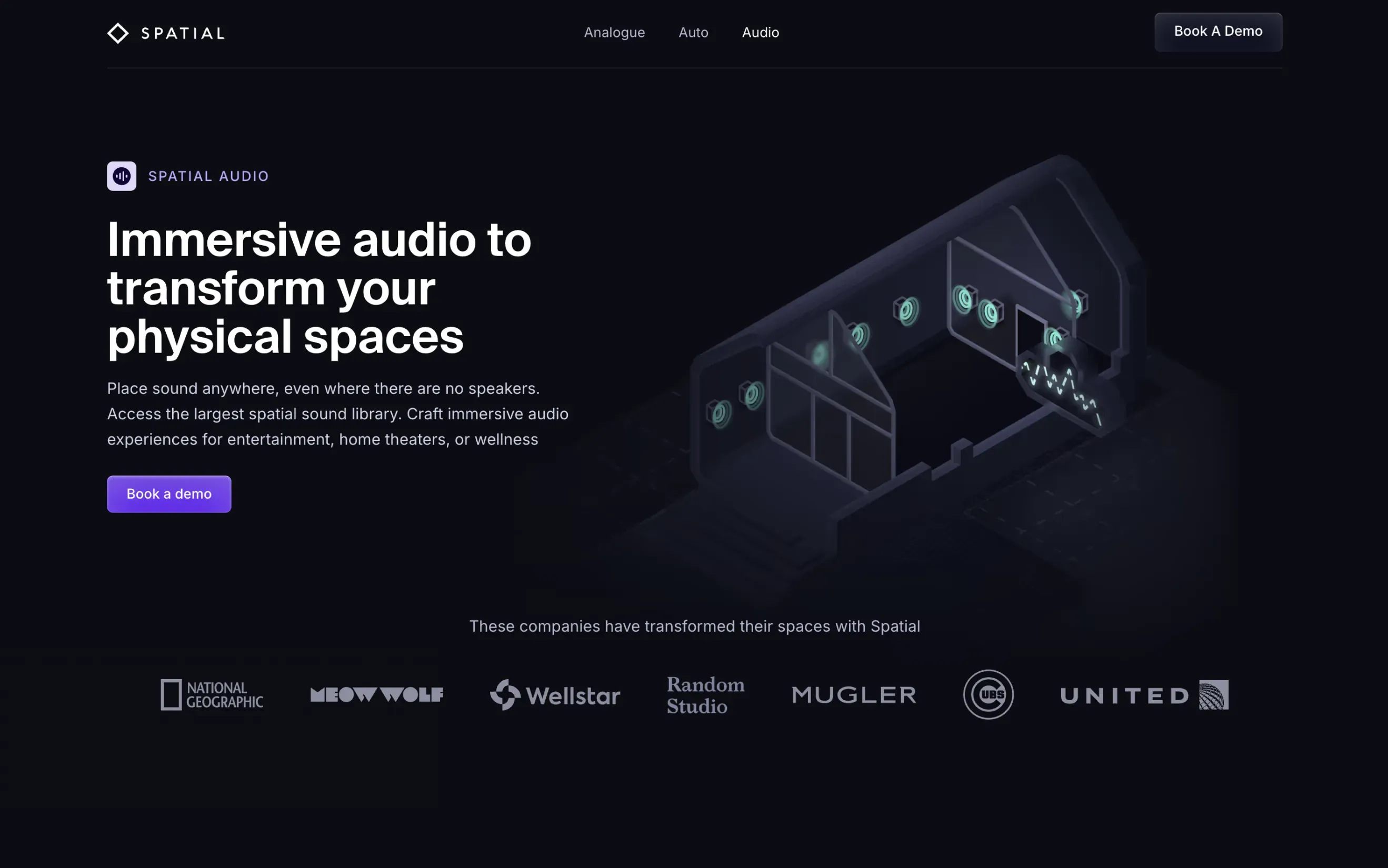
    To launch Spatial’s Webflow site

    Site structure, visual language, design and Webflow build in one month.

  • 93/100

    PageSpeed score on Spatial’s site

  • 130

    Subpages redesigned for Seamless.AI

    With Webflow QA, for a sales platform with over a million users.

  • 5

    Migration guides to and from Webflow

    What moves, what gets rebuilt and how every URL is kept, path by path.

  • 5.0/5

    Top rated agency on Clutch

Testimonials

Words from the teams we’ve worked with

“DesignMe turned around a complex project in just one month, covering information architecture, visual language, high-fidelity design, and Webflow development.

To launch the new website
4 weeks
PageSpeed Insights score
93/100
Portrait of SidSidHead of Product

“Just wanted to let you know that we're all very happy with the website and are getting more aligned with the marketing website's design. Thank you all for delivering a well-designed website”

Portrait of Reza KhosraviReza KhosraviHead of Growth @DevArmor

“The team delivered under intense timelines and we launched our website on Product Hunt with confidence. It's been a pleasure working together. Thank you for all the effort!”

Product of the Week on Product Hunt
1st
To launch the new website
8 weeks
Portrait of Suvrat BhooshanSuvrat BhooshanCo-founder and CEO

More reviews onClutch (opens in a new tab)

Faqs

Questions about Webflow

Adrian

Still having more questions?

Send us your current site, product, goals, and what needs to change. We’ll help you map the right scope, team, timeline, and next steps.

What does a Webflow development agency do?

A Webflow development agency designs and builds websites in Webflow, including CMS collections, responsive layouts, interactions and SEO setup. DesignMe covers the full project, from sitemap and design to Webflow build, QA and launch support.

Is Webflow still a good choice for modern websites?

Yes. Webflow is a strong choice for structured marketing sites, CMS-heavy websites, SEO content, resource hubs, landing pages and teams that need control over content and page structure.

When should we choose Webflow over Framer?

Choose Webflow when the site needs a deeper CMS, more structured content, more SEO control, or your team already works in Webflow. Choose Framer when speed, visual polish, motion and easy editing matter most.

Can you design and build the full Webflow site?

Yes. DesignMe handles website structure, design, Webflow development, CMS setup, responsive pages, interactions, QA and launch support.

Can our marketing team update a Webflow site after launch?

Yes. DesignMe builds reusable sections, CMS collections and clear editing rules, so your team publishes content and updates pages without a developer for every change.

Can you migrate our site to Webflow?

Yes. DesignMe migrates sites from WordPress, Framer, Wix and other platforms to Webflow: we rebuild the structure, move the content into CMS collections, and keep or redirect every URL.

Is Webflow good for SEO?

Yes, when the site is set up properly. We focus on page structure, metadata, headings, redirects, clean URLs, performance, internal linking and CMS templates built for search growth.

Can you build CMS pages in Webflow?

Yes. DesignMe sets up Webflow CMS collections for blogs, case studies, resources, jobs, glossary pages, comparisons, integrations, use cases and changelogs.

Can you add motion and interactions in Webflow?

Yes. Webflow supports scroll effects, hover states and animations. We use motion where it improves the story or guides attention, and keep the pages fast.

How long does a Webflow website take?

A Webflow landing page can move quickly. A full Webflow website with CMS, several page types, interactions and QA typically takes 1 to 3 months, depending on scope and content.

How much does a Webflow website cost?

DesignMe Webflow projects typically start from $10,000 for a landing page and $15,000 or more for a multi-page website. The final price depends on pages, CMS needs, design complexity, migration work and launch support.

You've reached the end, so now…

Tell us what you’re building.

We’ll help you map the right scope, team, timeline, and next steps.

Book a call