How We Moved Our Site From Framer to Astro, and the Numbers Before and After

Adrian KuleszoCo-founderUpdated
Table of contents
We ran designme.agency on Framer for three years. In October 2026 we moved it to Astro, and it took six days from the first commit to the DNS switch.
This isn’t a “which tool is better” piece (we wrote that one already). It’s what we actually did, the numbers before and after, measured on both sites, and what changed once the site lived in code.
Why we left Framer
Framer got us a long way. It’s still one of the fastest ways to get a good-looking site live, and we still build on it for clients.
But after three years our own site had grown into something Framer wasn’t great at:
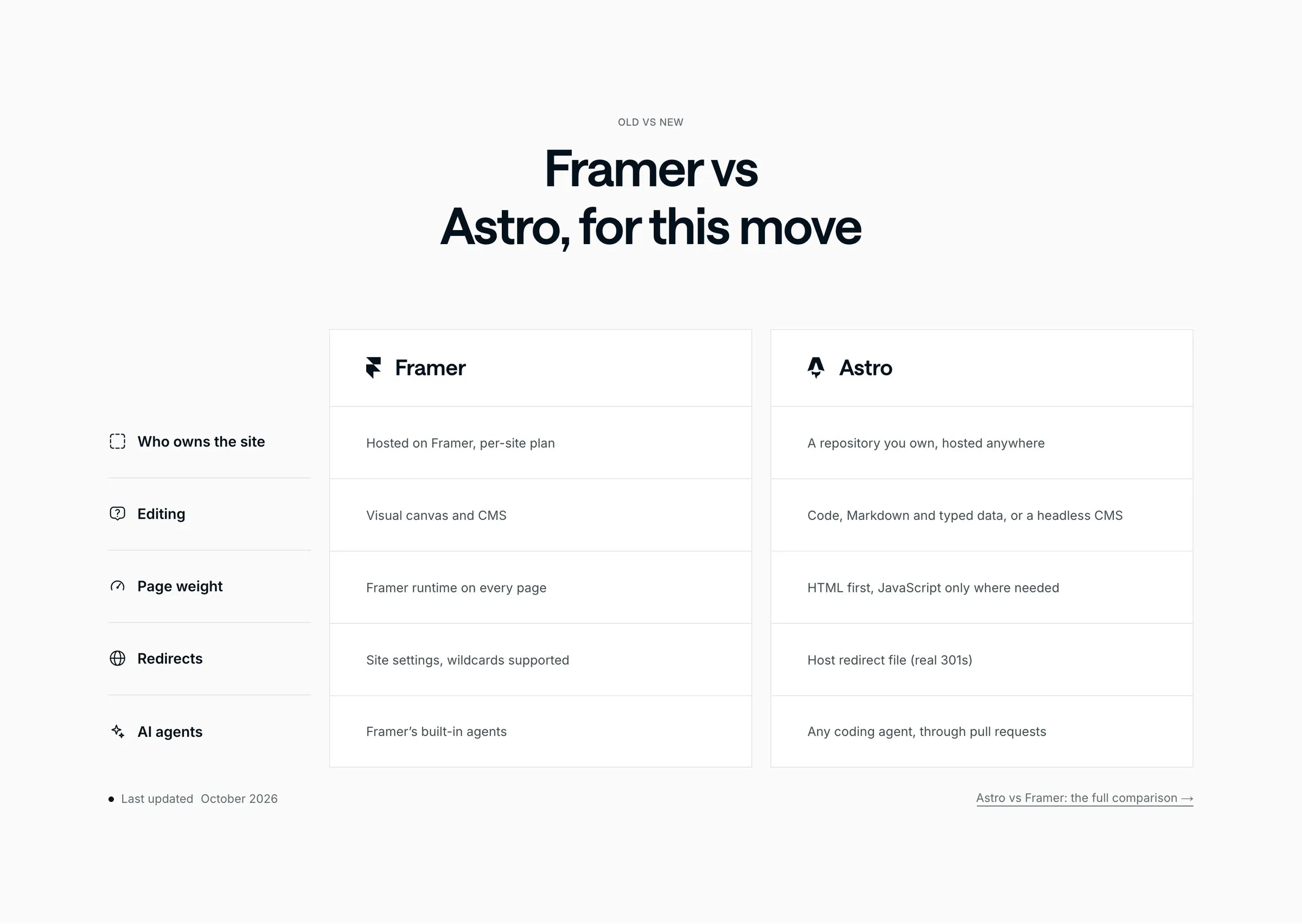
- The design had drifted. We counted 50+ colors and 30+ font sizes across the pages, added one section at a time. Nobody noticed page by page, you only felt it when adding something new.
- Every page carried the Framer runtime. Our homepage downloaded 5.6 to 6.9MB of JavaScript before anyone scrolled.
- Every change went through the canvas. Small edits waited for whoever had time to open the editor.
- We wanted pages built from data. Integrations, comparisons, migration guides and locations are the same template with different content, and that’s what code is good at.
The last one is the real reason. We wanted a site we could change by describing the change, the same way we already work with Claude on client products.
Why Astro, and not Next.js or Webflow
Astro ships plain HTML and only adds JavaScript where a section needs it, which suits a marketing site that’s mostly content. The content lives as Markdown and typed data files in the repository, so Claude can read and edit it directly. And it hosts anywhere: ours runs on Cloudflare.
Next.js would have worked too, but it’s built for apps first (we compared the two here). Webflow would have fixed the design drift but not the editing bottleneck.
How the move went
Framer has no HTML export, so moving to Astro is a rebuild. The content comes with you, the layout doesn’t. Here’s the order we did it in.
Six days, first commit to live
Inventory
Every URL on the old site, from the sitemap, search data and old links, into one redirect map.
Tokens
One small set of colors and one type scale, with light and dark mode built from the same tokens.
Content
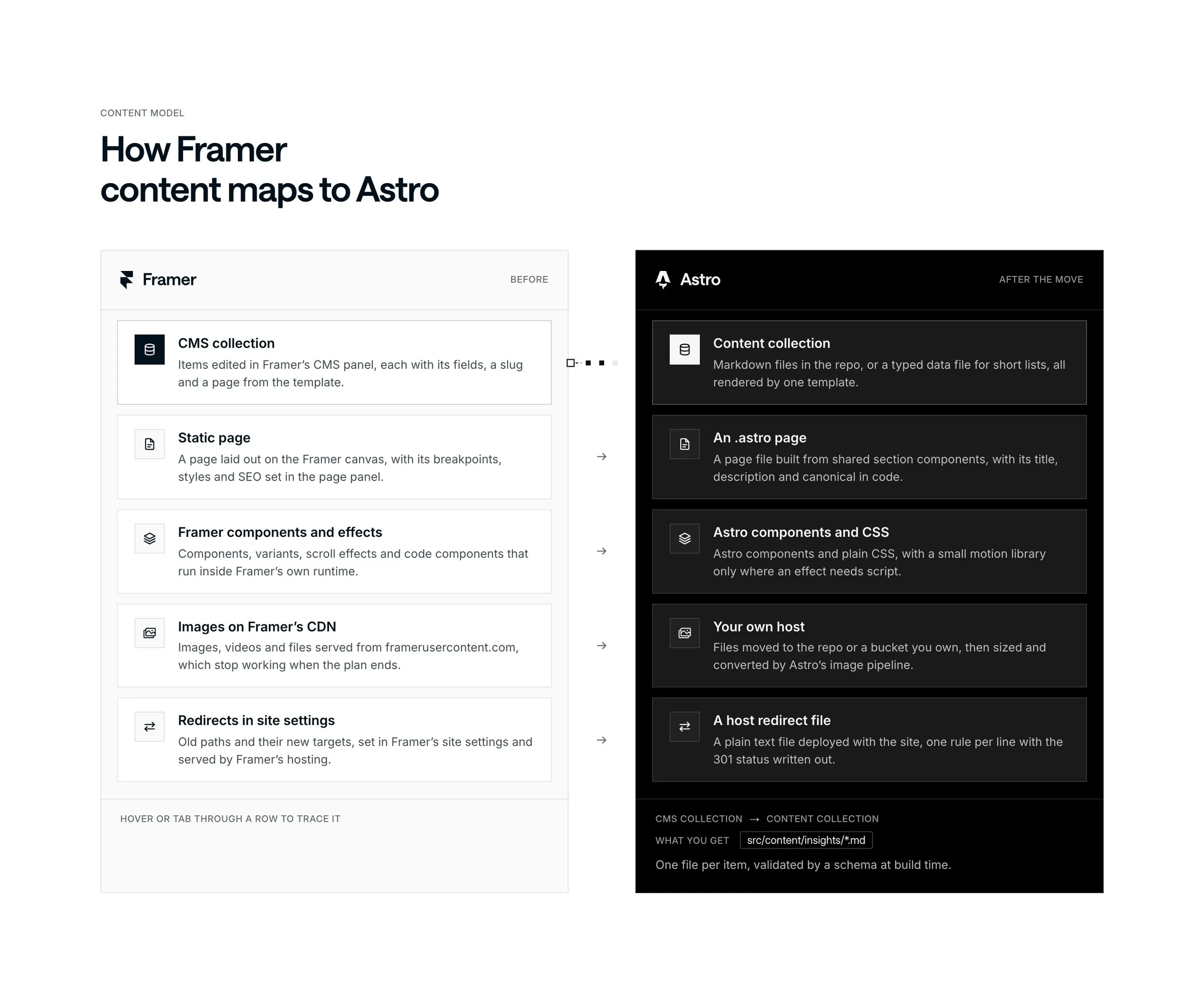
The CMS exported as CSV and turned into Markdown, case studies rebuilt as their own pages.
Staging
The full site on a private address, checked page by page against the old one.
Switch
One DNS change, with a five-minute path back to Framer if anything broke.
The redirect map is the part most migrations get wrong, so we started there. The 63 live pages were only part of it: Framer’s own redirects, hidden pages and short links in old articles each needed a decision too. At the switch the map had 116 rows: 65 kept exactly the same path, 43 got a 301 redirect to their new home and 8 were retired on purpose. So every page that had earned links or rankings still has a working address. In the first week after launch, 404 reports turned up a few more old links, and the map is now 124 rows. (We wrote up the method in how to build a redirect map.) We also exported 5 CMS collections and moved 1,378 images and files off Framer’s CDN.
The numbers: how we measured
- Tool. PageSpeed Insights (Lighthouse 13.5.0) on pagespeed.web.dev, on 17 October 2026. Mobile is Lighthouse’s emulated Moto G Power on slow 4G; desktop is its default desktop profile.
- Sites. “Framer” is the last published version of our Framer site on its framer.app staging domain, still on Framer’s hosting. “Astro” is the live www.designme.agency on Cloudflare.
- Pages. The homepage, one insight article (SaaS website design cost), one case study (N3XT) and our plans page. Framer had no /pricing page, so its plans page is /design-subscription; we compare it with the new /pricing and, like for like, with the new /design-subscription.
- Runs. 3 runs per page, per site, per device, and the median of each metric. One Framer desktop run of the case study timed out and was replaced by a fourth run.
- What the numbers mean. Page weight is everything Lighthouse downloads during its test, before anyone scrolls. Requests are the network requests it logs. JavaScript is the transfer size of all scripts.
- What we left out. The Lighthouse SEO score. Framer’s staging domain is set to noindex, which costs points the live Framer site didn’t lose, so the comparison wouldn’t be fair.
The pages aren’t pixel copies. The Astro build snaps every value to a design system, and a few sections changed after launch. Astro also loads videos only when they scroll into view, which is part of why the pages are lighter.
The results
Mobile, median of 3 runs:
| Page | Performance | LCP | Total Blocking Time | Speed Index | Page weight | Requests | JavaScript |
|---|---|---|---|---|---|---|---|
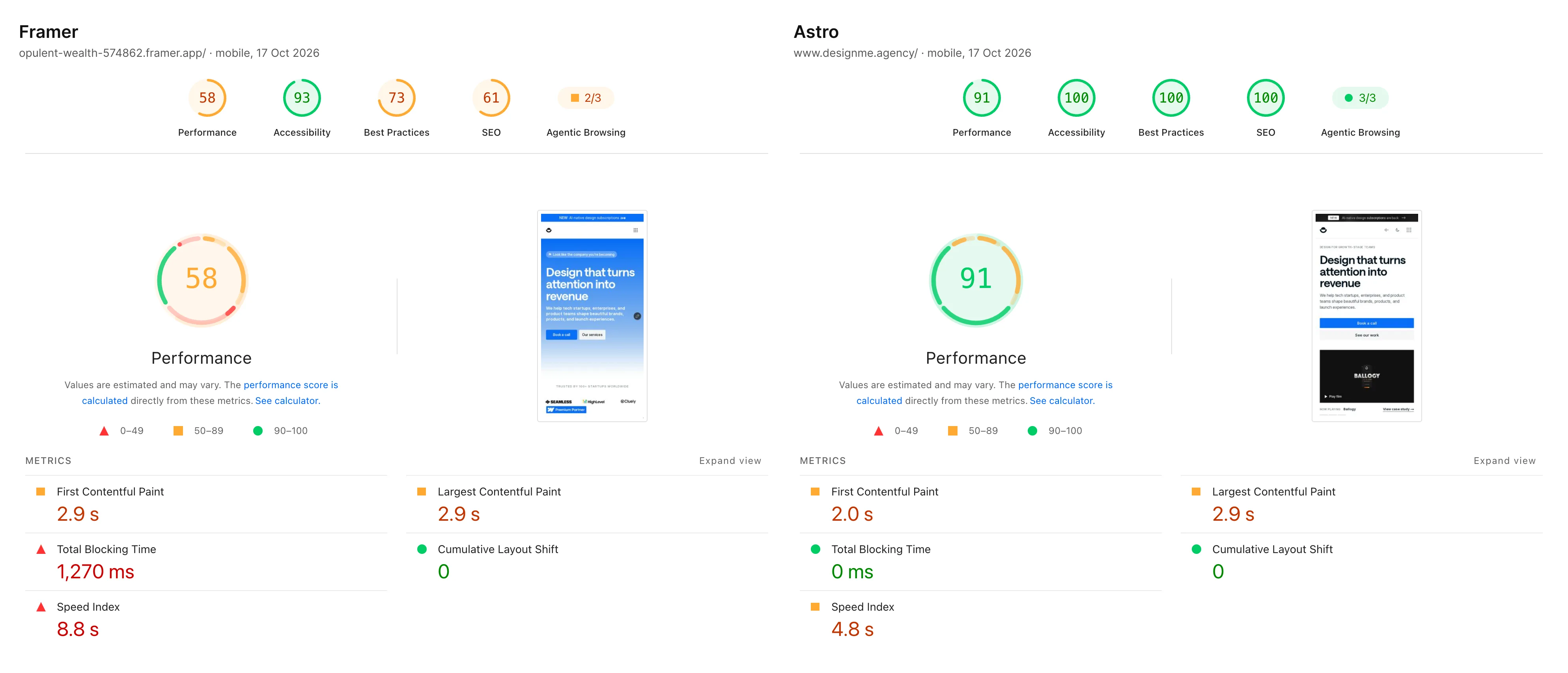
| Homepage | 58 → 91 | 2.9 s → 2.9 s | 1,271 ms → 0 ms | 8.3 s → 4.3 s | 12.13MB → 0.49MB | 571 → 70 | 6,913KB → 37KB |
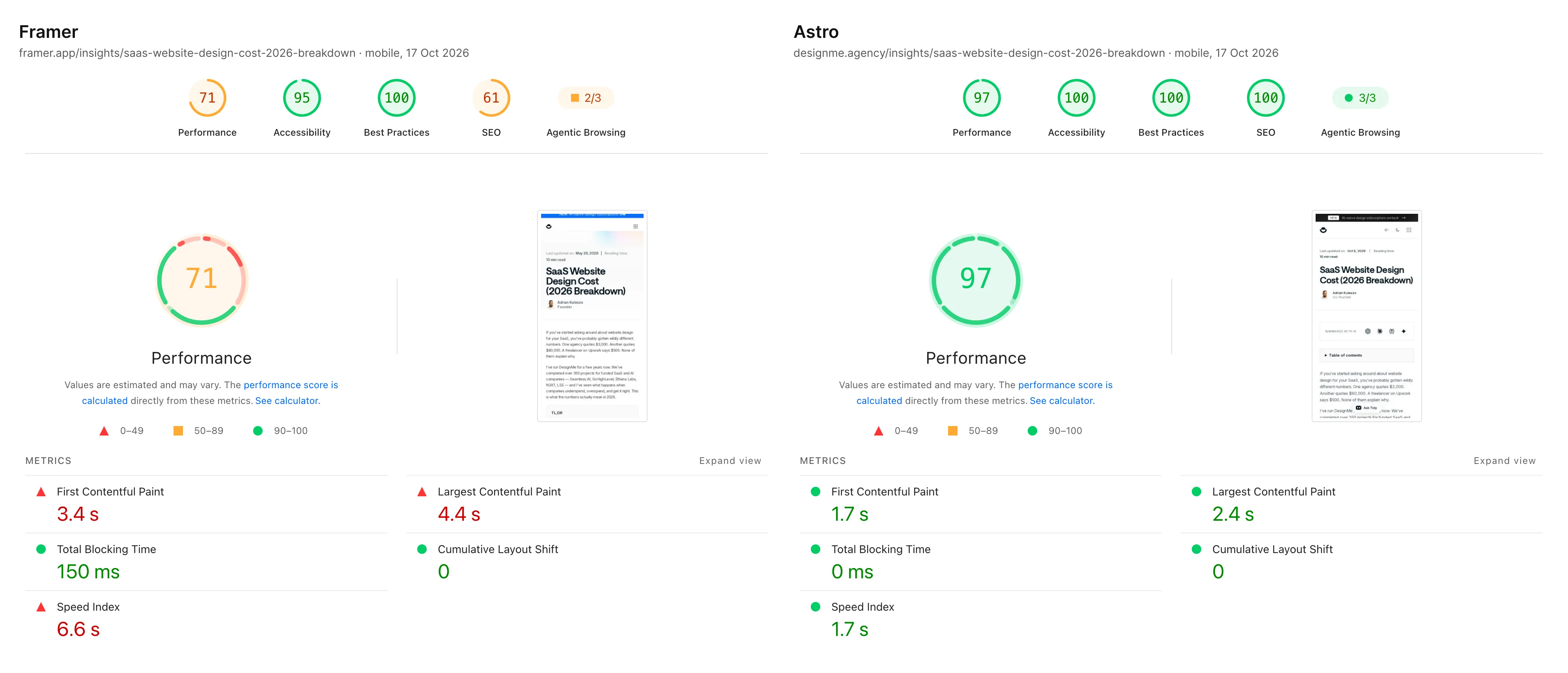
| Insight article | 71 → 97 | 4.4 s → 2.4 s | 151 ms → 0 ms | 6.6 s → 1.7 s | 1.88MB → 0.25MB | 76 → 21 | 1,004KB → 33KB |
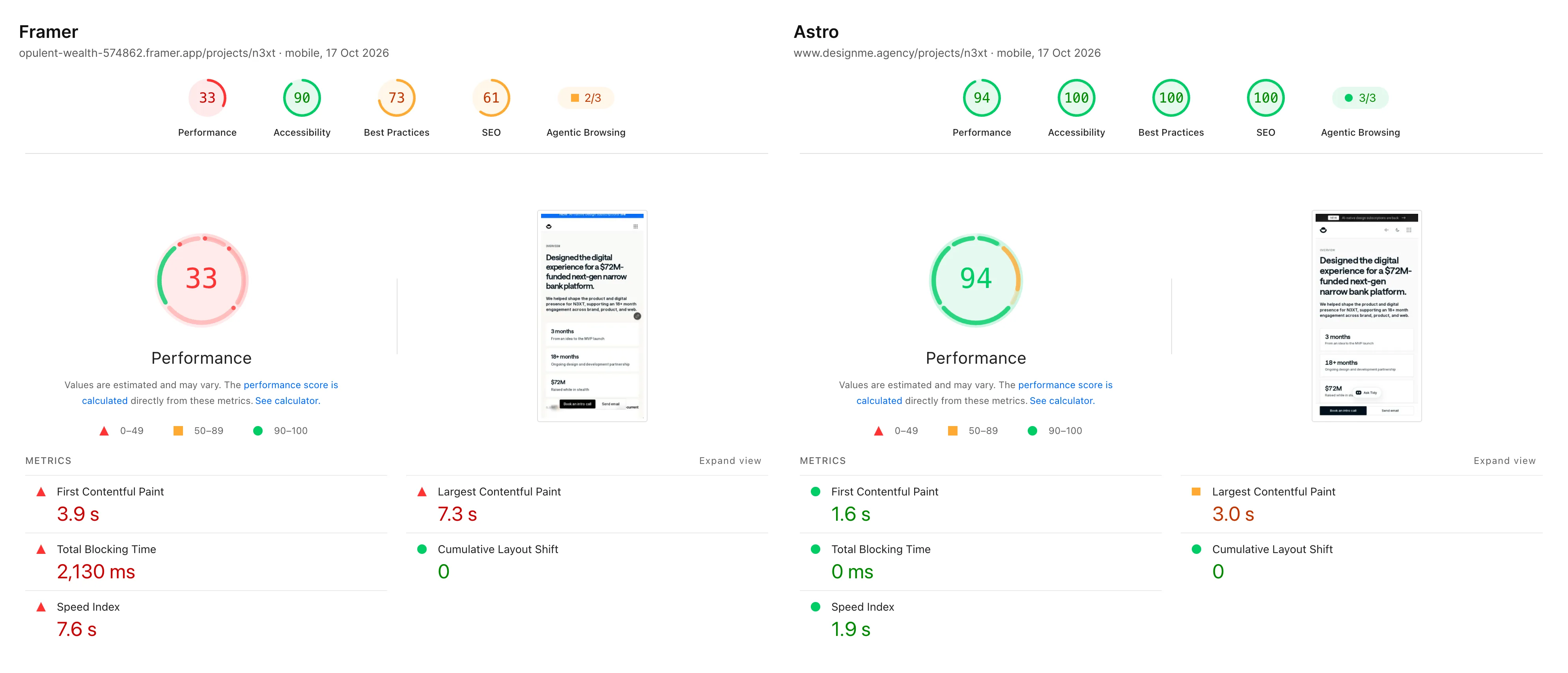
| Case study (N3XT) | 33 → 94 | 7.3 s → 3.0 s | 2,135 ms → 0 ms | 7.6 s → 1.9 s | 8.05MB → 0.59MB | 488 → 38 | 6,710KB → 35KB |
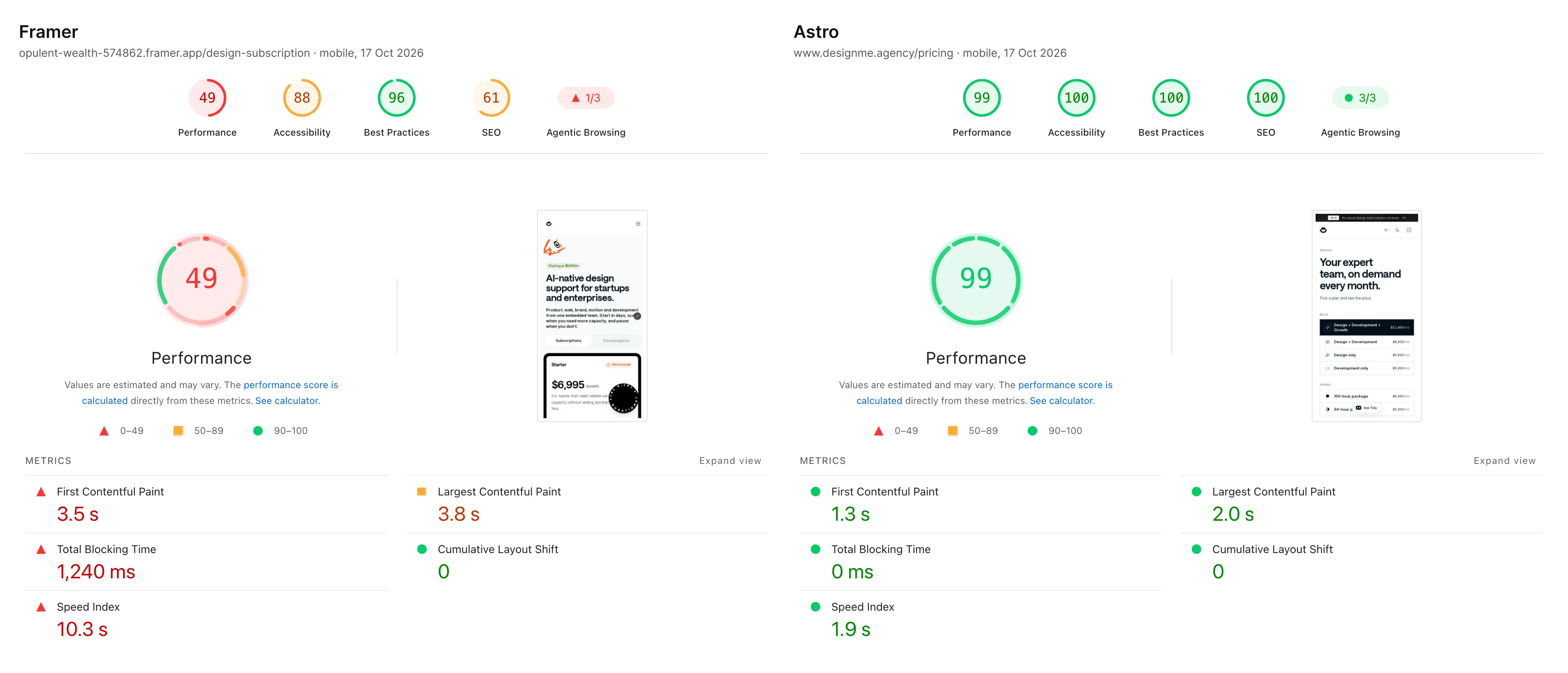
| Plans (/design-subscription → /pricing) | 49 → 99 | 3.3 s → 2.0 s | 1,244 ms → 1 ms | 10.3 s → 2.0 s | 56.41MB → 0.45MB | 534 → 30 | 5,671KB → 33KB |
| /design-subscription, like for like | 49 → 92 | 3.3 s → 2.6 s | 1,244 ms → 0 ms | 10.3 s → 4.4 s | 56.41MB → 0.34MB | 534 → 36 | 5,671KB → 37KB |
Desktop, median of 3 runs:
| Page | Performance | LCP | Total Blocking Time | Speed Index | Page weight | Requests | JavaScript |
|---|---|---|---|---|---|---|---|
| Homepage | 54 → 100 | 2.5 s → 0.5 s | 1,361 ms → 0 ms | 1.7 s → 0.9 s | 10.33MB → 0.52MB | 512 → 75 | 5,590KB → 37KB |
| Insight article | 54 → 94 | 1.7 s → 0.4 s | 18,870 ms → 195 ms | 3.5 s → 0.6 s | 2.05MB → 0.34MB | 105 → 28 | 1,221KB → 33KB |
| Case study (N3XT) | 62 → 100 | 1.3 s → 0.5 s | 1,192 ms → 0 ms | 2.1 s → 0.6 s | 8.60MB → 0.61MB | 535 → 37 | 7,068KB → 35KB |
| Plans (/design-subscription → /pricing) | 59 → 100 | 0.8 s → 0.5 s | 17,502 ms → 0 ms | 6.0 s → 0.8 s | 52.08MB → 0.45MB | 218 → 29 | 1,594KB → 33KB |
Accessibility went from 88 to 95 on the Framer pages to 100 on every Astro page, and Best Practices from 73 to 100 to 100. Cumulative Layout Shift was already close to zero on both sites.
What the numbers say
JavaScript is the difference. Every Framer page shipped Framer’s runtime: 1 to 1.2MB of scripts on the article and 5.6 to 7.1MB on the homepage and case study. The Astro pages ship about 35KB, for the menu, the theme toggle and the few interactive parts. That’s why Total Blocking Time went to zero: there’s almost nothing left for the phone to run.
Media was the weight. The old /design-subscription page downloaded 32 to 47MB of video during the test, before anyone scrolled. On Astro, videos sit in object storage and load when they scroll into view.
LCP improved least. On mobile, the case study’s LCP went from 7.3 to 3.0 seconds and the article’s from 4.4 to 2.4, but the homepage stayed at 2.9 seconds on both sites, and three of the five mobile LCPs are still above Google’s 2.5-second “good” line in the lab. That’s the next thing for us to fix, and it’s a reminder that a new framework doesn’t fix the largest image on the page for you.
What real visitors saw
Lab tests run on one emulated phone. The Chrome UX Report (CrUX) collects what real Chrome users experience, in 28-day windows. These are the 75th percentile values for designme.agency, all devices:
| 28-day window ending | Site | LCP | INP | CLS |
|---|---|---|---|---|
| 10 January 2026 | Framer | 2,018 ms | 150 ms | 0.03 |
| 11 July 2026 | Framer | 1,859 ms | 104 ms | 0.02 |
| 10 October 2026 | Framer | 1,791 ms | 103 ms | 0.02 |
| 14 November 2026 | Astro | Coming mid-November | Coming mid-November | Coming mid-November |
Across all devices, real visitors on our Framer site were already inside Google’s “good” thresholds for all three metrics: they browse on faster devices and connections than Lighthouse’s test phone. So the field gain will be smaller than the lab gain. Real-user data for the Astro site doesn’t exist yet: Chrome reports in 28-day windows, and the first window with only Astro traffic ends on 14 November 2026. We’ll update this article with the Astro row once Google publishes it.
The speed fixes that got us there
Astro gets you most of the way, but the last points came from a handful of fixes around launch. None of them needed a redesign, so you can steal them for any site. The numbers here are from our own Lighthouse runs while making each fix:
- Load the tag manager and the hero video on the first tap or scroll, with a timeout as backup. Mobile blocking time went from 410ms to 0 with this one change.
- Inline the CSS. No separate stylesheet request, so the page paints straight away. Speed Index went from 5.1s to 2.0s and the page looks identical.
- Preload one font, not two. The body font was competing with the headline font on slow phones. Now body text uses a size-matched fallback until it arrives, so nothing jumps.
- Re-export logos as lossless WebP. 634KB down to 394KB, pixel for pixel the same.
- Check what the first tap costs. Our interface sounds started an audio engine on the first touch, which cost about 240ms. Phones now start with sounds off.
What we built in the first week
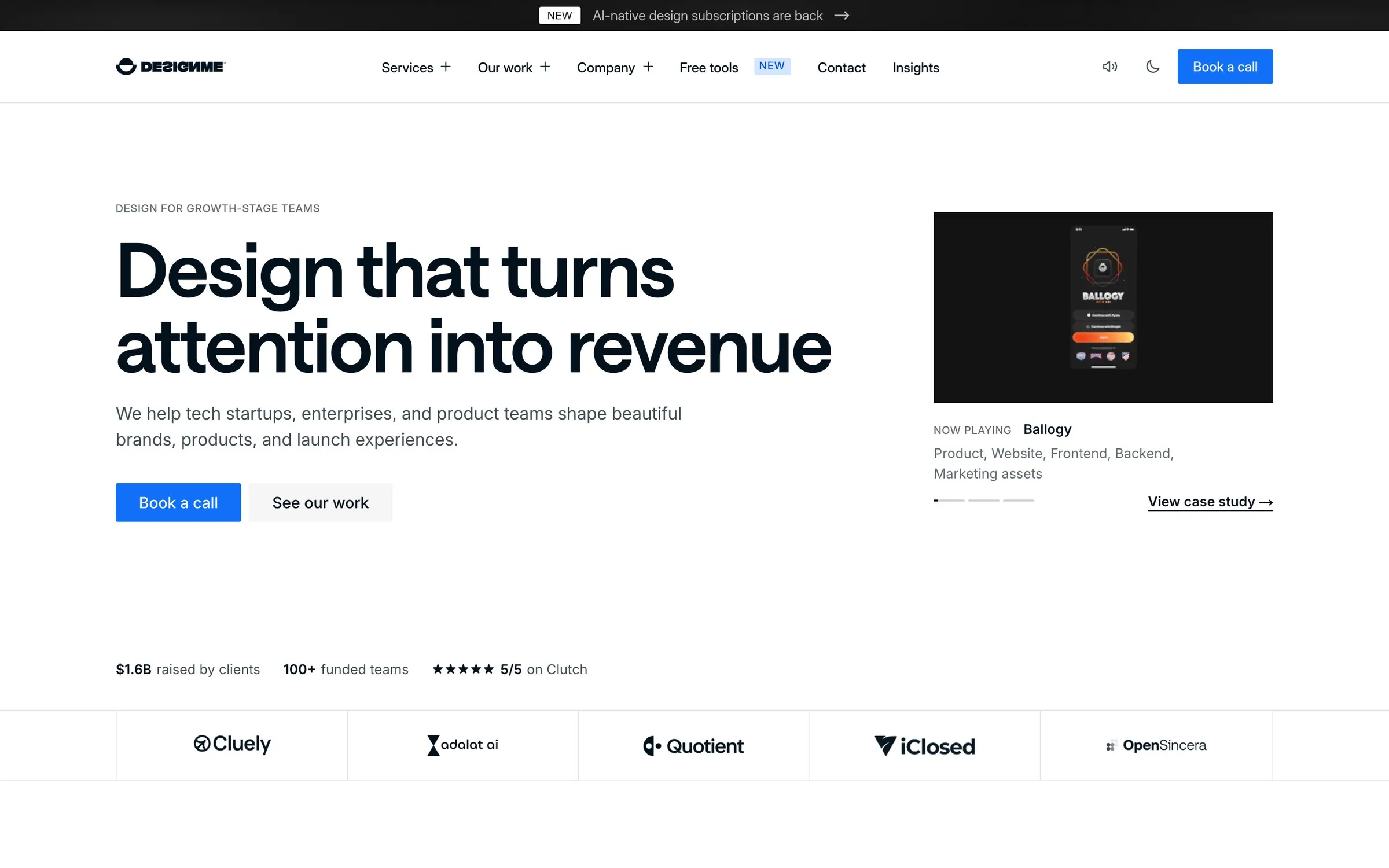
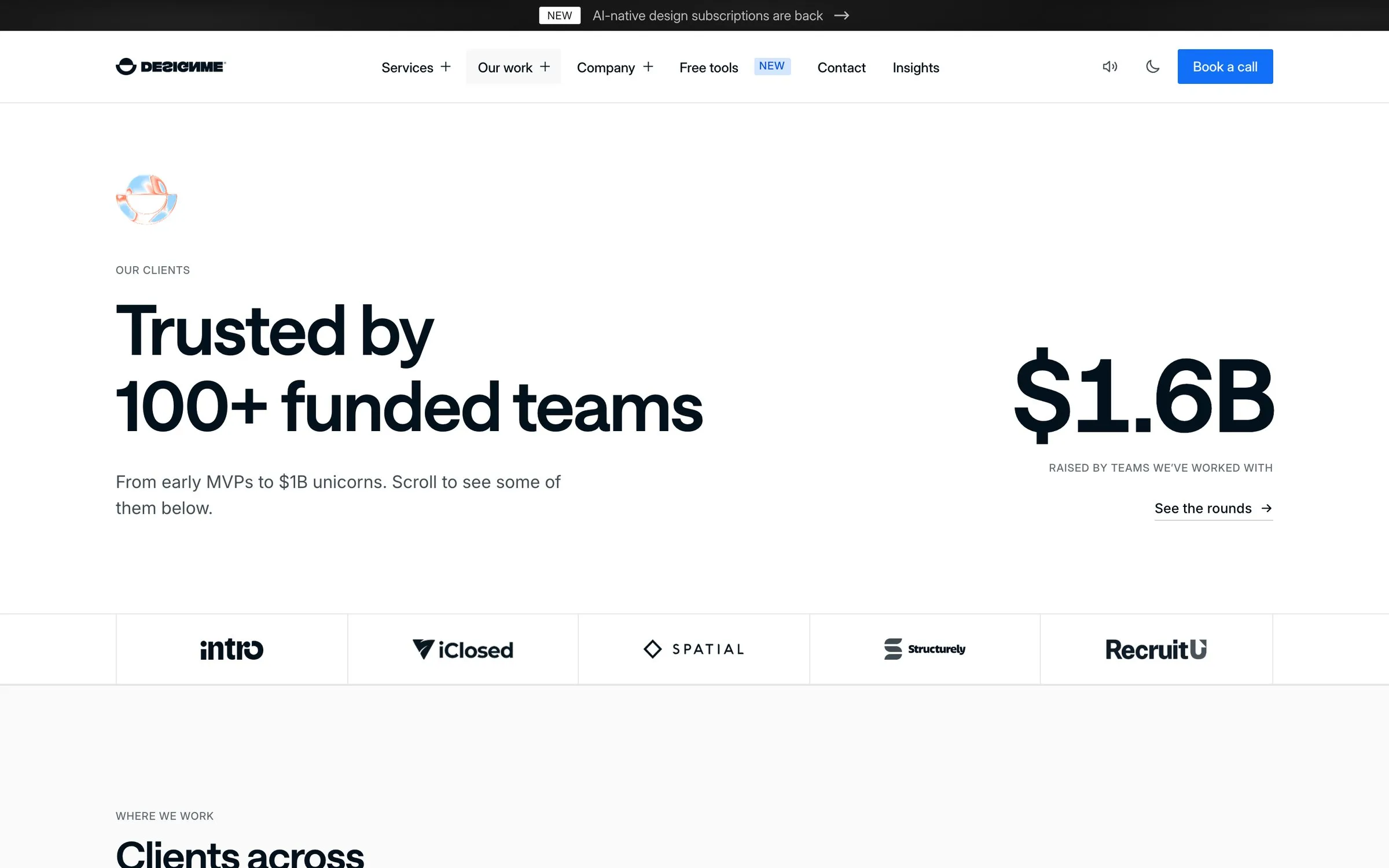
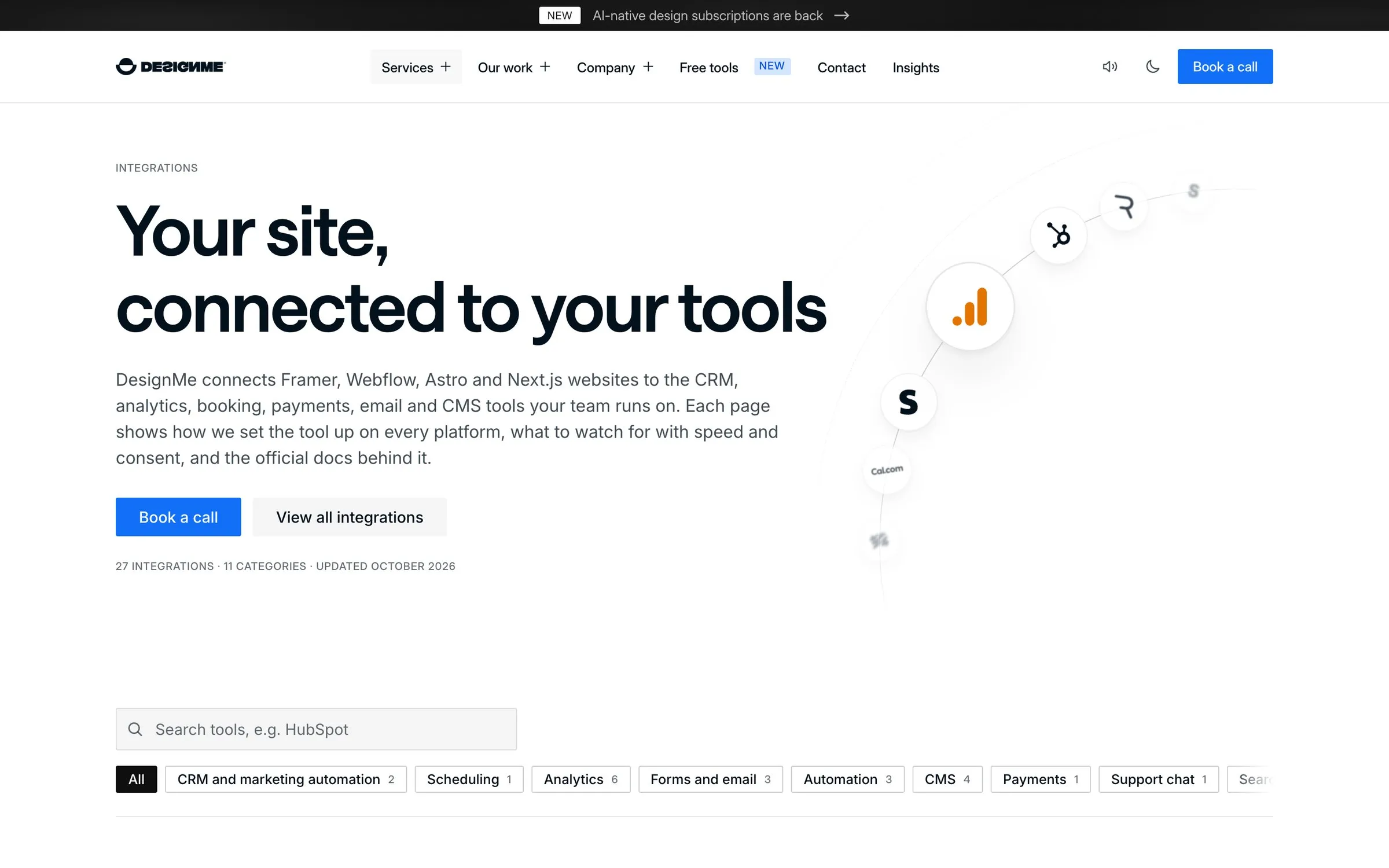
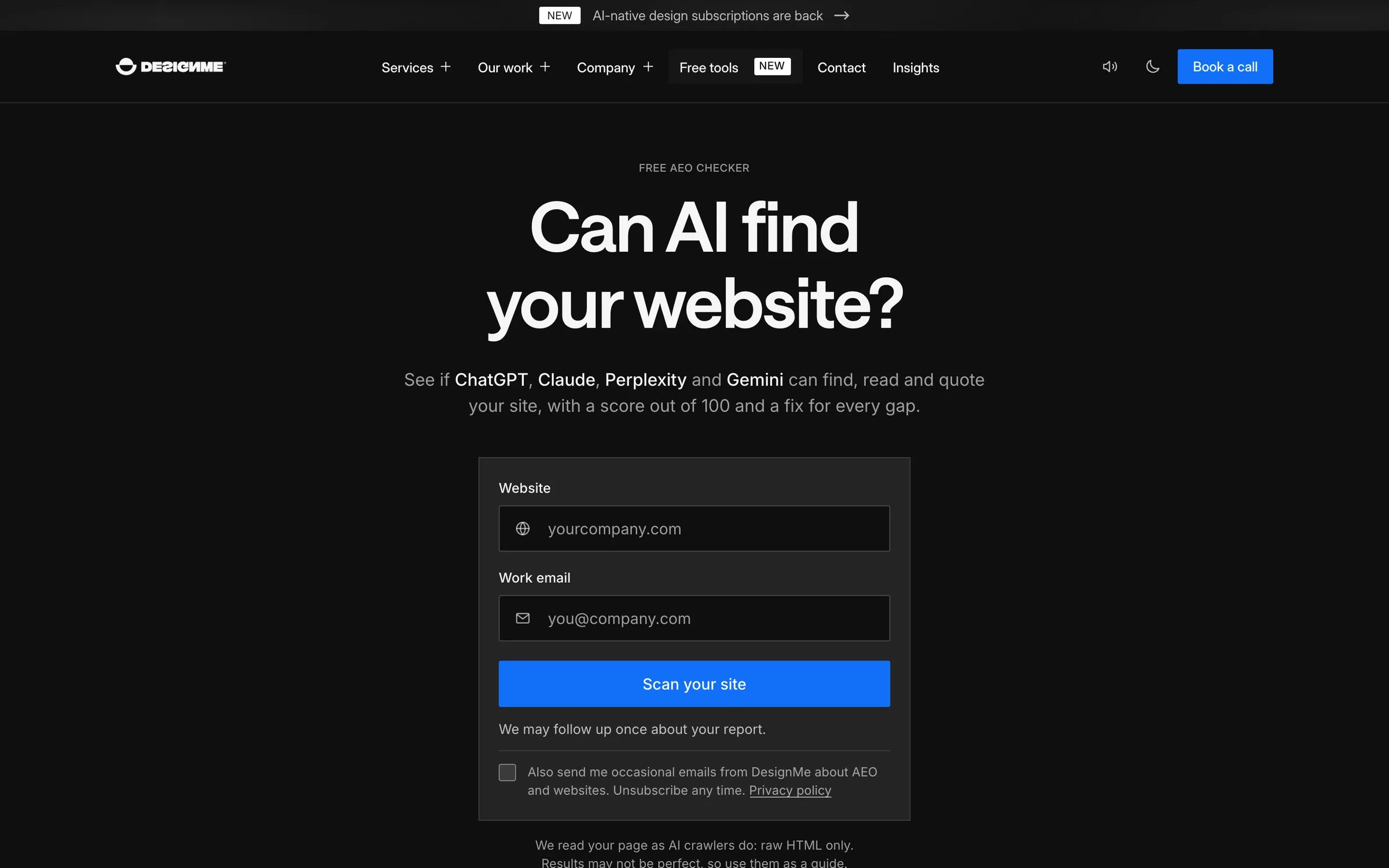
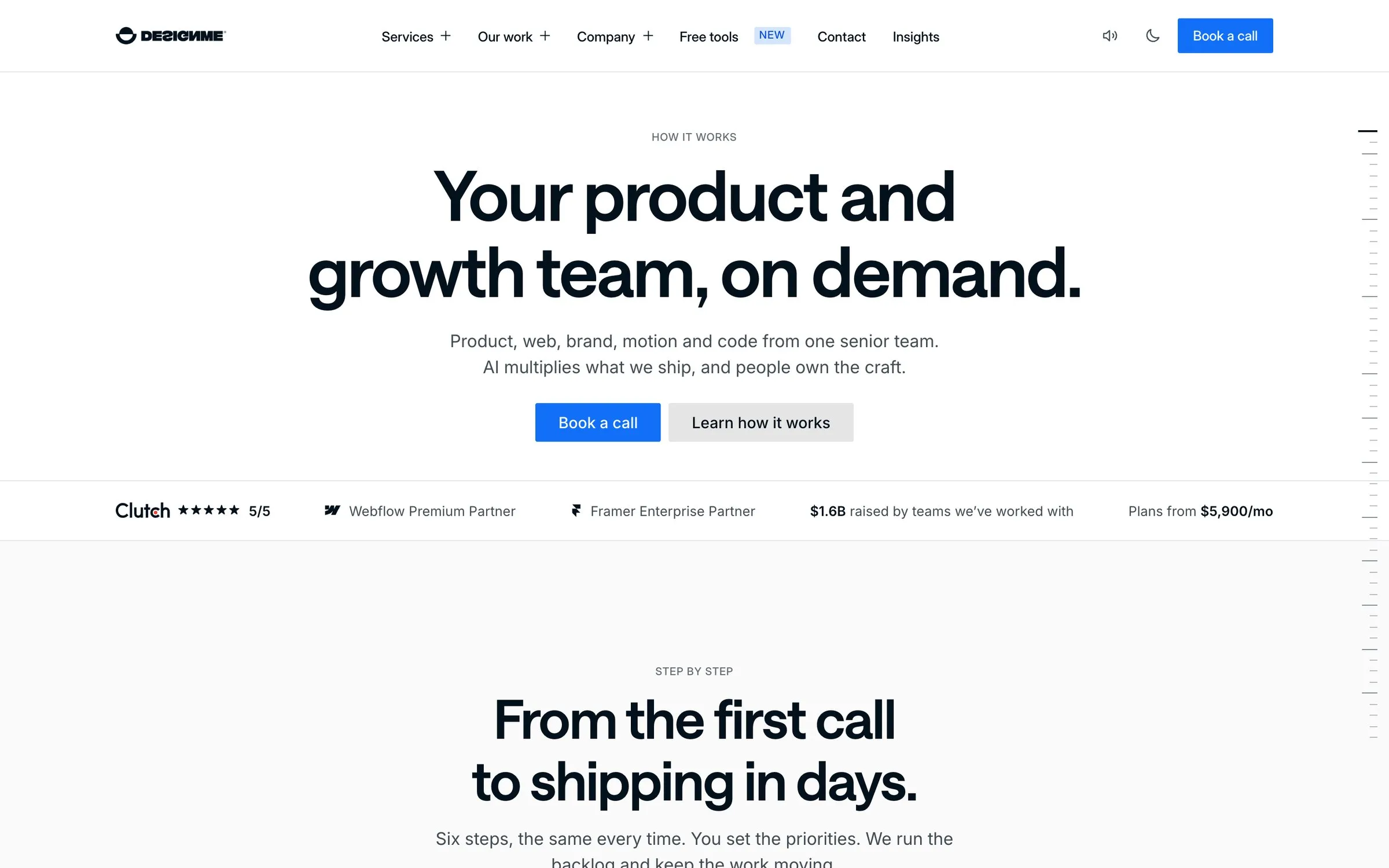
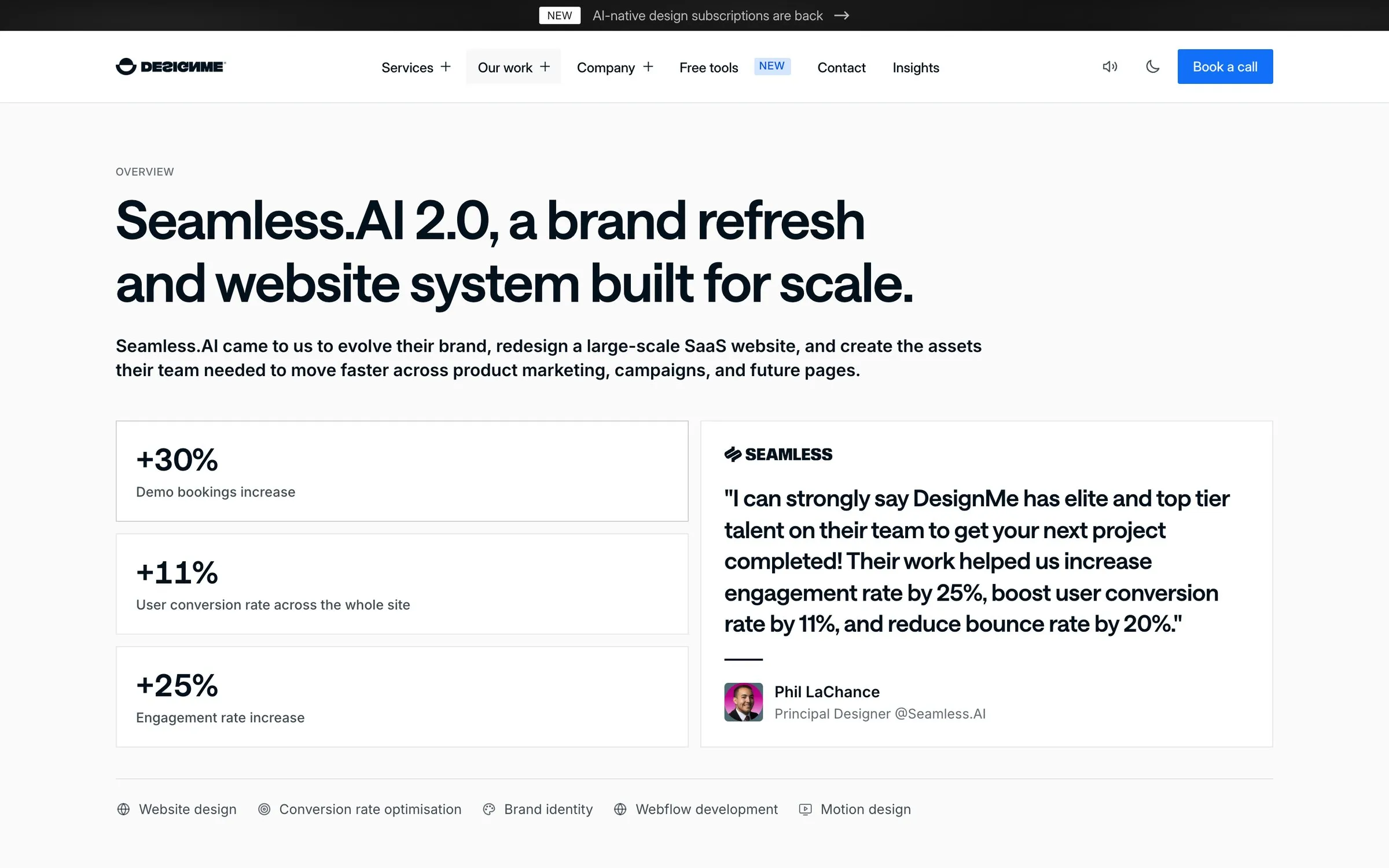
Moving the site was the start, not the finish. Because pages now come from templates and data, the first week added things that would have taken a month on the canvas: a client map, 28 integration pages, migration guides, comparison pages, free tools, an assistant called Tidy, and a process section you can actually click through.
Editing the site by asking Claude
This is the part I care about most. In the six days after the switch, 91 changes were merged into the site: a new team member on the About page, a shorter contact form, a free tool without an email gate, faster videos, small copy fixes. Most of them started as one sentence to Claude.
It’s not cowboy editing. Every change shows up as a preview first, the site is built from scratch to check nothing broke, and only then does it go live. It’s the same process a developer would follow, minus the ticket and the wait. (If you want this for your team, here’s how to set it up.)
Here’s what that changed in time and money:
| Framer | Astro | |
|---|---|---|
| Hosting and plan | About $150 a month, with 5 editors | $0 a month on Cloudflare’s free tier |
| A typical page edit | 3 to 5 hours, depending on the size of the edit | 10 to 15 minutes with Claude |
The cost of the move itself is the rebuild, which is far larger than years of a Framer plan. Read Framer pricing in 2026 for the full ownership picture.
What got harder
- Every fix has a review step. A typo used to be a publish button. Now it’s a request, a preview and an approval. That’s an extra step for a typo, and much safer for a pricing page.
- Motion is written by hand. Scroll and hover effects that took minutes on the Framer canvas are code now. We ported Framer’s liquid logo shader and rebuilt the rest in CSS and a small motion library.
- Things Framer did for us became ours. The cookie banner, form handling and redirects all needed building, and someone owns dependency updates and the build.
- Media needs discipline. Framer served whatever we uploaded. On Astro we compress videos, move them to object storage and load them on scroll, or the weight comes straight back.
Thinking about the same move?
If your Framer site is a handful of pages your team edits on the canvas every week, stay on Framer. It’s a great tool, and a Framer site can be fast enough: ours was inside the Core Web Vitals thresholds for real users across all devices.
If it has grown into dozens of pages, drifted in design, or you want your team (and Claude) to change it without waiting on anyone, the move is worth it. Our Framer to Astro migration guide covers the full process, Framer vs Astro for startups helps you decide, and if you want us to plan yours, book a call.
DesignMe builds marketing sites in Framer, Webflow, Astro and Next.js for funded startups and B2B companies. If you’re thinking about moving off Framer, send us your site and we’ll reply within one business day, or book a 30-minute call with Adrian:
Sources
- Google, PageSpeed Insights (accessed 17 October 2026) (opens in a new tab)pagespeed.web.dev
- Chrome UX Report History, via CrUX Vis (accessed 17 October 2026) (opens in a new tab)cruxvis.withgoogle.com
- web.dev, Core Web Vitals thresholds (accessed 17 October 2026) (opens in a new tab)web.dev
Press Escape to close.
Free migration plannerMoving platforms? Plan the redirects
Want us to do it?Framer to Astro migration