AEO Checklist: 14 Checks to Run on Your Homepage (2026)

Adrian KuleszoCo-founder
Table of contents
An AEO checklist tells you whether AI answer engines, such as ChatGPT, Perplexity and Google’s AI Overviews, can read a page, quote it and trust it. Ours has 14 checks in four groups, and you can run the first three on your homepage today with a browser, a terminal and our free tools.
It’s the list we run on designme.agency. The fourth group is the part we repeat every month: the same buyer questions asked again, and the AI traffic checked in analytics. Each check below has why it matters, in a line or two, and how to check it. It’s also the checklist at the end of our free guide, Get named when buyers ask ChatGPT who to pick, which walks through the full method behind each item.
The four groups, in order
Can they read it?
Crawlers get in and find the copy in the HTML.
Can they quote it?
The answer sits in the opening lines, with specifics.
Do they trust it?
Your schema and other sites back the page up.
Every month
The same questions asked again, and the traffic checked.
How to run the checklist
Pick two pages: your homepage and your main pricing or comparison page, the ones buyers read right before they shortlist. Go through the groups in order, because each one depends on the one before it: a page a crawler can’t read never gets quoted, however good the writing is. Anything you can’t tick is your fix list.
Run the first three groups on a page when you publish it and whenever you change it. The fourth group runs on a calendar.
Can AI crawlers read your page?
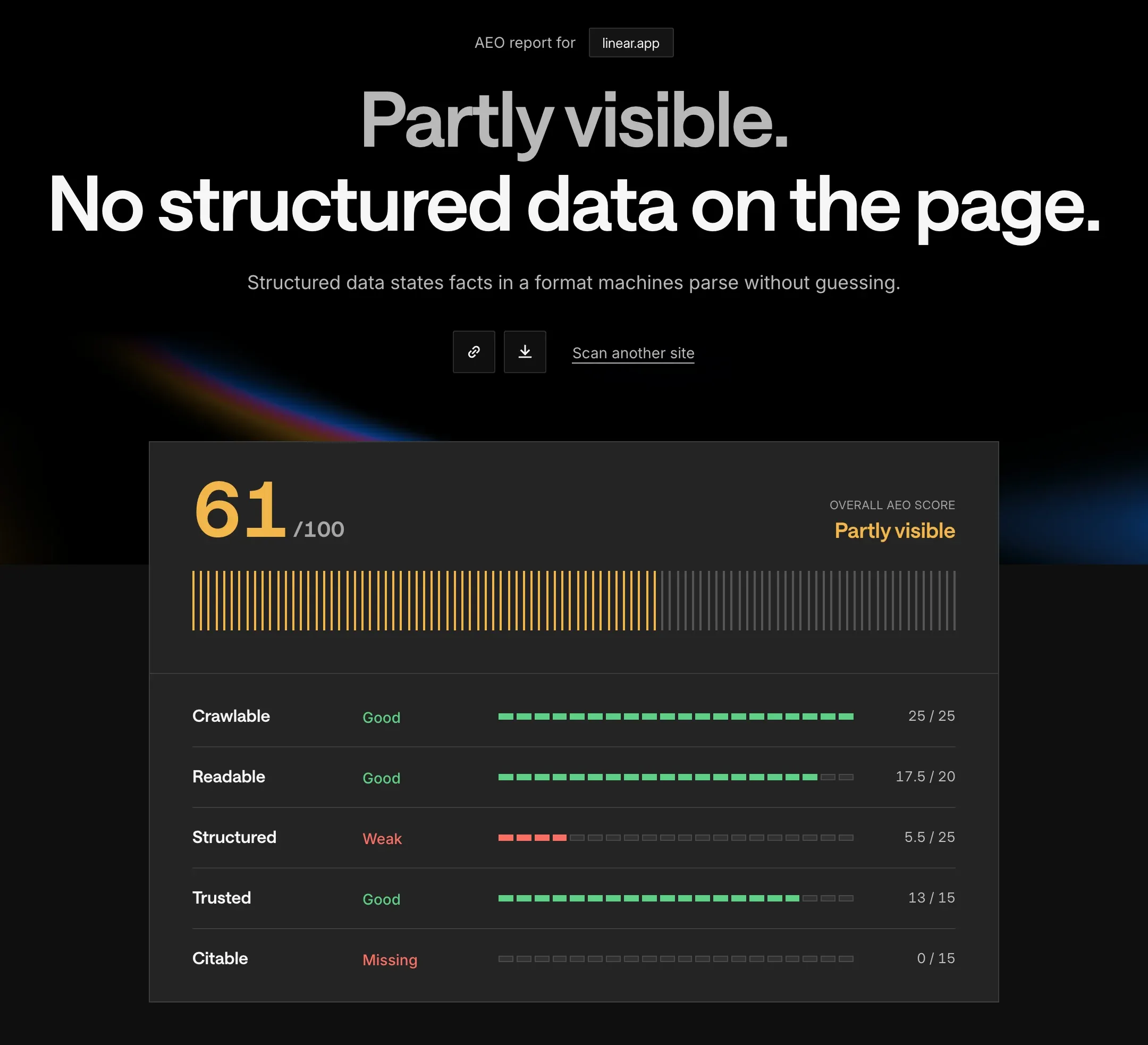
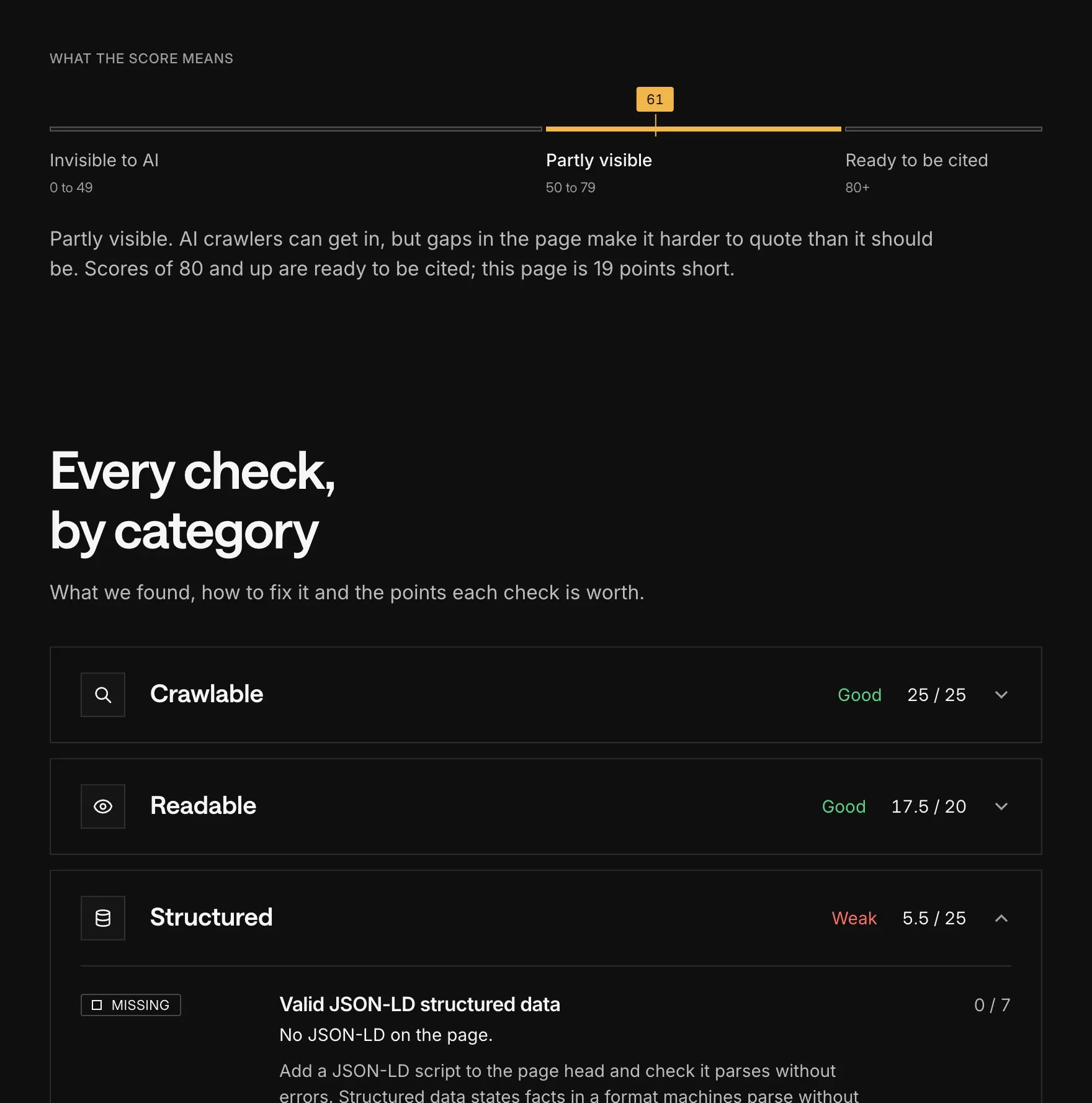
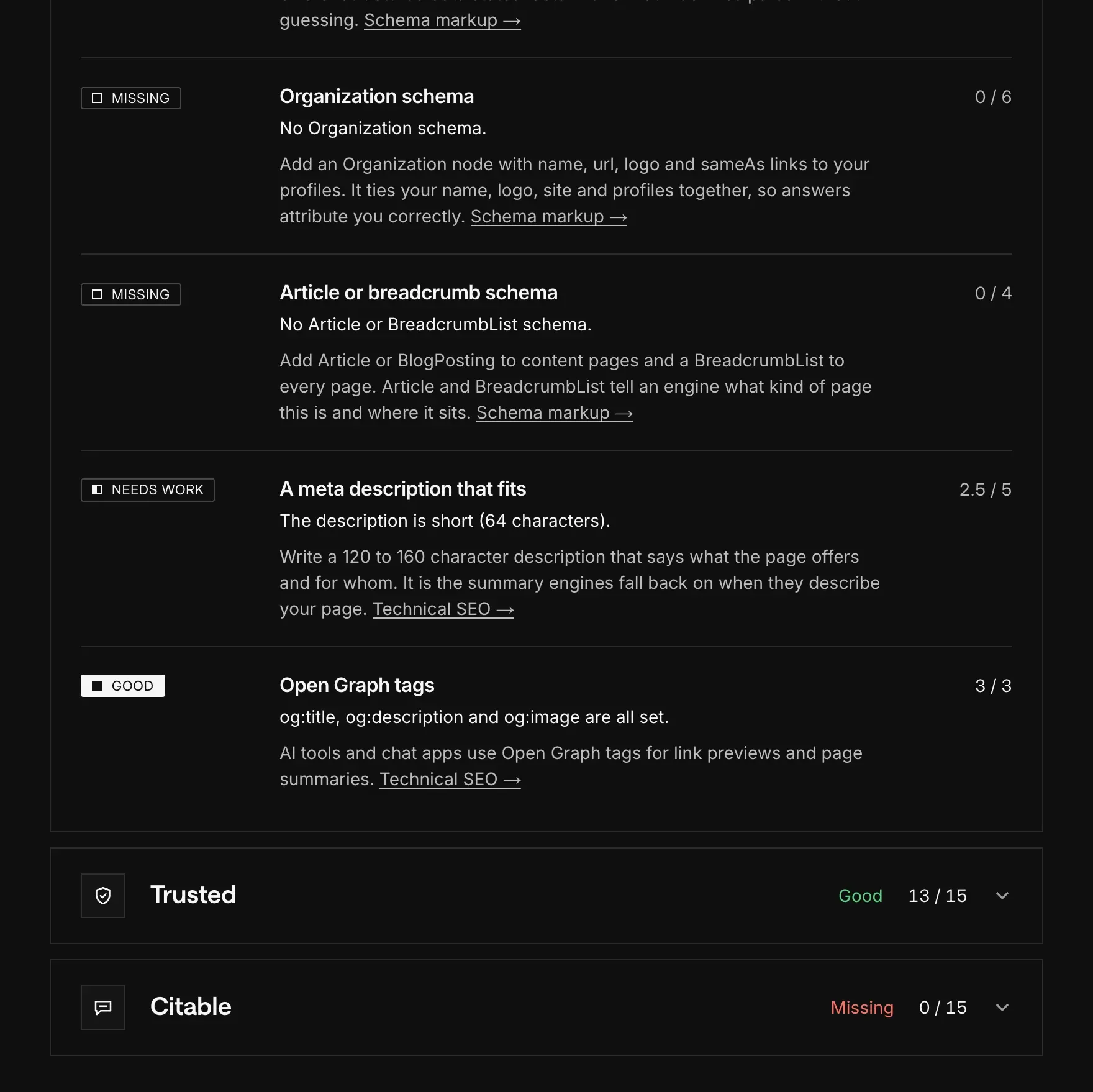
Our free AEO checker runs most of this group in one scan. It reads your page as raw HTML, the way AI crawlers do, along with your robots.txt and sitemap, and gives a fix for each gap. The CDN check is the one you do by hand.
A popular SaaS site, through our AEO checker
1. The search crawlers are allowed in robots.txt
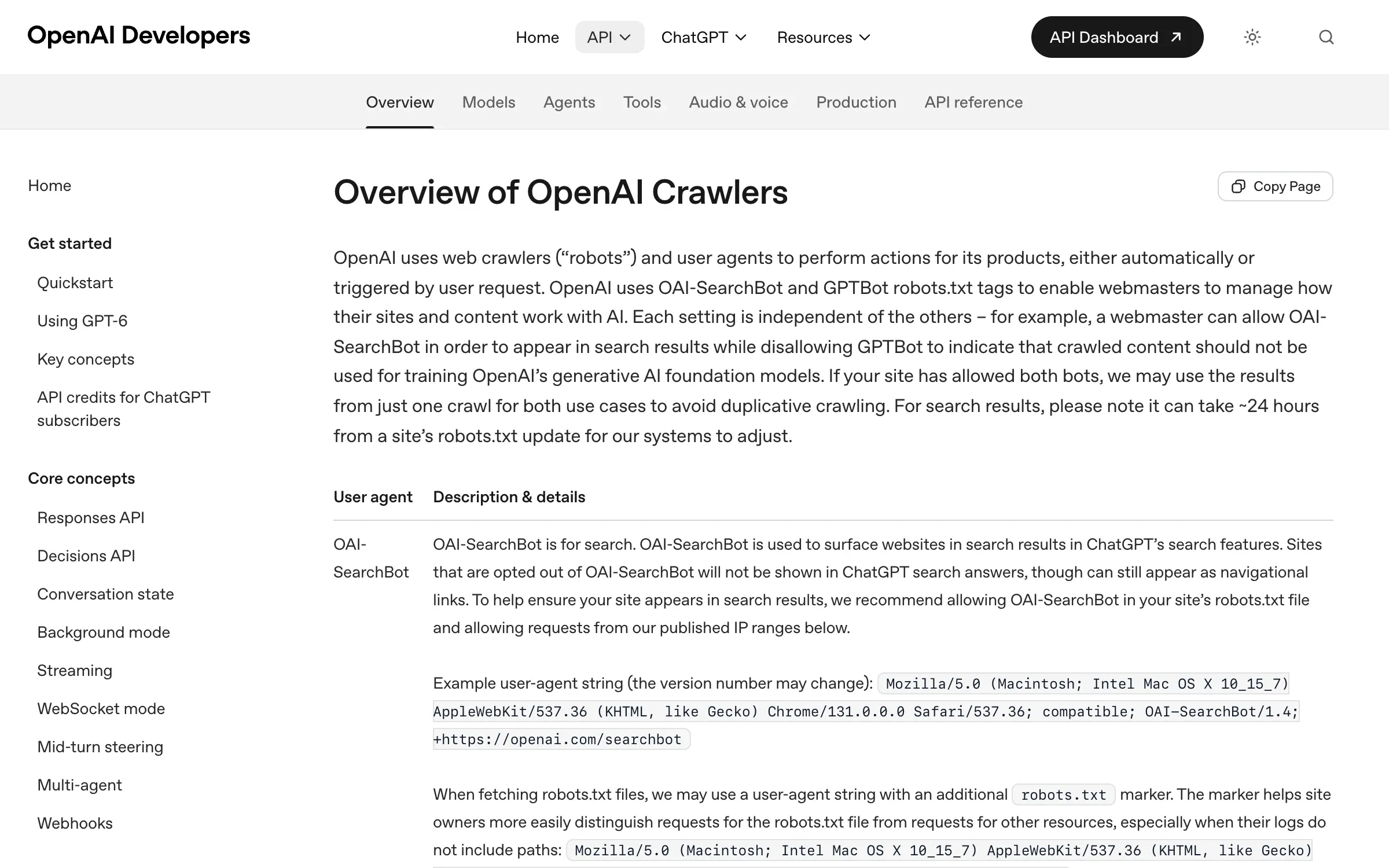
Why it matters: OpenAI’s crawler docs say sites opted out of OAI-SearchBot “will not be shown in ChatGPT search answers”. Claude-SearchBot and PerplexityBot do the same job for Claude and Perplexity. Training crawlers such as GPTBot and ClaudeBot are a separate decision with their own lines in robots.txt.
OpenAI crawler docs
How to check: Open yoursite.com/robots.txt. Look for a group that names one of the three search bots, or a User-agent: * group, followed by Disallow: /. A bot with no group of its own follows the * rules, under the robots.txt standard (RFC 9309). This is what a block looks like:
User-agent: OAI-SearchBot
Disallow: /
OpenAI and Perplexity both say a robots.txt change can take about 24 hours to reach their systems.
2. Nothing at the CDN or firewall turns them away
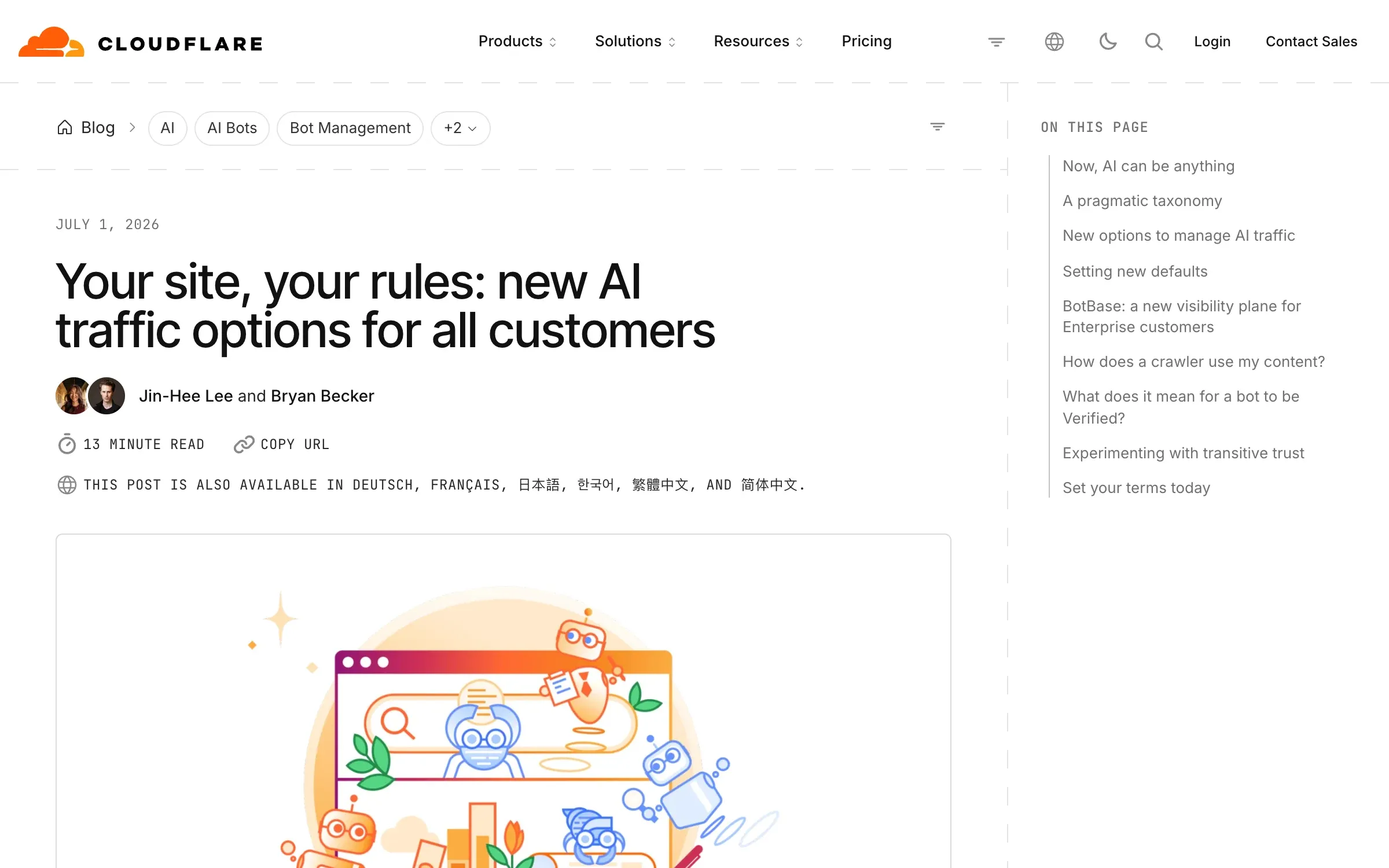
Why it matters: Bot protection runs in front of your site, so it can block a crawler that robots.txt allows. Cloudflare, for example, now sorts AI crawlers into Search, Agent and Training, each with its own setting (announced 1 July 2026). OpenAI publishes the IP ranges OAI-SearchBot uses so you can allow them.
Cloudflare AI traffic settings
How to check: Open the bot or AI crawler settings on your CDN and make sure search crawlers are allowed. Then request your homepage with the bot’s user agent:
curl -s -o /dev/null -w "%{http_code}\n" -A "OAI-SearchBot" https://yoursite.com/A 403 means something in front of the site is turning the bot away. A 200 is a good sign but not proof: the real bot arrives from OpenAI’s IP ranges, and your firewall may treat it differently from your laptop.
3. The page can be indexed, and the site isn’t opted out
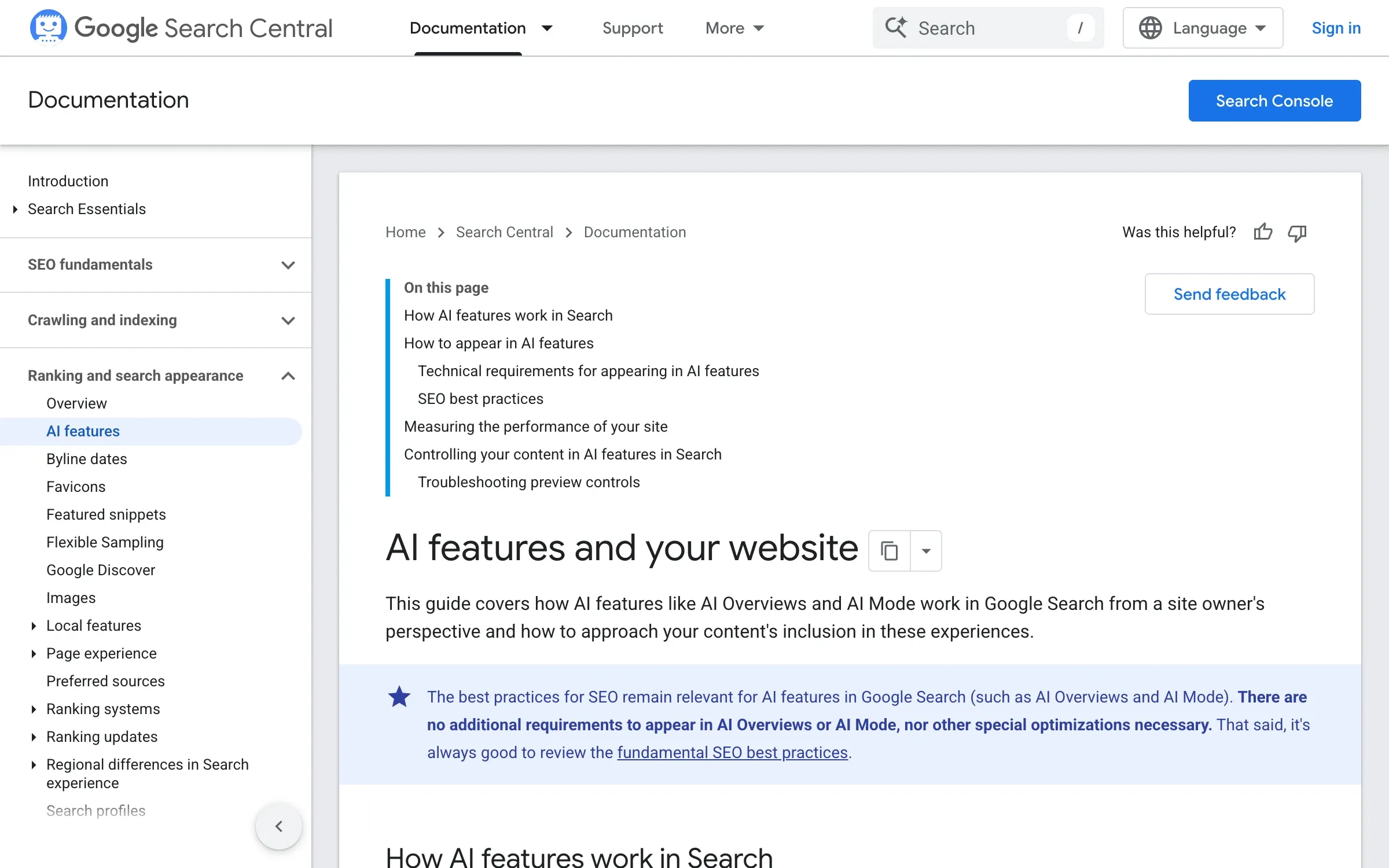
Why it matters: Google says a page must be indexed and eligible to be shown with a snippet to appear as a link in AI Overviews or AI Mode, and that there are no other technical requirements. A leftover noindex takes it out of all of that. Search Console also has a Search generative AI control. It’s on by default, and excluding a site keeps its links and content out of AI Overviews and AI Mode.
How to check: View the page source and search for “noindex”, then check the response headers:
curl -sI https://yoursite.com/ | grep -i x-robots-tagNo output is what you want. While you’re in the source, find the <link rel="canonical"> tag and check it points at the page itself. Then, in Search Console, open Settings, then Search generative AI, and confirm the site is included.
4. The copy is in the HTML
Why it matters: Vercel’s tests of AI crawler traffic, published 17 December 2024, found that none of the major AI crawlers rendered JavaScript. Google’s Gemini was the exception, because it uses Googlebot’s infrastructure. Text that only appears after a script runs can be invisible to the rest.
How to check: Copy the first sentence of your answer and search for it in View Source, not in the browser inspector, which shows the page after scripts have run. Or from a terminal:
curl -s https://yoursite.com/ | grep -c "first words of your answer"A 0 means the sentence isn’t in the HTML a crawler receives. Try a line from inside a tab or an accordion too, since those are often loaded by a script.
5. A sitemap, listed in robots.txt
Why it matters: A sitemap helps crawlers find every page you want read, and Google’s docs say you can point to it with a line anywhere in robots.txt. Google also uses a page’s <lastmod> date when it’s consistently accurate.
How to check: Your robots.txt should have a line like ours: Sitemap: https://www.designme.agency/sitemap-index.xml. Open the sitemap, find your page in it, and check that its lastmod matches the last real edit.
Can AI answers quote your page?
An answer is written from a handful of pages. Yours gets quoted when one of its sentences answers the question on its own, without the rest of the page around it.
6. The question is the H1, and the answer is in the first two sentences
Why it matters: The opening is the easiest part of a page to lift. If it’s a tagline, an engine has nothing to quote.
How to check: Read the H1 and the first two sentences on their own. Together they should say what you are, who it’s for and one specific, such as a starting price. The AEO checker flags a page without one clear H1.
7. The H2s are the buyer’s follow-up questions
Why it matters: Buyers ask the next question straight after the first: what it costs, how it compares, who it suits. Headings in their words give each answer an obvious home.
How to check: List the H2s on the page and ask whether a buyer would type each one. A heading like “Our approach” becomes the question it answers. The AEO checker counts the headings phrased as questions.
8. Real specifics are on the page
Why it matters: A line like “pricing that scales with you” can’t answer “how much does it cost?”. A starting price can. Prices, plan names, dates, limits and customer names give a quoted sentence something to say.
How to check: Highlight every number, price, date and name on the page. A section with none of them has nothing an engine can lift. Then check each one is still true, and change the updated date when you fix one.
9. A named author and a machine-readable date
Why it matters: A byline and an updated date tell readers, and engines, that someone maintains the page. On our articles, one date field sets the “Updated” line, the dateModified in the Article schema and the sitemap’s lastmod, so the three never disagree.
How to check: Find the byline and the date on the page, then search the source for dateModified or a <time datetime= tag. The AEO checker looks for machine-readable dates and author or company details.
Do AI answers trust your page?
This group is about what other sites say about you, plus the markup that ties those sites to yours. On our first check, on 3 October 2026, every ChatGPT answer that named us cited our Clutch profile, and none cited a page on our own site. Why off-site mentions carry that much weight is covered in how to rank in ChatGPT.
10. Organization schema with sameAs links
Why it matters: Google says structured data isn’t required for its AI features, and there’s no special schema for them. We add Organization schema anyway, because its sameAs links tie the site to the profiles answers already quote, and it’s a one-time job. Ours lists eight profiles, from LinkedIn to Clutch.
How to check: Run your homepage through our free schema validator. It reads the raw HTML, lists every JSON-LD block with any parse errors and missing fields, and writes copy-paste schema for the gaps. Then check that every claim in the schema matches the visible page, which Google asks for too.
11. Review profiles are current
Why it matters: The ChatGPT answers that named us on that first check cited Clutch, not our site. A profile with old services or prices can be the version of you a buyer reads first.
How to check: Open your Clutch, G2 or Capterra profile next to your site. Services, prices and screenshots should match, and the newest review shouldn’t be years old. Ask happy customers for a review after each project or renewal.
12. The lists and threads the answers cite know you exist
Why it matters: Answers about vendors often cite review profiles, “best tools” lists and community threads. If you’re not on the pages an answer reads, it can’t name you.
How to check: Ask ChatGPT and Perplexity your top buyer questions and open the sources under each answer. Write down every list and thread that comes up, and whether you’re on it. For each list you’re missing from, send the author the facts that make your case.
What isn’t on the list: llms.txt
An llms.txt is a Markdown map of your site, proposed by Jeremy Howard on 3 September 2024 to help agents use a website. Google says Google Search ignores it, and nobody has shown it changes what ChatGPT cites. Our AEO checker gives it 5 of 100 points, and it isn’t one of the 14 checks here.
Google on AI features and your website
We publish one because ours is generated from the same data as our pages, so it never drifts from what the site says. If you want one, our free llms.txt generator reads your sitemap and up to 40 pages, then drafts a file for you to edit and publish.
What to check every month
The first three groups describe one page at one moment. Answers change, so the last group is a routine.
- 55
- buyer questions we track in AI answers
- 20
- of them asked again every Monday
- 122
- visits from AI assistants in the 28 days to 3 November 2026
13. The same buyer questions, asked again and written down
Why it matters: One check is a snapshot. Only the same questions, asked the same way, show what moved. Our scoreboard tracks 55 buyer questions in AI answers: 20 every Monday, and 35 every month across ChatGPT, Google AI Overviews, Perplexity and Gemini.
How to check: Keep one sheet: the question, the engine, whether you’re named, which pages are cited and who’s named instead. Compare it with last month, answer by answer. Keep the questions fixed. When we grew our set from ten questions to 35 in October 2026, we had to read the results as a new baseline, not a trend.
14. Visits from AI assistants, checked in analytics
Why it matters: ChatGPT tags the links it sends with utm_source=chatgpt.com, so those visits show up by source in your analytics. We counted 122 visits from AI assistants in the 28 days to 3 November 2026, almost all of them from ChatGPT.
How to check: In GA4, look at sessions by source, filter for chatgpt.com and note the pages those visits land on. If the number drops to zero overnight, check the tag before you rewrite anything. Search Engine Roundtable reported on 14 October 2026 that ChatGPT links had stopped carrying the tag, and on 15 October that it was a bug and the tag was back.
Sources
- OpenAI, Overview of OpenAI Crawlers (accessed 16 November 2026) (opens in a new tab)developers.openai.com
- Anthropic, Does Anthropic crawl data from the web, and how can site owners block the crawler? (accessed 16 November 2026) (opens in a new tab)support.claude.com
- Perplexity, Perplexity Crawlers (accessed 16 November 2026) (opens in a new tab)docs.perplexity.ai
- IETF, RFC 9309 Robots Exclusion Protocol, September 2022 (accessed 16 November 2026) (opens in a new tab)rfc-editor.org
- Cloudflare, Your site, your rules: new AI traffic options for all customers, 1 July 2026 (accessed 16 November 2026) (opens in a new tab)blog.cloudflare.com
- Google Search Central, AI features and your website (accessed 16 November 2026) (opens in a new tab)developers.google.com
- Google Search Central, Optimizing your website for generative AI features on Google Search (accessed 16 November 2026) (opens in a new tab)developers.google.com
- Google Search Console Help, Search generative AI control (accessed 16 November 2026) (opens in a new tab)support.google.com
- Google Search Central, Build and submit a sitemap (accessed 16 November 2026) (opens in a new tab)developers.google.com
- Vercel, The rise of the AI crawler, 17 December 2024 (accessed 16 November 2026) (opens in a new tab)vercel.com
- llmstxt.org, The /llms.txt file, Jeremy Howard, 3 September 2024 (accessed 16 November 2026) (opens in a new tab)llmstxt.org
- Search Engine Roundtable, OpenAI Drops UTM Parameters From ChatGPT Results (GPT-6), 14 October 2026 (accessed 16 November 2026) (opens in a new tab)seroundtable.com
Press Escape to close.