Design Tokens for AI Agents: Names That Keep Claude on Brand

Adrian KuleszoCo-founder
Table of contents
Design tokens are the named values behind an interface: colours, font sizes, spacing, radii and motion. When an AI agent writes your code, each token’s name decides whether it picks the right one. A token called --color-accent tells Claude what the value is for. A token called --blue-500 only tells it what the value looks like, so it still has to guess where it belongs, and when it guesses wrong the page drifts off brand.
So give your tokens two tiers (raw primitives, then semantic tokens named by job), keep them in one file in the repository as CSS variables or W3C format JSON, name your Figma variables after them, tell the agent in CLAUDE.md to use only the semantic ones, and add a lint check that rejects raw hex values so a slip fails instead of shipping.
This article goes deep on tokens. For the whole system an agent builds from, read design systems AI agents can build with.
What design tokens are
A design token is a name paired with a value. Instead of writing the brand blue as #0561ff in every file that needs it, each button, link and focus ring refers to one name, and the value lives in one place. Change it there and every screen follows, in every theme.
Tokens hold the decisions that should be made once: the palette, the type scale and font families, spacing, radii, shadows and animation timing. A design system is built on top of them. If you’re a founder, think of tokens as your brand guidelines in a form code can read. If you’re a designer, they’re your Figma variables, as long as both sides use the same names.
Why the names matter more when an agent writes the code
A designer on your team knows which blue is for links on white and which one is for dark backgrounds. An agent knows only what’s written down, and without it a model falls back on what it has seen most often. Anthropic’s own frontend guidance warns Claude that it tends to converge toward generic output, and its advice for colour is to use CSS variables for consistency.
Variables alone don’t settle it. If the file only has --blue-500 and --blue-400, Claude still has to decide which one a link gets, in which theme. If it has --color-accent, there’s one answer.
Use two tiers
- Primitives hold the raw palette and scale:
--navy-950,--blue-500,--space-4. They exist only to define the next tier. - Semantic tokens say what each value is for (text, background, border, accent) and point at a primitive. Components use these, and only these.
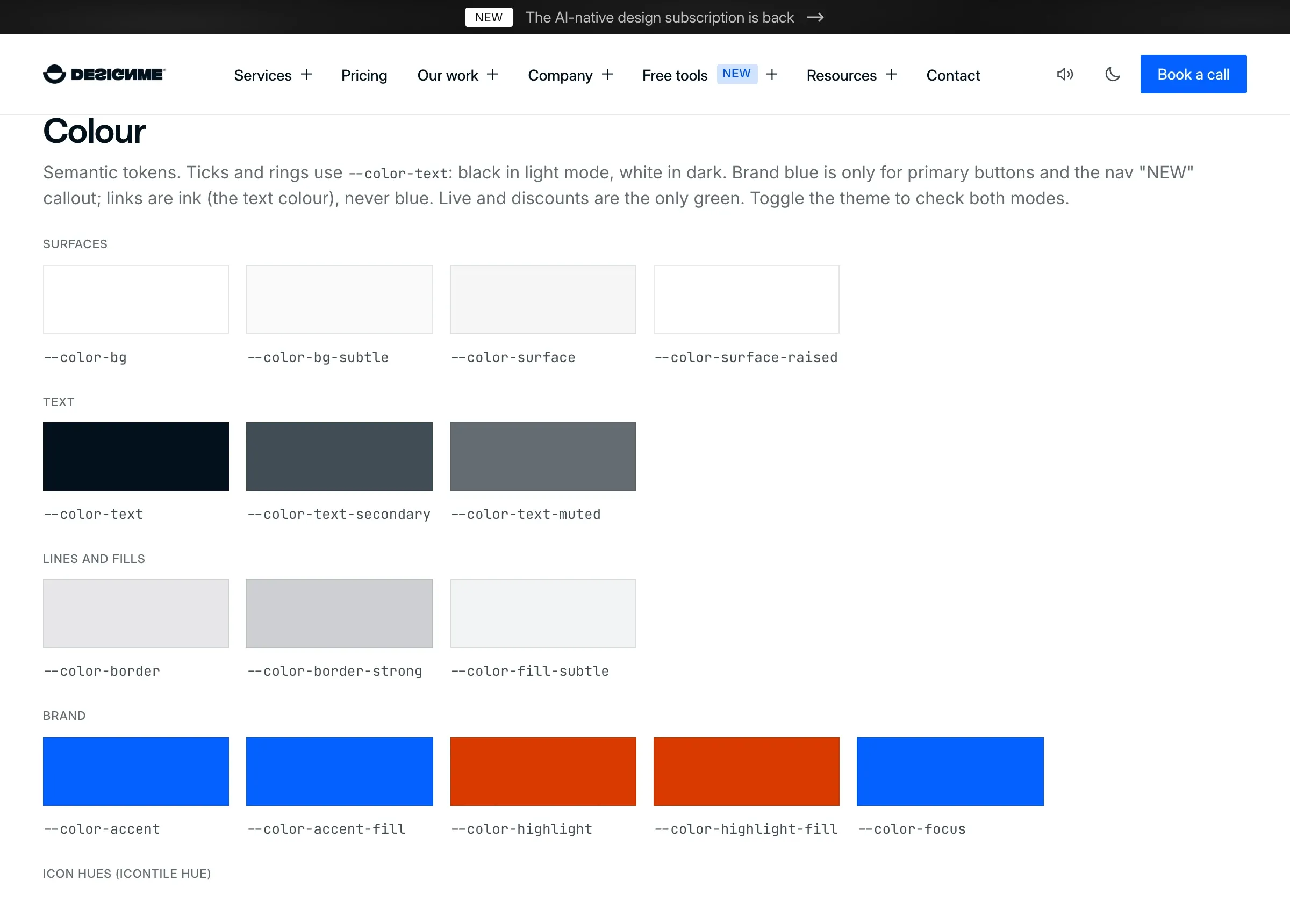
The split is what makes themes work without the agent thinking about them. On our site --color-text is navy in the light theme and near-white in the dark one, and --color-bg is white in light and a near-black grey in dark. One primitive can also feed several jobs: our brand blue is the accent text in the light theme and every button fill in both.
| Primitive token | Semantic token | Job |
|---|---|---|
--navy-950 (#03111c) |
--color-text |
Text and headings, light theme |
--paper (#f5f5f5) |
--color-text |
Text and headings, dark theme |
--white (#ffffff) |
--color-bg |
Page background, light theme |
--neutral-950 (#0f0f0f) |
--color-bg |
Page background, dark theme |
--blue-500 (#0561ff) |
--color-accent |
Links and accent text, light theme |
--blue-400 (#478bff) |
--color-accent |
The same accent, dark theme |
--blue-500 (#0561ff) |
--color-accent-fill |
Button backgrounds, both themes |
Our semantic colour tokens
Three naming habits help:
- Job first, then the variant:
--color-text,--color-text-muted,--color-border-strong. - No values in semantic names. A name like
--color-link-bluestops being true the day the brand colour changes. - One prefix per category (
--color-,--text-,--space-,--radius-), so the whole set turns up in a single search.
Where design tokens should live
In the repository, in one file the agent can read. Tokens that exist only as Figma styles are invisible to a coding agent working in your code, so it guesses.
When we moved our own site from Framer to code in October 2026, we counted what had piled up one section at a time: 191 colour values, 37 font sizes and 53 font families. They collapsed into one tokens file, and that file is now the first thing Claude builds from.
- 191
- colour values on our Framer site
- 37
- font sizes
- 53
- font families
CSS variables
If your product is web only, CSS custom properties in one file are enough. Ours writes every theme-aware colour once with light-dark(), which returns the first value when the colour scheme is light and the second when it’s dark. MDN lists it as Baseline 2024. An excerpt from our src/styles/tokens.css, with the comments shortened:
/* Primitives */
--navy-950: #03111c;
--blue-500: #0561ff;
--blue-400: #478bff;

/* Semantic: what each value is for */
--color-text: light-dark(var(--navy-950), var(--paper));
--color-accent: light-dark(var(--blue-500), var(--blue-400));
--color-text-muted: light-dark(rgb(3 17 28 / 0.62), rgb(245 245 245 / 0.62));
W3C design tokens JSON
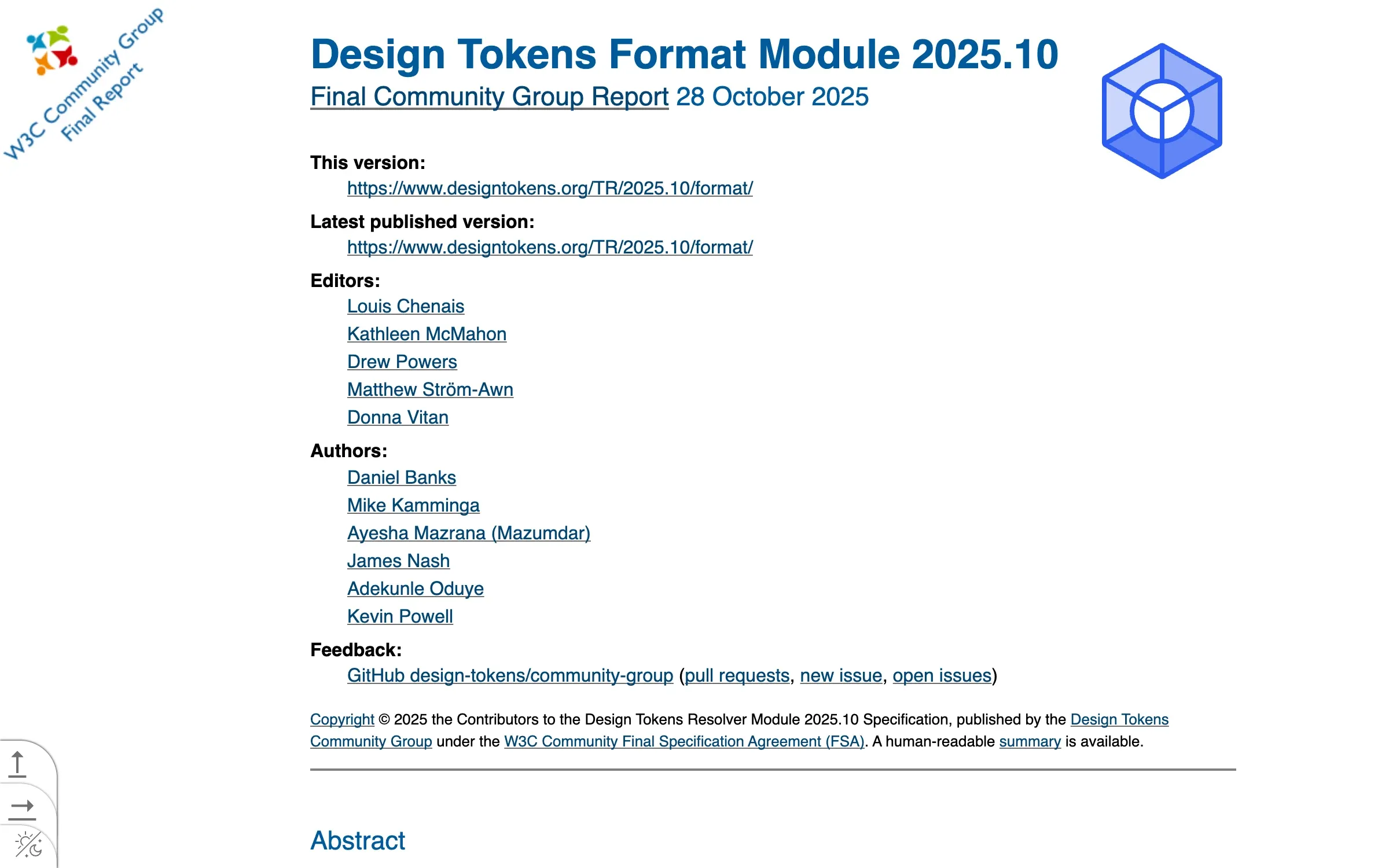
If tokens need to feed design tools, iOS or Android as well as the web, use the W3C Design Tokens Community Group format. Its first stable version, 2025.10, came out on 28 October 2025. A token is a JSON object with a $value, plus an optional $type that can also be set once on a group. Groups nest, a token’s path joins the names with dots, and an alias points at another token with curly braces:
{
  "blue": {
    "500": {
      "$type": "color",
      "$value": { "colorSpace": "srgb", "components": [0.0196, 0.3804, 1], "hex": "#0561ff" }
    }
  },
  "color": {
    "accent": { "$type": "color", "$value": "{blue.500}" }
  }
}
Two details catch people out. A colour’s $value is an object with a colour space and components, with the hex code only as an optional fallback, so a bare "#0561ff" string isn’t valid under 2025.10. And names can’t contain dots or curly braces, because those carry the path and alias syntax.
It’s a Community Group report, not a formal W3C Standard. The group’s announcement names Style Dictionary, Tokens Studio and Terrazzo as reference implementations and lists Figma, Penpot, Sketch and Framer among the tools supporting or implementing it.
The first stable token format
Name your Figma variables after the tokens
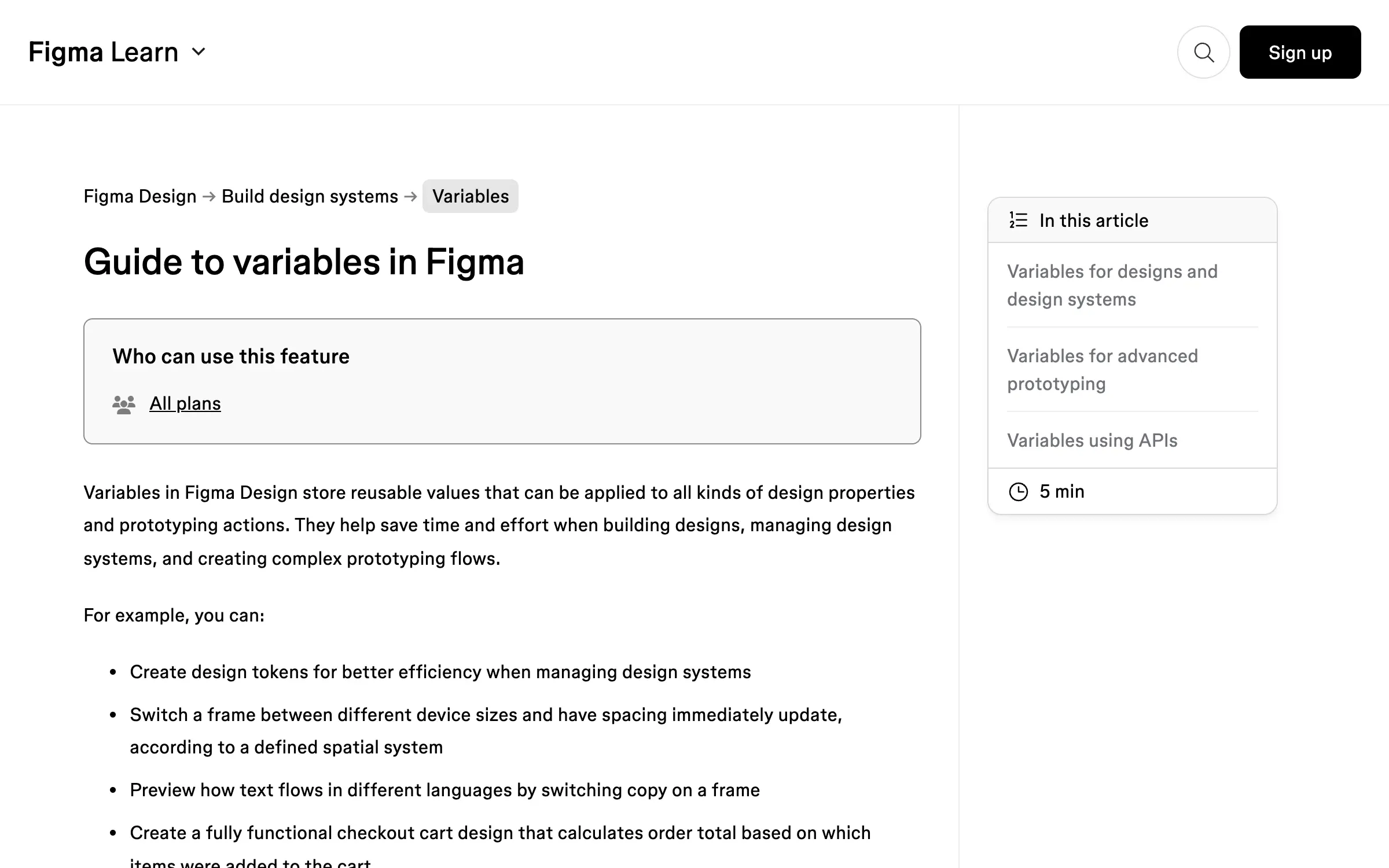
Figma’s docs describe variables as reusable values you can use to implement design tokens, and they map onto the two tiers: a collection of primitives, and a collection of semantic variables that alias them. An alias links one variable to another of the same type, so changing the source updates everything that references it. Modes give a variable one value per theme, the job light-dark() does in our CSS.
Figma guide to variables
Use the same names on both sides: color/accent in Figma for --color-accent in code, not “Blue 500”. Figma also lets you set a variable’s code syntax, one name each for Web, Android and iOS, and that name appears in Dev Mode code snippets. Set the Web code syntax to the CSS variable, and anyone inspecting a frame sees the token, not a hex value.
Treat the tokens file as the source. When a designer changes a value, it reaches the file as a pull request, and the agent picks it up the next time it builds.
How to make the agent use them
Write the rule where Claude reads first
Claude Code reads CLAUDE.md at the start of every session, so the token rule goes there, with the path to the file. Anthropic’s docs ask for instructions concrete enough to verify. Ours says to use semantic tokens (--color-text, --text-2xl, --space-6) in components, and never to hard-code a hex value, px font size or Framer value.
Keep the file short. Anthropic suggests under 200 lines per CLAUDE.md, and rules that matter only for some files can live in .claude/rules/ with a paths field, so a token rule loads only when Claude works on stylesheets or components.
Then make breaking it fail
Anthropic’s docs say Claude treats CLAUDE.md as context, not enforced configuration, and their best practices are direct about the fix: “If something has to happen every time, make it a hook.”
So the token rule needs a check in code. Stylelint’s own rules cover it:
{
  "ignoreFiles": ["src/styles/tokens.css"],
  "rules": {
    "color-no-hex": true,
    "declaration-property-unit-disallowed-list": { "font-size": ["px"] },
    "declaration-property-value-allowed-list": { "font-family": ["/^var\\(--font-/"] }
  }
}
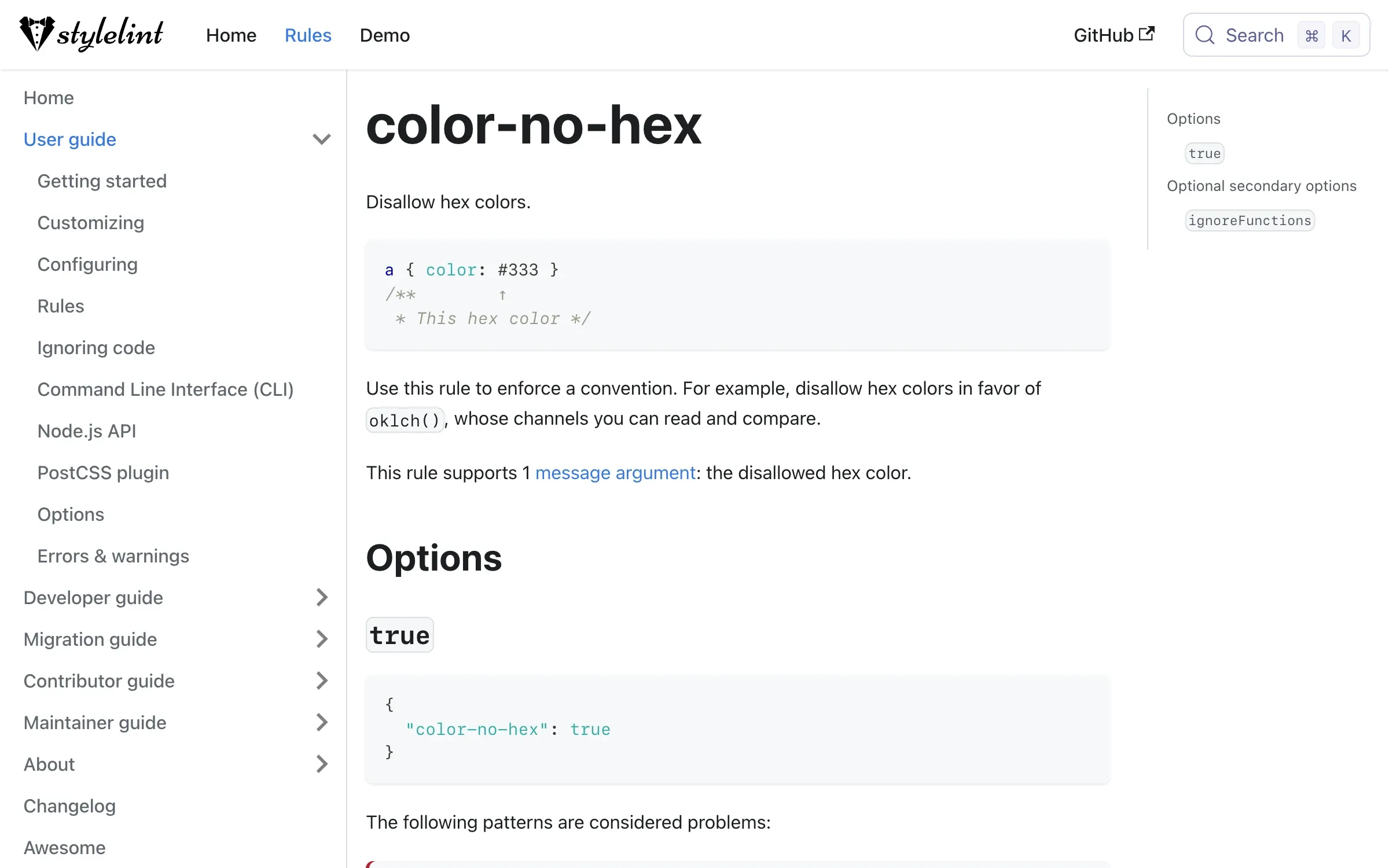
The first rule rejects hex colours, the second pixel font sizes, and the third any font family that isn’t a token. The tokens file is skipped, since that’s where the primitives hold raw values.
The Stylelint color-no-hex rule
In Claude Code, a PostToolUse hook can run the linter after every Edit or Write. When it exits with code 2, its error output is shown to Claude, so the hex value becomes a token in the same turn. A Stop hook that exits with code 2 keeps Claude from finishing until the check passes. Run the same check in CI too, so changes made outside Claude are held to it.
How a raw hex value gets caught
The rule
CLAUDE.md says semantic tokens only.
An edit
Claude writes a component with a hex value in it.
The hook
Stylelint runs after the edit and fails.
The feedback
The error goes back to Claude in the same turn.
The fix
The hex value becomes a token, and CI runs the same check.
A worked example from our own site
Three details from our tokens file show what semantic names buy you when an agent does the editing.
Contrast got fixed once. On Framer, muted text was the brand ink at 50% opacity, which measured 3.6:1 and failed WCAG AA. In the tokens file --color-text-muted became 62%, which passes at 5.4:1 on white and 7:1 on the dark theme. Every muted label that uses the token got the fix.
A brand colour change went through the primitive. In November 2026 the brand blue moved from #116ff8 to #0561ff. The new value went into --blue-500, and the semantic tokens that point at it (--color-accent, --color-accent-fill and --color-focus) followed without being edited.
Old names still resolve. Nothing visible on our site rounds more than 4px, so the file keeps --radius-md, --radius-lg and --radius-xl as names and points all three at 4px. Older CSS doesn’t break, and an agent reaching for a bigger radius still lands on the house style.
The full walkthrough, from this tokens file to the components, CLAUDE.md lines and review steps built on it, is in our free guide, A design system Claude can build with.
Where to start
- Search your code for raw hex values and pixel font sizes.
- Group the values into primitives, then name the semantic tokens your components need.
- Put both tiers in one file in the repo, and give your Figma variables the same names.
- Add the rule and the file’s path to CLAUDE.md.
- Turn on the lint rules, and run them after every edit and in CI.
Sources
- W3C Design Tokens Community Group, Design Tokens Format Module 2025.10 (accessed 16 November 2026) (opens in a new tab)designtokens.org
- W3C Design Tokens Community Group, Design Tokens Color Module 2025.10 (accessed 16 November 2026) (opens in a new tab)designtokens.org
- W3C Design Tokens Community Group, Design tokens specification reaches first stable version (accessed 16 November 2026) (opens in a new tab)w3.org
- Figma, Guide to variables in Figma (accessed 16 November 2026) (opens in a new tab)help.figma.com
- Figma, Create and manage variables and collections (accessed 16 November 2026) (opens in a new tab)help.figma.com
- Anthropic, Prompting for frontend aesthetics, published 21 October 2025 (accessed 16 November 2026) (opens in a new tab)platform.claude.com
- Anthropic, How Claude remembers your project (accessed 16 November 2026) (opens in a new tab)code.claude.com
- Anthropic, Best practices for Claude Code (accessed 16 November 2026) (opens in a new tab)code.claude.com
- Anthropic, Automate actions with hooks (accessed 16 November 2026) (opens in a new tab)code.claude.com
- Anthropic, Hooks reference (accessed 16 November 2026) (opens in a new tab)code.claude.com
- MDN, light-dark() (accessed 16 November 2026) (opens in a new tab)developer.mozilla.org
- Stylelint, color-no-hex (accessed 16 November 2026) (opens in a new tab)stylelint.io
- Stylelint, declaration-property-unit-disallowed-list (accessed 16 November 2026) (opens in a new tab)stylelint.io
- Stylelint, declaration-property-value-allowed-list (accessed 16 November 2026) (opens in a new tab)stylelint.io
- Stylelint, Configuring (accessed 16 November 2026) (opens in a new tab)stylelint.io
Press Escape to close.