Which AI app builders actually use your design system? (2026)

Adrian KuleszoCo-founder
Table of contents
- How we compared
- The seven tools at a glance
- Tokens and drift, in the docs’ own words
- Lovable: the only one that checks every generation
- v0: your package as a skill, your CI as the check
- Bolt: a generated Storybook, no automatic check
- Cursor: your repo, your rules, your hooks
- Claude Code: the same, with a documented lint loop
- Figma Make: a Make kit, with tokens flattened
- Replit: its own design system, not yours
- How to make any of them stick
- Which one should you use
- When the drift is already in the code
- FAQs
Lovable is the only AI app builder that checks every generation against your design system and retries when it breaks the rules. v0, Bolt, Figma Make and Replit can import your system, but they only steer the model with instructions, so drift is caught by you, not the tool. Cursor and Claude Code build from your own repo, so they use your real components and tokens, and with hooks and lint rules you can make drift fail a check before it ships.
We read each tool’s own docs, help centre, changelog and pricing page on 12 November 2026. Where a doc says nothing, we say “not documented” rather than guess. Full disclosure: DesignMe designs design systems and fixes AI-built products, and we build our own site with Claude Code. We don’t sell or resell any of these tools.
How we compared
We asked the same four questions of every tool:
- Import. Can it take your design tokens (from Figma variables or a tokens file) and your existing component library?
- Sticking. Does generated UI keep to the system, and what do the docs admit about drift?
- Rules. Where do you write the rules, and does it read files you already have, such as AGENTS.md or CLAUDE.md?
- Enforcement. Is anything automatic, such as a scan, a lint step or a CI check, or is it up to you?
If you’re new to the parts of an agent-ready system, start with design systems AI agents can build with. This article is about which tools actually use one.
The seven tools at a glance
| Tool | Your components | Figma | Rules | Automatic check |
|---|---|---|---|---|
| Lovable | npm package or public Git repo, copied in (React only) | Plugin, desktop MCP, .fig upload | Instructions, AGENTS.md, CLAUDE.md | Yes, scans and retries |
| v0 | npm package, .tgz or GitHub repo, saved as a skill | Link on paid plans | Instructions, skills | No, but runs your CI on GitHub |
| Bolt | npm, public GitHub or Storybook (Teams plan) | One frame, via Anima | Knowledge, agents.md | No, an audit prompt |
| Cursor | Already in your repo | Figma MCP server | .cursor/rules, AGENTS.md | Hooks can run your linter |
| Claude Code | Already in your repo | Figma MCP server | CLAUDE.md, .claude/rules, AGENTS.md | Hooks can run your linter and block |
| Figma Make | npm package in a Make kit | Library variables and styles | guidelines folder | Not documented |
| Replit | Its own Replit Design system | One frame | replit.md, custom instructions | Not documented |
Tokens and drift, in the docs’ own words
| Tool | Where your tokens come from | What the docs say about drift |
|---|---|---|
| Lovable | CSS variables, tailwind.config or a theme file in the source | The scanner catches most violations; point out misses in chat |
| v0 | globals.css and Tailwind config; loose files become a package | v0 should not use anything it can’t verify from your sources |
| Bolt | Your files, site, repo or package; no tokens import | A help section on why output doesn’t match your system |
| Cursor | Your repo; a rule points at the tokens file | No page on drift |
| Claude Code | Your repo; CLAUDE.md points at the tokens file | CLAUDE.md is context, not enforced configuration |
| Figma Make | A subset of library variables, as raw CSS values | Kits don’t fully extract design tokens |
| Replit | tokens.json feeding CSS variables | If old styling reappears, flag it in chat |
Lovable: the only one that checks every generation
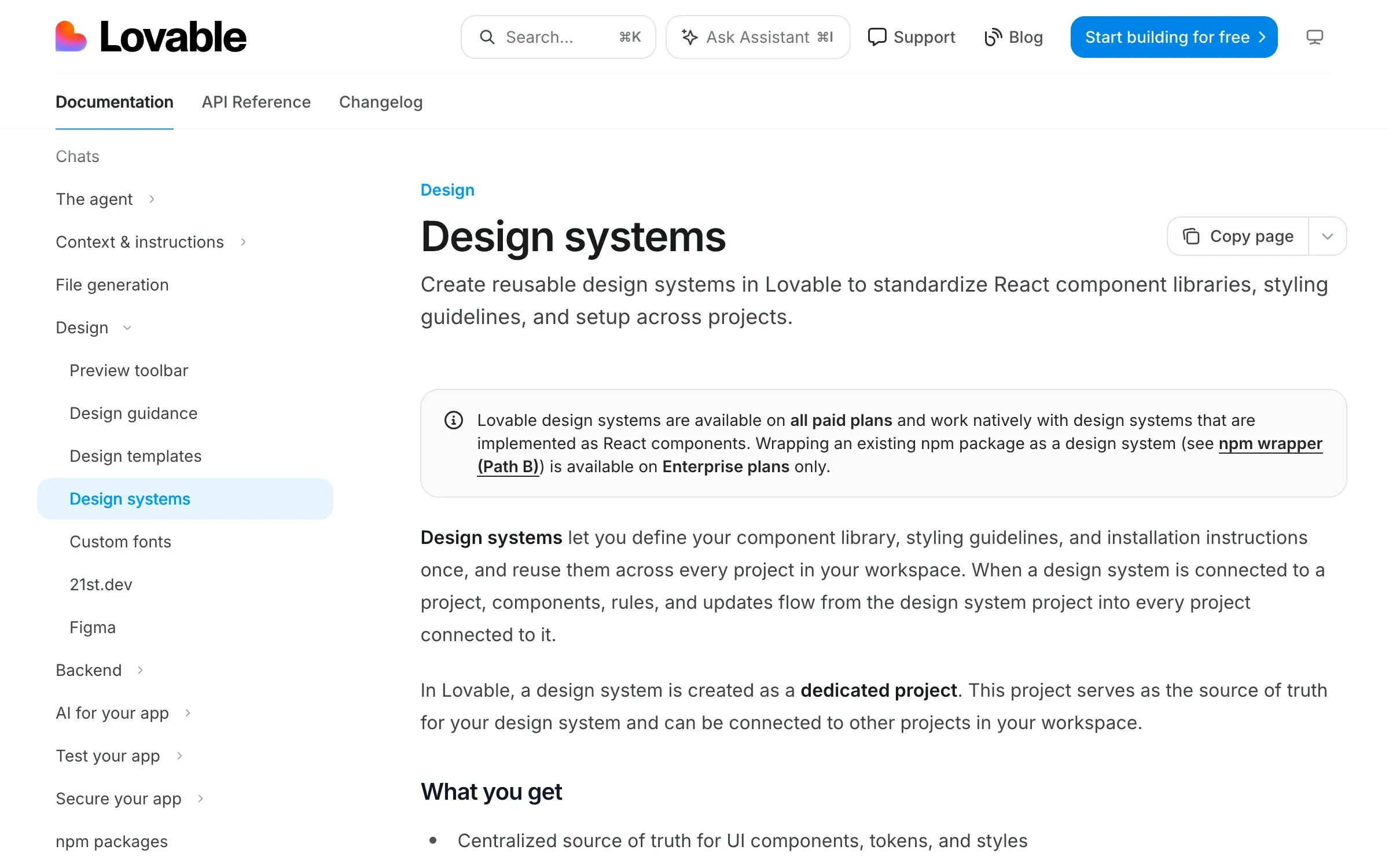
What it imports. A Lovable design system is its own project, built from an npm package, a public Git repo or files you upload. There’s no fetch from a private repo, so you export the files yourself. It’s React only. When you connect it, the components are copied into your project under src/design-system/, with rule files and a machine-readable design-system.json next to them. Figma comes in three ways: a plugin, a live MCP connection in the desktop app, and a .fig upload that pulls variables, colours, typography and frames but not components.
Does it stick? This is the one tool with a documented check. Every generation in a connected project is scanned for raw colour values where a token belongs, one-off values, inline style overrides and local versions of components the system already has. If it finds any, Lovable retries before it finishes. The docs are honest that it catches most violations, not all.
Rules. Instructions (renamed from Knowledge in October 2026) at workspace, project and personal level, up to 10,000 characters each. Lovable also reads AGENTS.md and CLAUDE.md at the top of the project with every message.
Tradeoffs. One design system per project, and edits to the copied files are overwritten on the next update. Wrapping an npm package without copying it is Enterprise only. Git sync always creates a new repo, so an existing codebase comes in as a ZIP upload. Design systems are on all paid plans, with Pro from $25 a month.
Verdict: the best built-in protection against drift, if your system is React and you’re happy for Lovable to own a copy of it.
v0: your package as a skill, your CI as the check
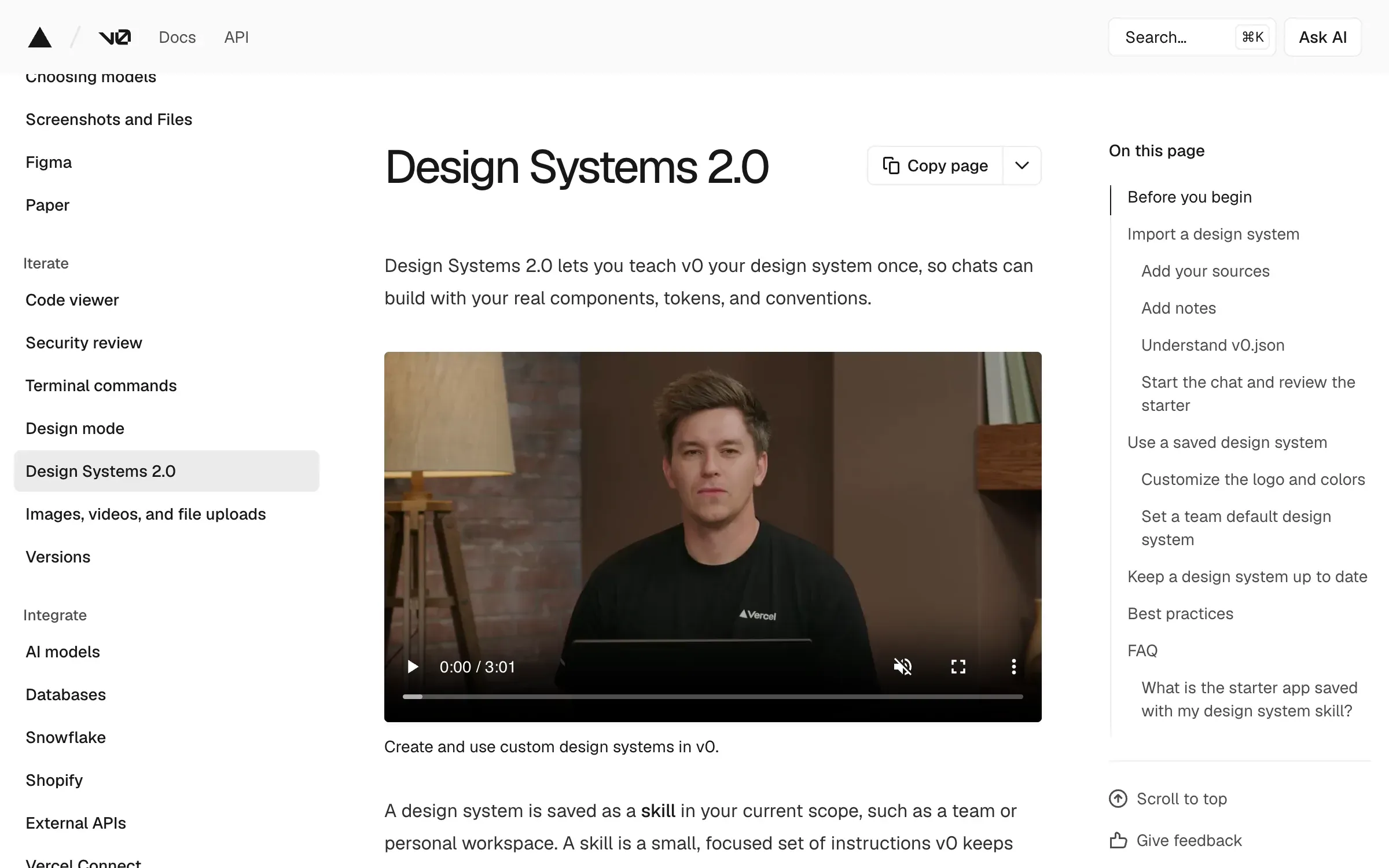
What it imports. Design Systems 2.0 takes an npm package or .tgz, GitHub repos (including a real app that uses the system), Storybook or docs links, and Figma frames as visual reference. v0 builds a starter app from it and waits for your approval before saving it as a skill, which every new app then starts from. A Figma link on its own (paid plans) gives v0 the file’s variables, styles and component names.
Does it stick? The docs say v0 grounds itself in your sources and should not use a component, prop or token it can’t verify there. That’s a promise about behaviour, not a scan. Its older registry docs also warn that v0 is trained on default shadcn/ui components and may struggle with customised ones. Existing projects don’t pick up a new version of the system automatically.
Rules. Instructions are saved to your account (a title and a rule) and applied when you tick them. v0’s docs don’t say it reads AGENTS.md or CLAUDE.md.
Enforcement. This is where v0 is strong. It imports any GitHub repo you can access, works on a branch per chat, publishes through a pull request and follows your branch protection and required checks. It shows CI status and offers Fix CI, so a lint rule in your pipeline becomes the check.
Tradeoffs. Legacy themes are retired on 30 November 2026, so older setups need migrating. Plus is $30 per user a month.
Verdict: a good fit for a shadcn/ui or Next.js based system, as long as your CI is the thing that says no.
Bolt: a generated Storybook, no automatic check
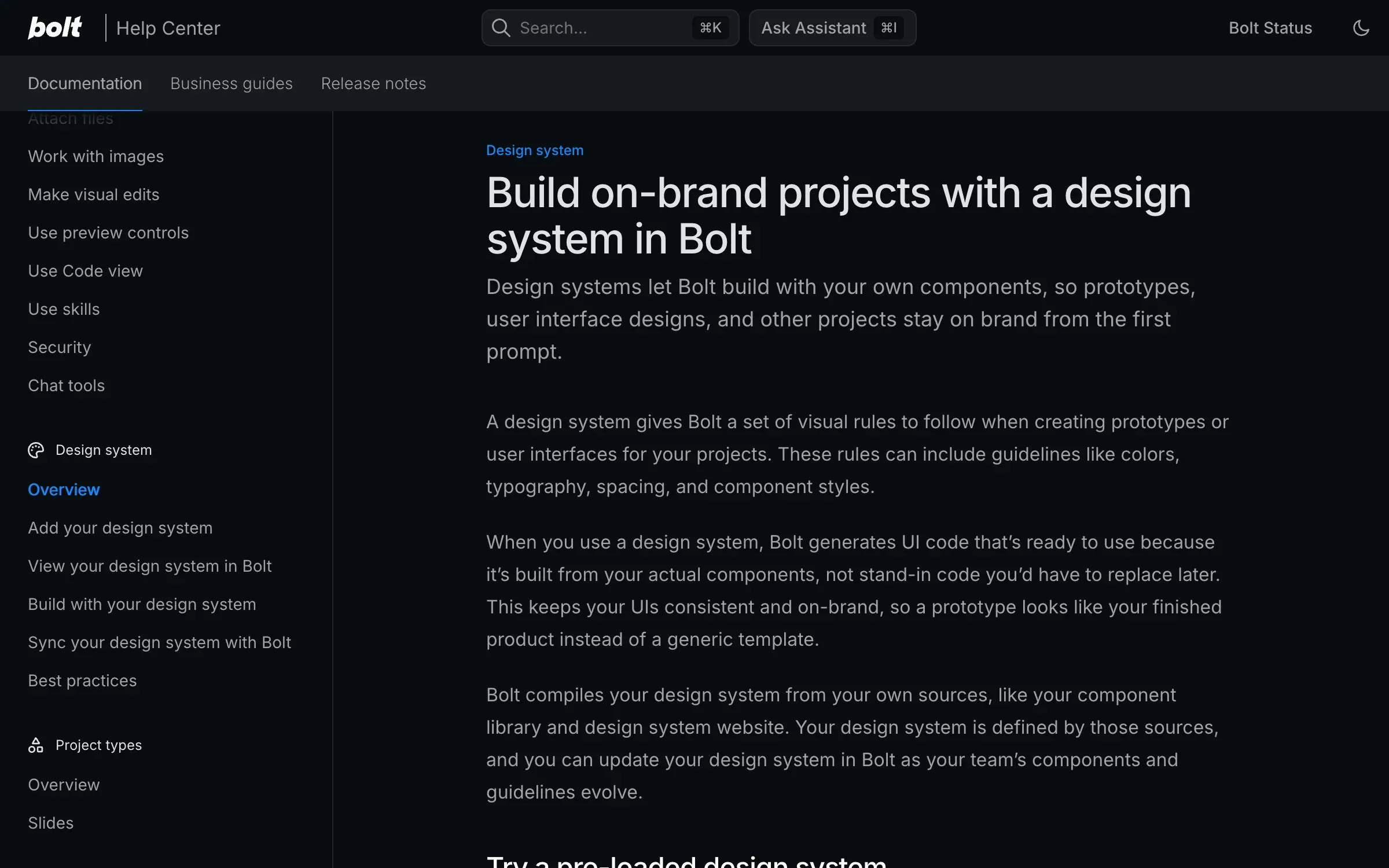
What it imports. On paid Teams plans ($30 per member a month), Bolt builds a Storybook of your system from npm (including private registries), a public GitHub repo, a Storybook, a website or files. It takes 45 to 60 minutes, and each team can add or sync 10 systems a week. The docs warn that a docs website alone gives you a theme, not reusable components. Chakra, Material UI and Shadcn come pre-loaded for everyone.
Does it stick? Bolt says it uses your system as a reference for every UI decision. There’s no automatic scan. Instead it gives you an “audit the project” prompt that hunts for hard-coded colours, spacing and font sizes. Its best-practices page has a whole section on why output doesn’t match your system: incomplete sources, broad prompts, an outdated sync, or not using its Max agent.
Rules. Knowledge at project, account and team level, per-package instructions for teams, and an agents.md file that Bolt finds automatically.
Tradeoffs. Figma import is one frame at a time through Anima, and with a design system attached you have to choose Screenshot mode, because Code mode ignores your system. GitHub sync is two-way but tied to the main branch.
Verdict: usable when you have a published package and a Teams plan. Plan on running the audit prompt yourself.
Cursor: your repo, your rules, your hooks
What it imports. Nothing, because Cursor works in your repo. Your tokens file and components are already there. Figma comes in through Figma’s MCP server, which lists Cursor as a supported client.
Does it stick? Cursor’s docs don’t discuss drift. Its advice is to write a rule that points the agent at your components, and to keep rules under 500 lines. Design Mode lets you annotate your running app, and the agent gets each element’s computed styles and component name. Nothing in it is token-aware.
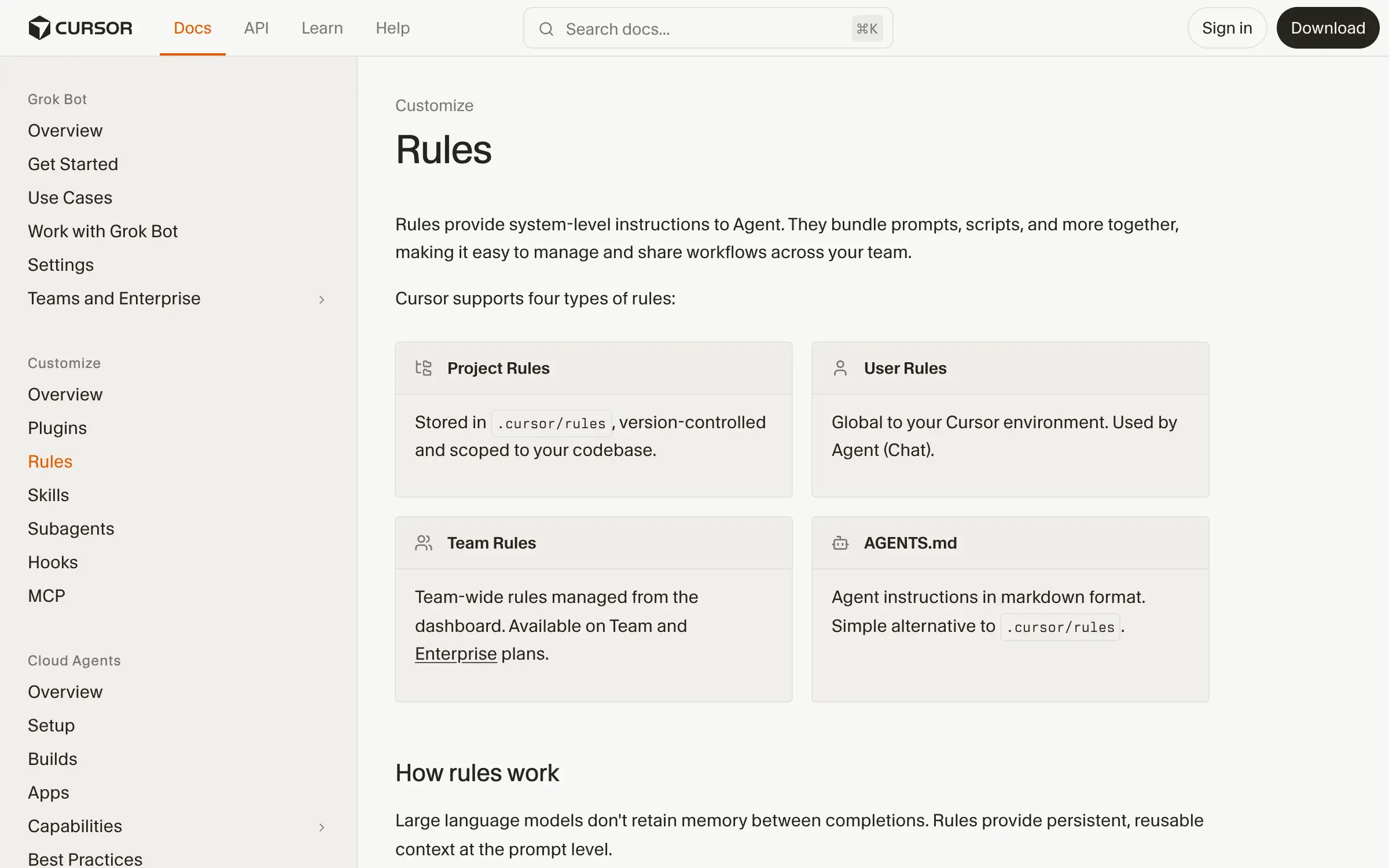
Rules. Project rules in .cursor/rules (they must be .mdc files), user rules, team rules on Team and Enterprise, and AGENTS.md in the root and subfolders. The old .cursorrules file is legacy and will be deprecated.
Enforcement. Hooks in .cursor/hooks.json can run after a tool call and add context to the conversation, or send a follow-up message when the agent stops. That’s enough to run your linter and hand the errors back, though the docs don’t show a lint example. Bugbot reviews pull requests against its own rules file.
Verdict: it uses your real system with no import step. How strict it is depends on the rules and hooks you write.
Claude Code: the same, with a documented lint loop
What it imports. Like Cursor, nothing: it reads your repo, your tokens and how your existing components are built. Figma comes in through the same MCP server.
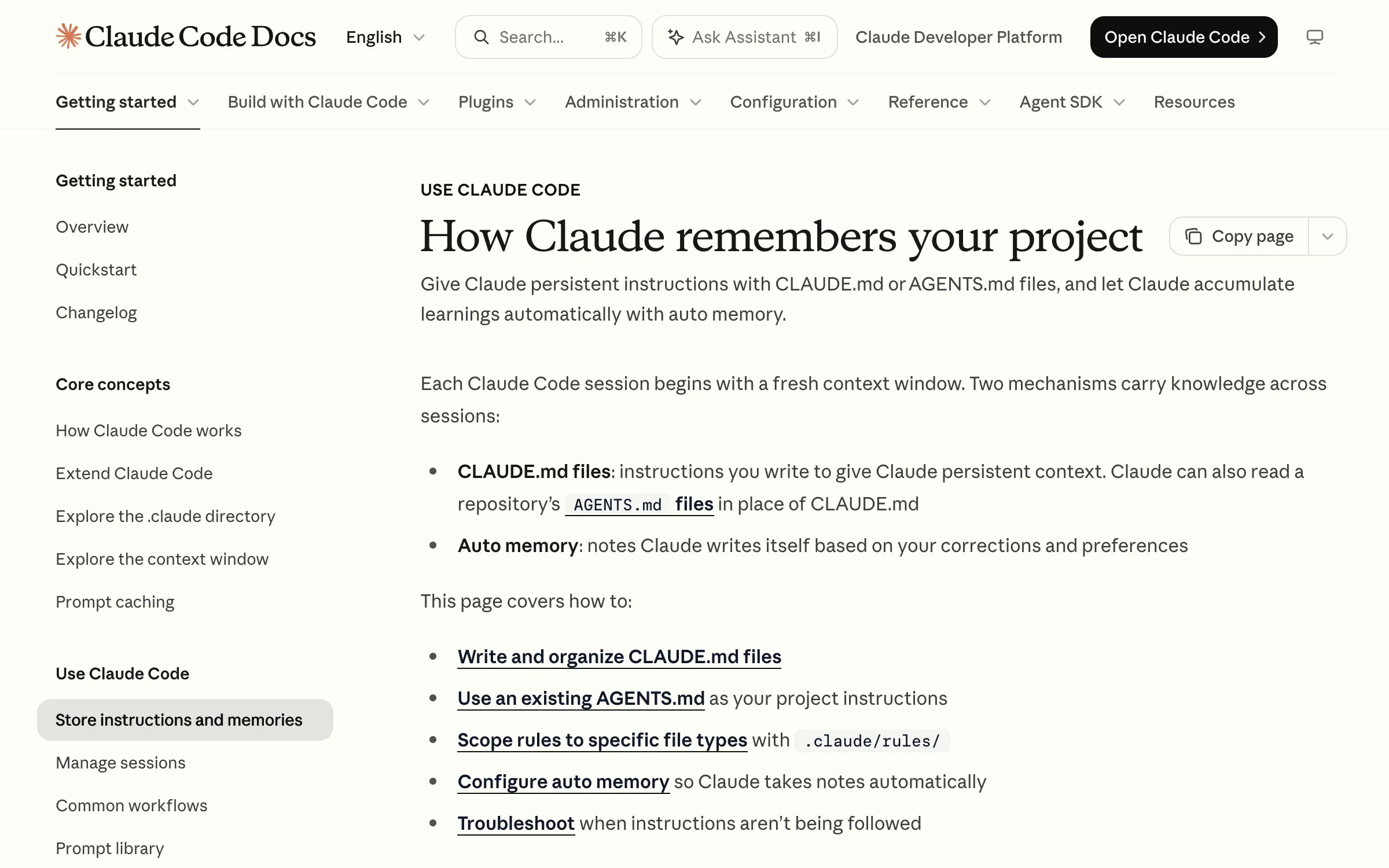
Does it stick? Anthropic says Claude converges on generic output unless it’s steered, and its frontend-design skill is about avoiding a generic look in new designs, not following yours. The steering comes from your files. Anthropic’s docs are clear that CLAUDE.md is context, not enforced configuration, and they suggest keeping each file under 200 lines.
Rules. CLAUDE.md at managed, user, project and local level, path-scoped rules in .claude/rules that load only for matching files, and skills. Claude Code reads AGENTS.md when there’s no CLAUDE.md, or you can import it from one.
Enforcement. Hooks are documented for exactly this. A hook after each edit that exits with an error shows its output to Claude, so a stylelint or ESLint rule that bans raw hex values gets fixed in the same turn. A Stop hook can refuse to let Claude finish until checks pass. The docs’ own advice: if something has to happen every time, make it a hook.
Tradeoffs. It’s a terminal and IDE tool, so someone on the team has to run it. It’s on Pro ($20 a month, $17 billed annually) and above.
Verdict: the tightest loop we found between your rules and a failing check. We use it for our own site, so weigh that.
Figma Make: a Make kit, with tokens flattened
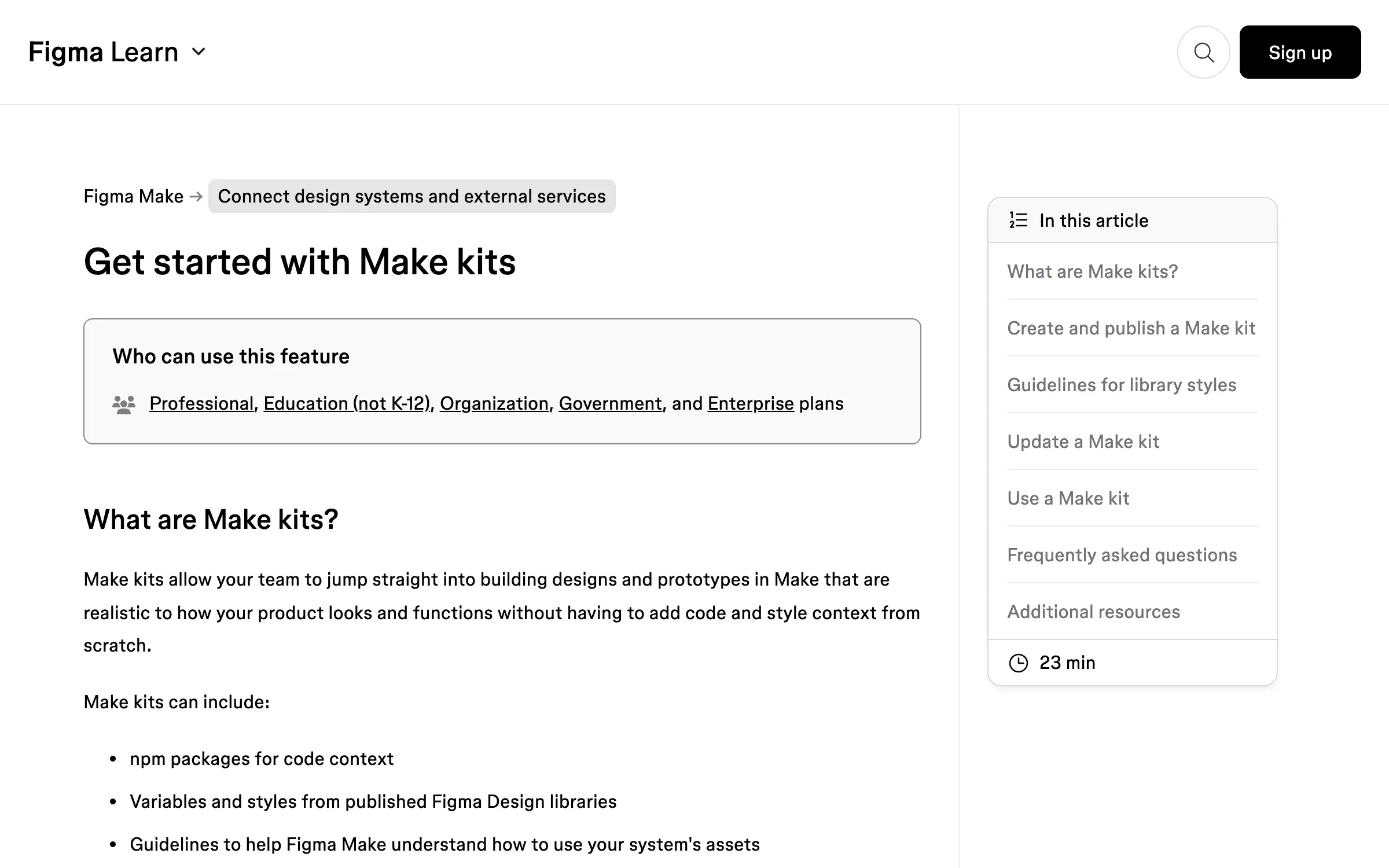
What it imports. Make kits bundle an npm package, variables and styles from a published Figma library, and guideline files. They need a Professional plan or above (a Full seat is $16 a month on Professional). Library components aren’t documented as becoming code components; components come from your npm package, which has to build with Vite.
Does it stick? Figma’s docs say kits don’t fully extract design tokens. Make pulls a subset of your variables into a global CSS file with raw values, so your token names don’t survive. Its example guidelines warn against hard-coded spacing, which tells you what happens without them.
Rules. Guidelines.md in a guidelines folder, which Make reads first. No size limit, just advice to keep files short.
Tradeoffs. GitHub push is one-way and only to repos Make creates. Working in an existing codebase is a closed beta. No lint or check is documented.
Verdict: fine for prototypes from your Figma library. Expect to rebuild the styling layer before production.
Replit: its own design system, not yours
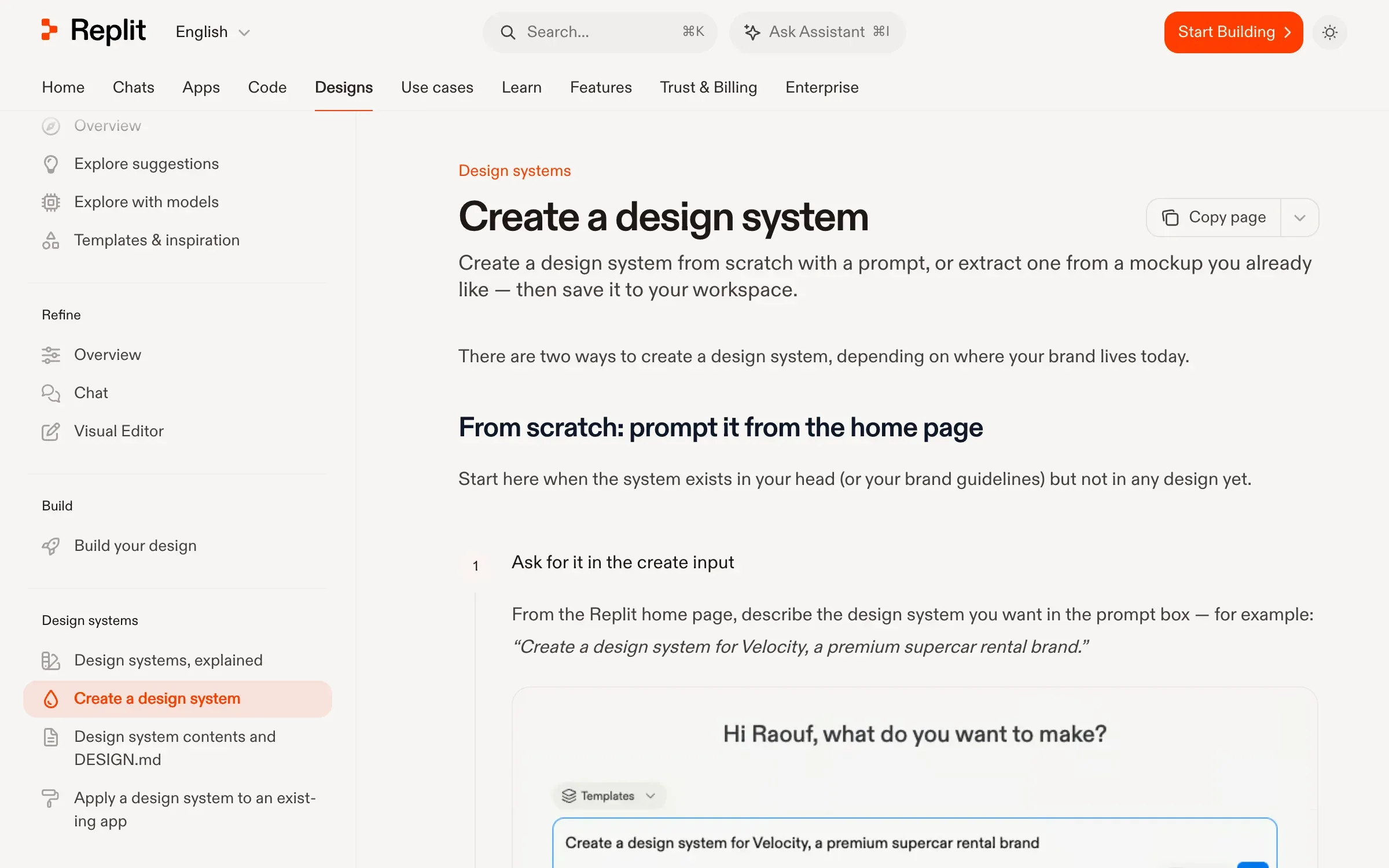
What it imports. Replit Design (live since 31 July 2026) creates a design system of its own: a tokens.json that feeds CSS variables, two or three example components and a DESIGN.md. You can seed it from a Figma URL, a website, code, images or an existing DESIGN.md. Importing your npm or Storybook component library isn’t documented, and a Figma import brings in one frame.
Does it stick? Applying a system to an existing app rebuilds its styling layer, and the docs say to flag it in chat if old styling comes back.
Rules. replit.md in the project root, plus workspace custom instructions on Pro and Enterprise.
Enforcement. App Testing clicks through your app in a real browser, but it checks behaviour, not the design system.
Verdict: good for a new product with no system yet. Not the tool for one you already have.
How to make any of them stick
The tools differ, but drift stops the same way everywhere:
- Tokens in code, with names. CSS variables or a theme file the agent can read, not values in someone’s Figma.
- One component per job. If the repo has five card styles, the agent picks one at random or writes a sixth.
- Rules in the file the tool reads. CLAUDE.md, AGENTS.md,
.cursor/rules, Instructions or Knowledge. Short, specific, and about what never to create. - A check that fails. A lint rule against raw colours and font sizes, run by a hook, in CI, or by Lovable’s scanner. Rules alone are guidance.
- A person before it ships. A preview, both themes and a phone width.
The full checklist is in our guide to design systems AI agents can build with.
For steps 4 and 5 in more depth, our free guide to a design system Claude can build with covers the lint rule against raw values and the review loop we run on every change.
Which one should you use
| If you need | Use | Why |
|---|---|---|
| A tool that catches drift for you | Lovable | The only built-in scan and retry |
| Your package, checked by your own CI | v0 | Branch and pull request flow, Fix CI |
| Your exact repo, with hooks you control | Claude Code or Cursor | No import, and lint can block the agent |
| A prototype from your Figma library | Figma Make | Make kits read library variables |
| A system for a product that has none | Replit | Replit Design builds one for you |
When the drift is already in the code
If an AI-built product already has three button styles and spacing that changes page to page, a new tool won’t fix it. “Styles that drift” is one of the six signs in our AI MVP cleanup: one set of components replaces the generated styles, and the rules and checks go in so it stays that way. If you need the system designed first, that’s product design, in Figma and in code.
DesignMe designs product UI and design systems for funded SaaS and AI companies, in Figma and in code, so your team and your agents ship on-brand. If your AI-built product keeps drifting, send us a link and we’ll reply within one business day:
Sources
- Lovable, Design systems (accessed 12 November 2026) (opens in a new tab)docs.lovable.dev
- Lovable, Instructions, formerly Knowledge (accessed 12 November 2026) (opens in a new tab)docs.lovable.dev
- Lovable, Figma integration (accessed 12 November 2026) (opens in a new tab)docs.lovable.dev
- Lovable, GitHub integration (accessed 12 November 2026) (opens in a new tab)docs.lovable.dev
- Lovable, Plans (accessed 12 November 2026) (opens in a new tab)docs.lovable.dev
- Lovable, Changelog (accessed 12 November 2026) (opens in a new tab)docs.lovable.dev
- v0, Design Systems 2.0 (accessed 12 November 2026) (opens in a new tab)v0.app
- v0, Design systems (legacy registry) (accessed 12 November 2026) (opens in a new tab)v0.app
- v0, Migrate legacy themes (accessed 12 November 2026) (opens in a new tab)v0.app
- v0, Figma (accessed 12 November 2026) (opens in a new tab)v0.app
- v0, Instructions (accessed 12 November 2026) (opens in a new tab)v0.app
- v0, GitHub (accessed 12 November 2026) (opens in a new tab)v0.app
- v0, Git import (accessed 12 November 2026) (opens in a new tab)v0.app
- v0, Pricing (accessed 12 November 2026) (opens in a new tab)v0.app
- Bolt, Design systems (accessed 12 November 2026) (opens in a new tab)support.bolt.new
- Bolt, Add a design system (accessed 12 November 2026) (opens in a new tab)support.bolt.new
- Bolt, Use a design system (accessed 12 November 2026) (opens in a new tab)support.bolt.new
- Bolt, Design system best practices (accessed 12 November 2026) (opens in a new tab)support.bolt.new
- Bolt, Figma (accessed 12 November 2026) (opens in a new tab)support.bolt.new
- Bolt, Git (accessed 12 November 2026) (opens in a new tab)support.bolt.new
- Bolt, Manage context (accessed 12 November 2026) (opens in a new tab)support.bolt.new
- Bolt, Pricing (accessed 12 November 2026) (opens in a new tab)bolt.new
- Cursor, Rules (accessed 12 November 2026) (opens in a new tab)cursor.com
- Cursor, Rules help, .cursorrules is legacy (accessed 12 November 2026) (opens in a new tab)cursor.com
- Cursor, Hooks (accessed 12 November 2026) (opens in a new tab)cursor.com
- Cursor, Design Mode (accessed 12 November 2026) (opens in a new tab)cursor.com
- Cursor, Web development cookbook (accessed 12 November 2026) (opens in a new tab)cursor.com
- Cursor, Bugbot (accessed 12 November 2026) (opens in a new tab)cursor.com
- Anthropic, Claude Code memory, CLAUDE.md and AGENTS.md (accessed 12 November 2026) (opens in a new tab)code.claude.com
- Anthropic, Claude Code hooks guide (accessed 12 November 2026) (opens in a new tab)code.claude.com
- Anthropic, Claude Code hooks reference (accessed 12 November 2026) (opens in a new tab)code.claude.com
- Anthropic, Claude Code best practices (accessed 12 November 2026) (opens in a new tab)code.claude.com
- Anthropic, "Improving frontend design through Skills" (12 November 2025) (opens in a new tab)claude.com
- Anthropic, Pricing (accessed 12 November 2026) (opens in a new tab)claude.com
- Figma, MCP server (accessed 12 November 2026) (opens in a new tab)developers.figma.com
- Figma, MCP tools and prompts (accessed 12 November 2026) (opens in a new tab)developers.figma.com
- Figma, Code Connect (accessed 12 November 2026) (opens in a new tab)developers.figma.com
- Figma, Get started with Make kits (accessed 12 November 2026) (opens in a new tab)help.figma.com
- Figma, Bring your design system package to a Make kit (accessed 12 November 2026) (opens in a new tab)help.figma.com
- Figma, Write design system guidelines for Make kits (accessed 12 November 2026) (opens in a new tab)help.figma.com
- Figma, Push from Figma Make to GitHub (accessed 12 November 2026) (opens in a new tab)help.figma.com
- Figma, Pricing (accessed 12 November 2026) (opens in a new tab)figma.com
- Replit, What is Replit Design (accessed 12 November 2026) (opens in a new tab)docs.replit.com
- Replit, Create a design system (accessed 12 November 2026) (opens in a new tab)docs.replit.com
- Replit, Apply a design system (accessed 12 November 2026) (opens in a new tab)docs.replit.com
- Replit, Import Figma designs (accessed 12 November 2026) (opens in a new tab)docs.replit.com
- Replit, replit.md (accessed 12 November 2026) (opens in a new tab)docs.replit.com
- Replit, Custom instructions (accessed 12 November 2026) (opens in a new tab)docs.replit.com
- Replit, App Testing (accessed 12 November 2026) (opens in a new tab)docs.replit.com
- Replit, Pricing (accessed 12 November 2026) (opens in a new tab)replit.com
Press Escape to close.