Insights · 7 articles
Tools and platforms
The platforms websites get built on, Webflow, Framer, WordPress and the rest, and how to tell which one actually fits your team and stage.
Articles
How to Build a Redirect Map for a Website Migration (301s, Step by Step)
A redirect map is a list of every URL your old site ever answered, with what happens to each one on the new site. It's the single document that decides whether a migration keeps its rankings. Here's how we build one, step by step, with the template we used for our own site.
How to Let Your Team Edit Your Website With Claude
Your marketing team can change the website by asking Claude, and it doesn't have to be risky. Put the site in a git repository, write down the rules the agent must follow, let every change arrive as a pull request with a preview link, and make a person's approval the only way to production.
AEO for SaaS: How to Get Your Website Cited by ChatGPT and Perplexity
ChatGPT search, Perplexity and Google's AI Overviews work in a similar way. They take the question, pull a handful of pages from a search index, and write an answer from those pages with links. The first job is to have a page that ranks and can be read, and the second is to make its sentences easy to lift into an answer.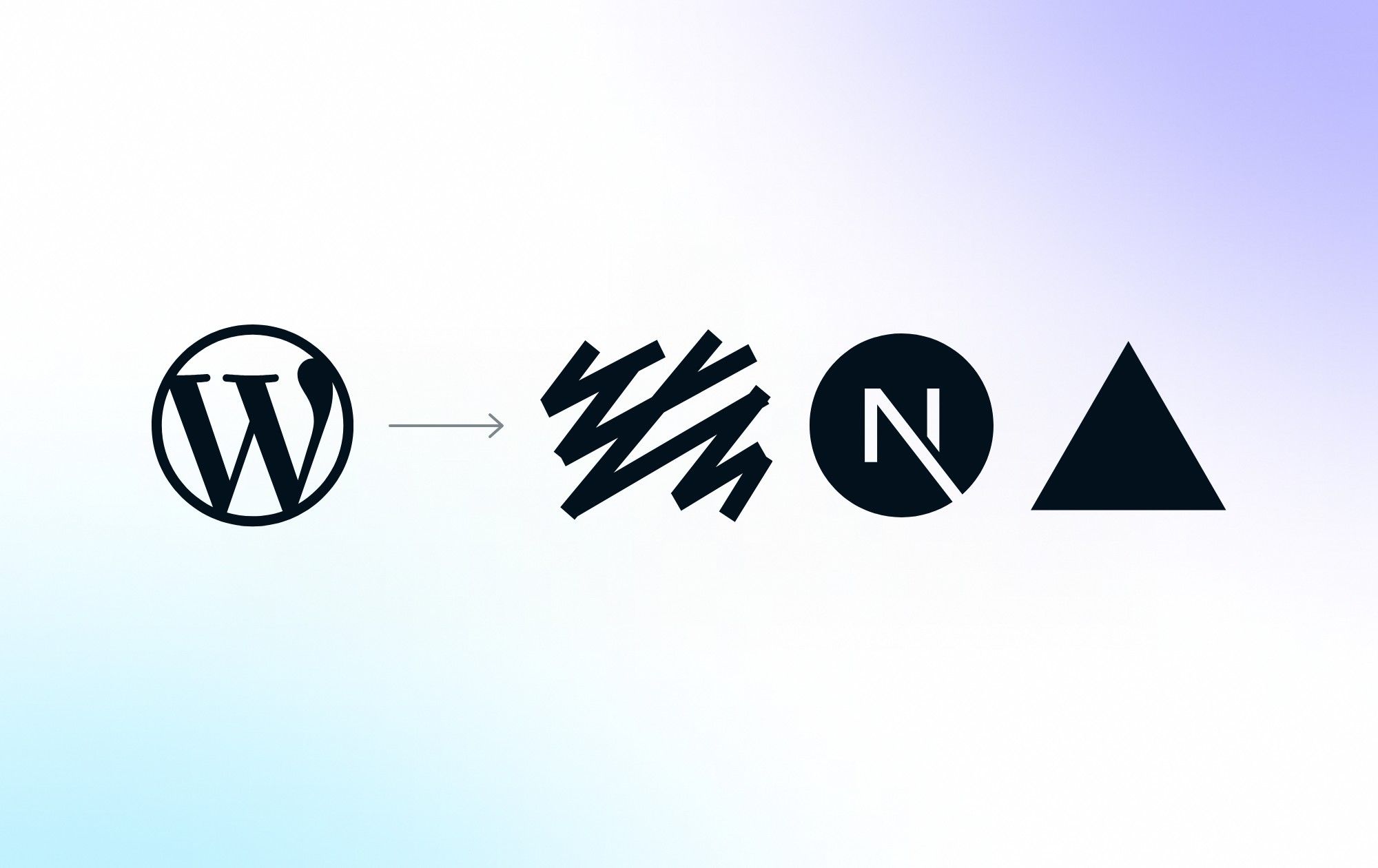
WordPress to Headless CMS Migration: When Sanity, Next.js, and Vercel Make Sense
Go headless when editors wait on developers, plugins eat hours every month or content feeds more than one site. Here is what Sanity, Next.js and Vercel each do, how editing and previews work, and what the move involves.
How to Migrate a Website (and WordPress) Without Losing SEO
Every migration conversation I have eventually arrives at the same sentence, usually said with real fear: "We can't afford to lose our rankings." It's the right thing to be afraid of.
How to Move a WordPress Site to Webflow, Step by Step
Moving WordPress to Webflow is a rebuild plus two CSV imports: one for content, one for redirects. Here's what each import really does, how WordPress content maps to Webflow Collections, and the details that catch teams out.
WordPress Redesign Checklist for Teams That Can't Afford to Lose Traffic
Most redesign disasters aren't design problems. They're checklist problems. The new site looks great, everyone's happy on launch day, and three weeks later organic traffic is down a third and nobody knows why.
About tools and platforms guides
These posts are practical guides to the tools and platforms behind a startup website: moving off WordPress without losing rankings, building a 301 redirect map, choosing a headless CMS, getting cited by AI answer engines, and setting up a site your team can edit by asking Claude. Most of them come from work we do on client sites and on our own, including moving this website from Framer to Astro. Each guide is written to be followed step by step, with the checks we run before and after launch.
If you are planning a platform move, start with our website migration services: each migration path has its own page with what transfers, what gets rebuilt and how every URL is kept. The free migration planner lists the URLs in your sitemap and drafts the redirect file.
For search and AI visibility, see our SEO and AEO services. For a site in code that agents can work on safely, see Astro development and AI workflows.
How to Build a Redirect Map for a Website Migration (301s, Step by Step)
A redirect map is a list of every URL your old site ever answered, with what happens to each one on the new site. It's the single document that decides whether a migration keeps its rankings. Here's how we build one, step by step, with the template we used for our own site.How to Let Your Team Edit Your Website With Claude
Your marketing team can change the website by asking Claude, and it doesn't have to be risky. Put the site in a git repository, write down the rules the agent must follow, let every change arrive as a pull request with a preview link, and make a person's approval the only way to production.AEO for SaaS: How to Get Your Website Cited by ChatGPT and Perplexity
ChatGPT search, Perplexity and Google's AI Overviews work in a similar way. They take the question, pull a handful of pages from a search index, and write an answer from those pages with links. The first job is to have a page that ranks and can be read, and the second is to make its sentences easy to lift into an answer.WordPress to Headless CMS Migration: When Sanity, Next.js, and Vercel Make Sense
Go headless when editors wait on developers, plugins eat hours every month or content feeds more than one site. Here is what Sanity, Next.js and Vercel each do, how editing and previews work, and what the move involves.How to Migrate a Website (and WordPress) Without Losing SEO
Every migration conversation I have eventually arrives at the same sentence, usually said with real fear: "We can't afford to lose our rankings." It's the right thing to be afraid of.How to Move a WordPress Site to Webflow, Step by Step
Moving WordPress to Webflow is a rebuild plus two CSV imports: one for content, one for redirects. Here's what each import really does, how WordPress content maps to Webflow Collections, and the details that catch teams out.WordPress Redesign Checklist for Teams That Can't Afford to Lose Traffic
Most redesign disasters aren't design problems. They're checklist problems. The new site looks great, everyone's happy on launch day, and three weeks later organic traffic is down a third and nobody knows why.You've reached the end, so now…
Tell us what you’re building.
We’ll help you map the right scope, team, timeline, and next steps.
Book a call